
Coming in 2027
 Drag to spin

Unsure if this is the right machine for you?
Call us on 1800 000 360 and speak to one of our machine experts
Chat online during business hours or leave us a message
Email us or request a callback and we'll get your questions answered
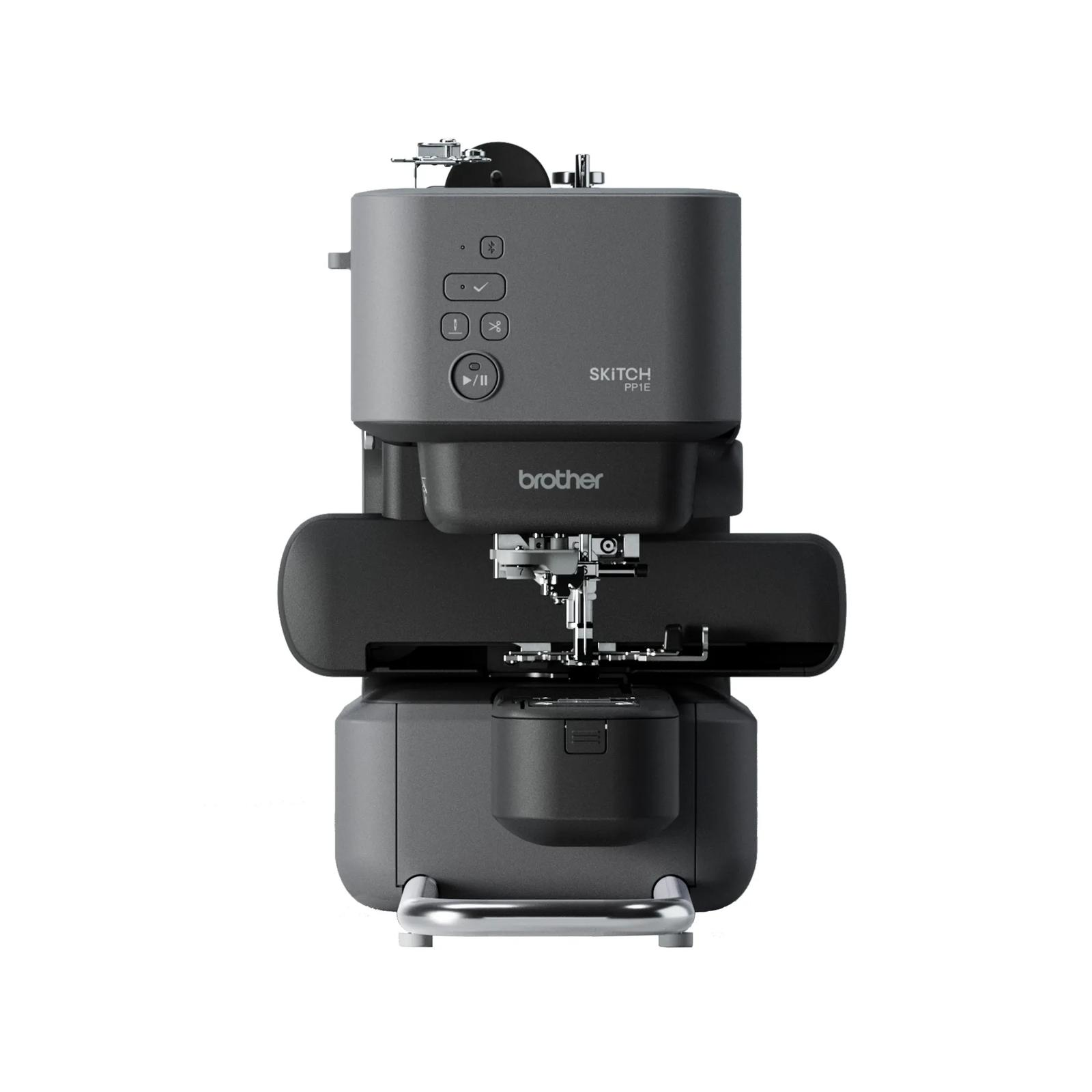
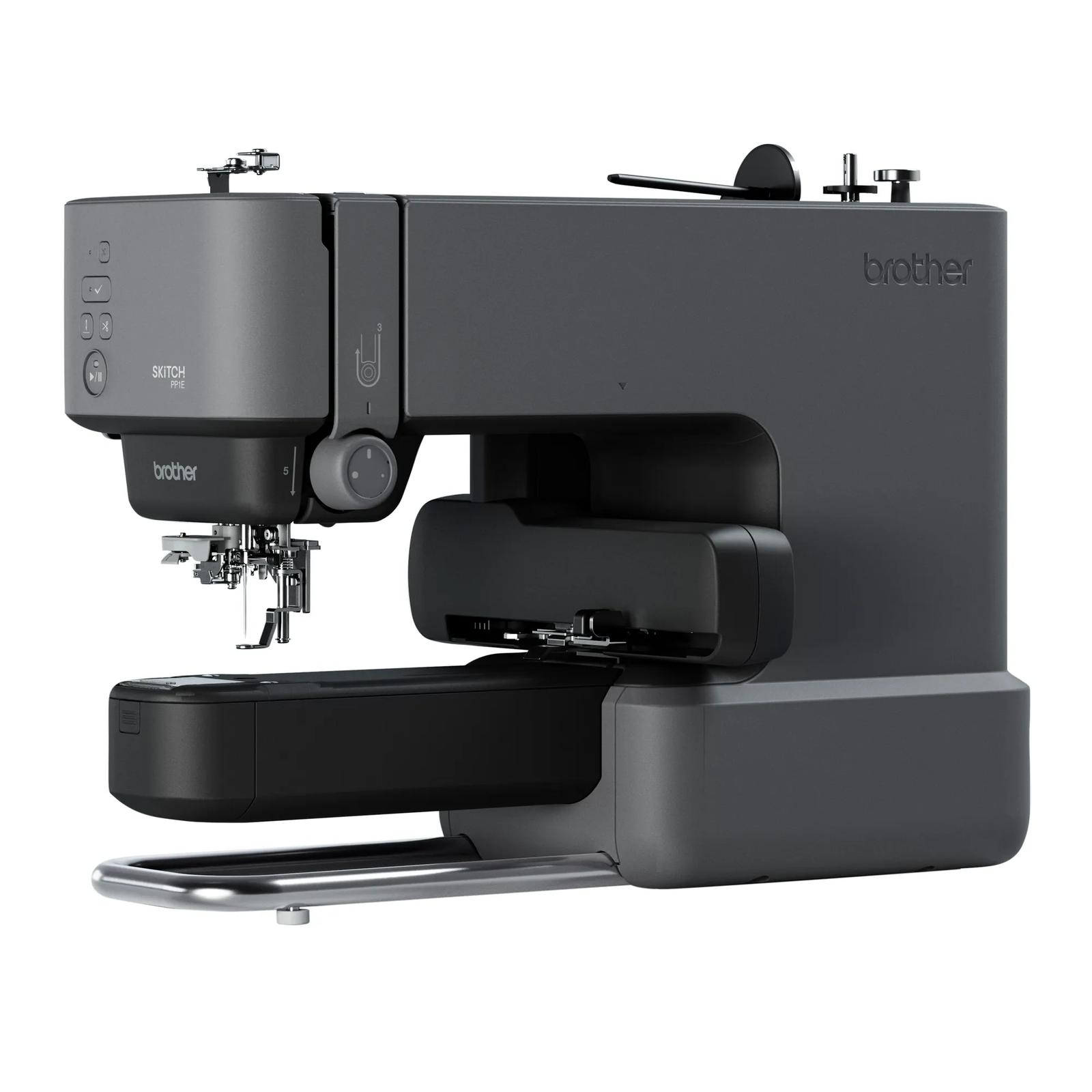
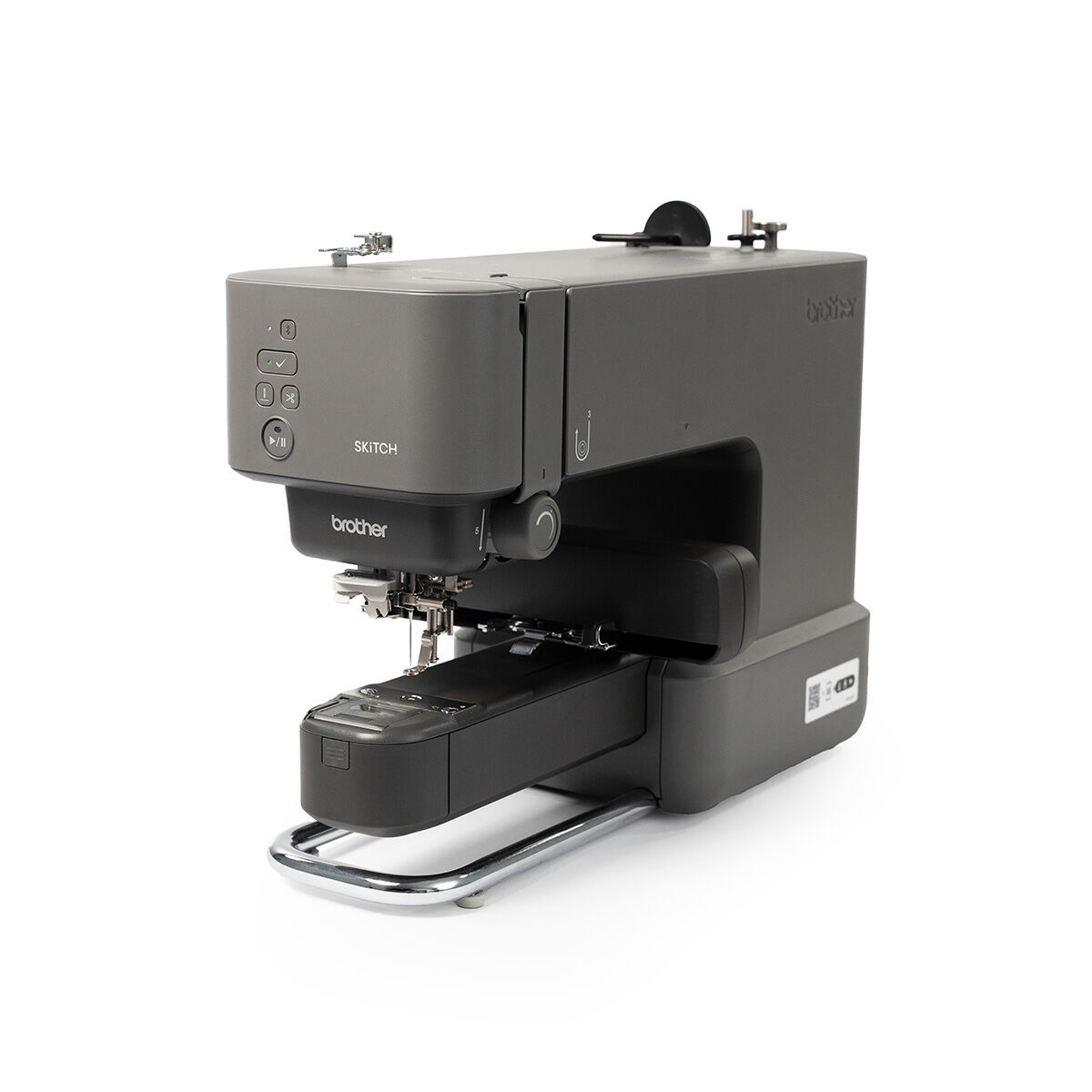
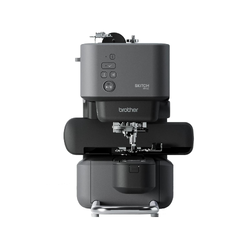
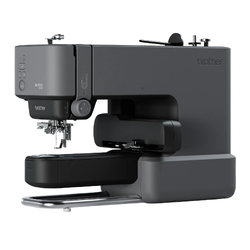
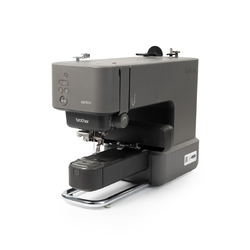
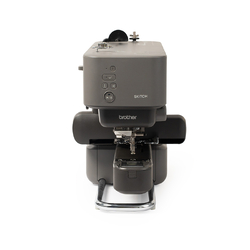
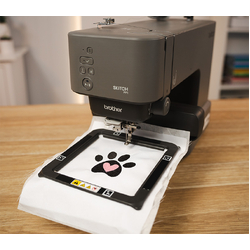
Brother Skitch PP1E Embroidery Only Machine
App-Operated with Free-Arm

Ordering other items today?
We'll ship everything together when this pre-order becomes available. If you need your other items straight away, place them in a separate order.
Make It Personal with SKiTCH
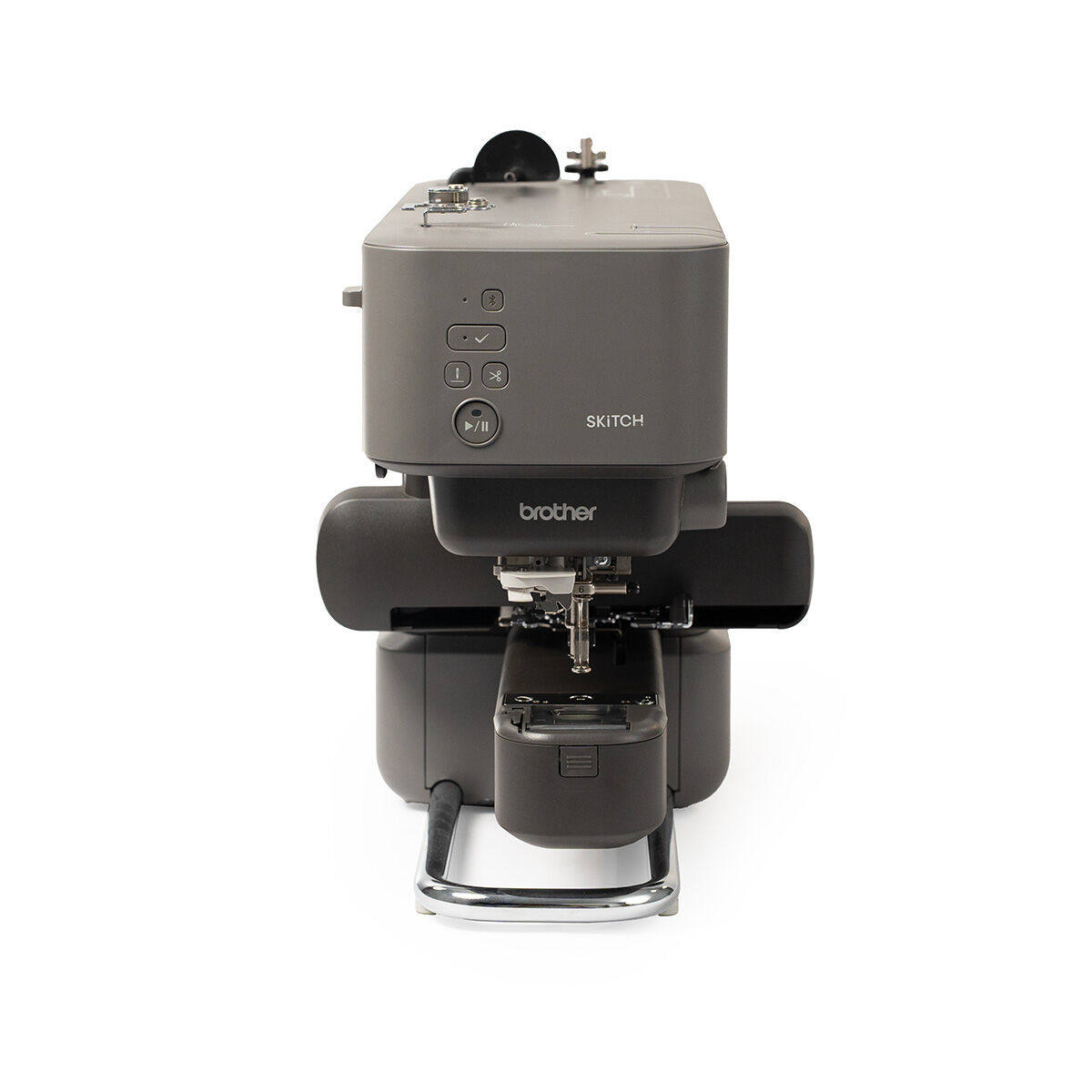
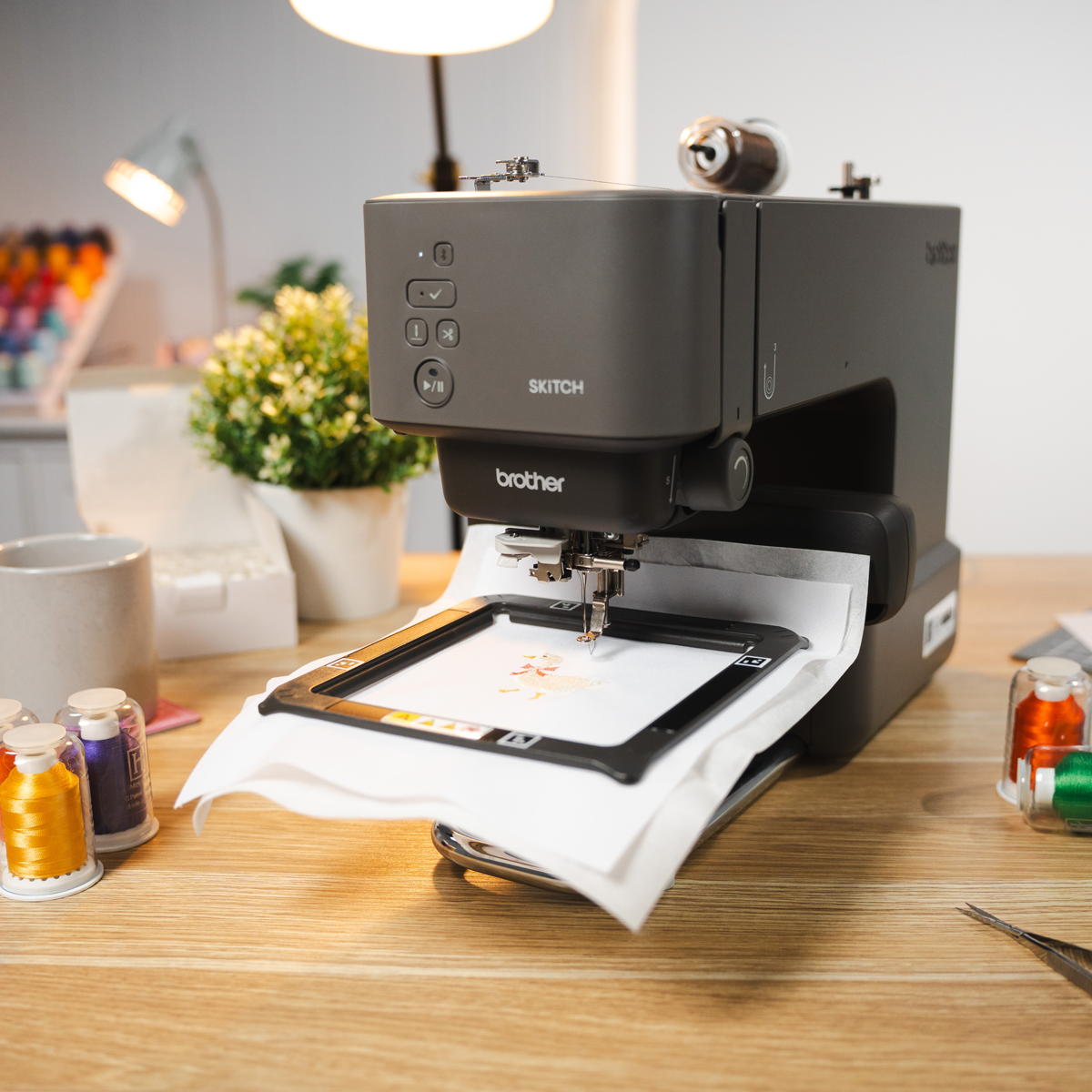
Meet the Brother PP1e, a compact, easy-to-use embroidery machine that makes personalising clothing, accessories and gifts simple! Whether you're new to machine embroidery or looking for a convenient way to add custom designs to your projects, there are plenty of creative possibilities to explore.
Powered by the Brother Artspira app, SKiTCH allows you to select, customise and wirelessly transfer embroidery designs directly from your compatible smartphone or tablet.
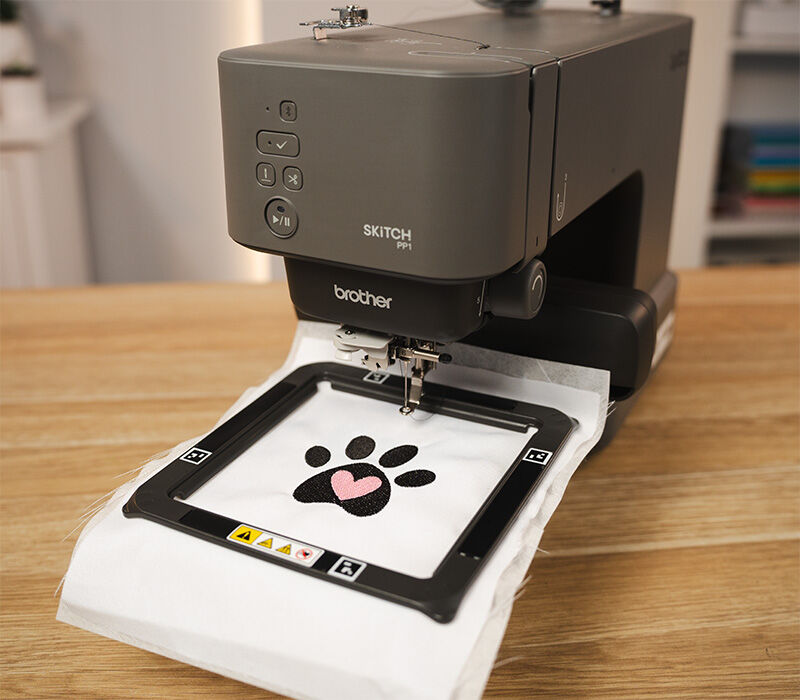
With a 100mm x 100mm embroidery area, included magnetic frame and free-arm design, you can easily add names, monograms, decorative designs and more to a variety of projects.
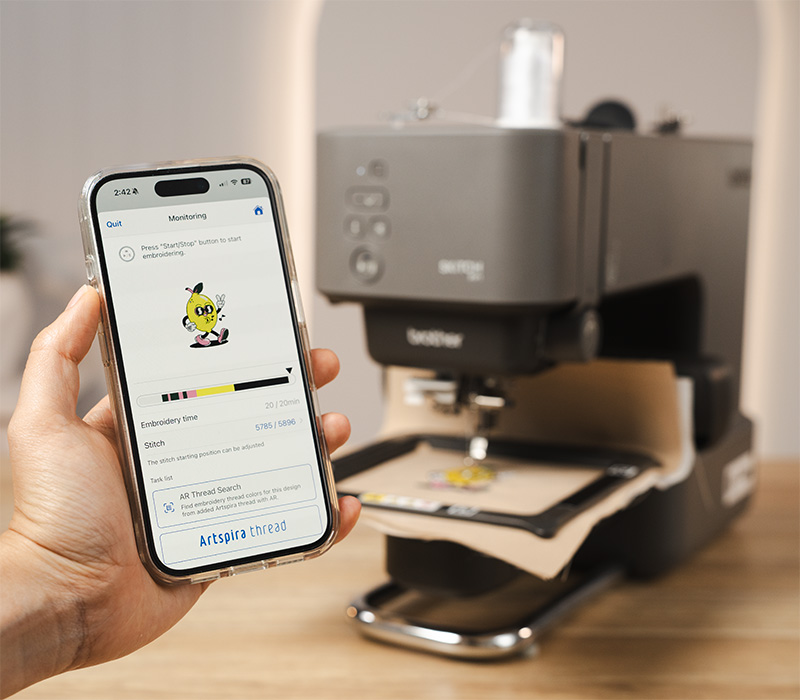
Artspira App Connectivity
Bring your embroidery ideas to life with the Brother Artspira app! Explore embroidery designs, create your own artwork, personalise projects and send designs wirelessly to your machine, all from your compatible smartphone or tablet.
Artspira puts everything at your fingertips, from adjusting embroidery settings and monitoring stitching progress to receiving machine notifications.
Unlike traditional embroidery machines with built-in screens, SKiTCH is controlled through Artspira, so a compatible smartphone or tablet with the app installed is required for operation.
The Artspira app is free to download, with an optional Artspira+ subscription offering additional creative features and premium designs, including selected Disney embroidery designs. Learn more about Artspira.
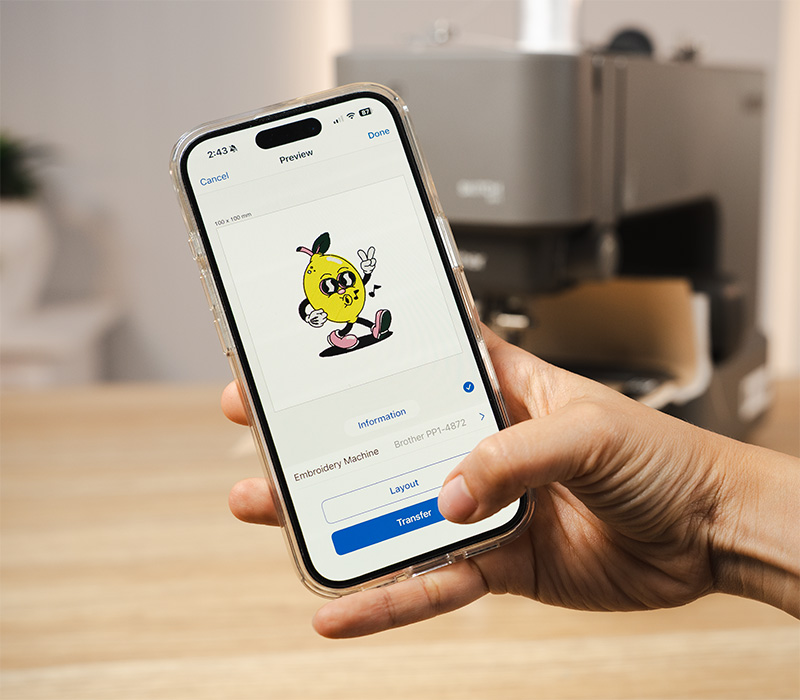
Wireless Design Transfer
Enjoy the convenience of wireless embroidery with Bluetooth connectivity. Using Bluetooth, you can send designs directly from the Artspira app to your machine without the need for USB cables or manual file transfers.
Once you've selected or prepared your design in Artspira, you can transfer it to your machine and get ready to stitch. This streamlined process makes moving from design selection to embroidery quick and convenient.
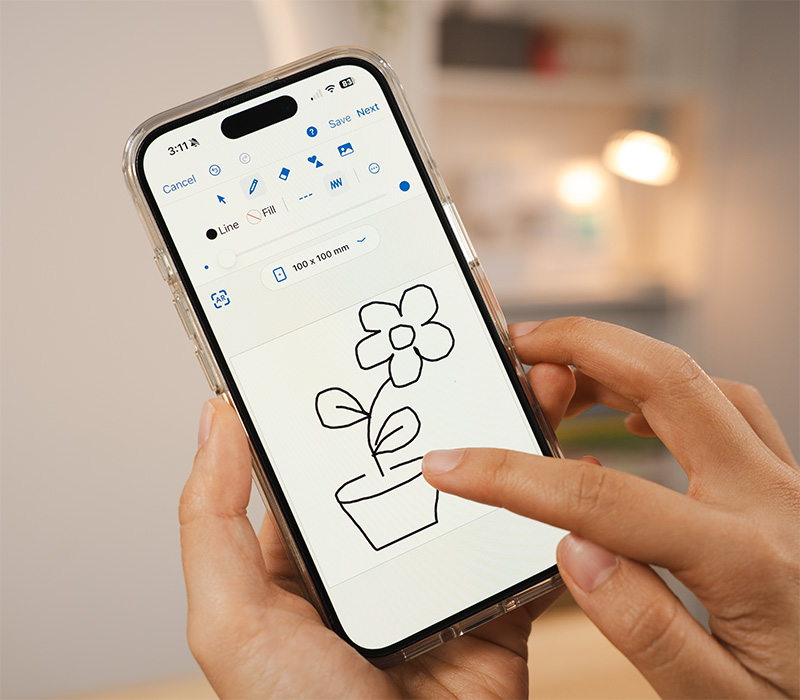
Create Your Own Designs
Use the Artspira drawing tool to turn your own line-art-inspired creations into personalised embroidery. Draw directly on your compatible mobile device, prepare the design in the app and transfer it to your machine.
You can also explore the embroidery designs and creative tools available within Artspira, making it easy to find inspiration for your next project.
When you connect your SKiTCH to your Artspira account, you'll receive access to 100 exclusive embroidery designs created especially for SKiTCH users.
Refresh Ready-Made Items
Add your own style to clothing, bags, accessories and other ready-made items! Easily to add names, monograms, decorative motifs and custom designs without needing to sew the item from scratch.
Give a favourite jacket new life, personalise a tote bag, decorate a bucket hat or transform a second-hand find with your own embroidered details.
Whether you're creating thoughtful handmade gifts or adding a personal touch to everyday items, there are plenty of ways to make something uniquely yours.
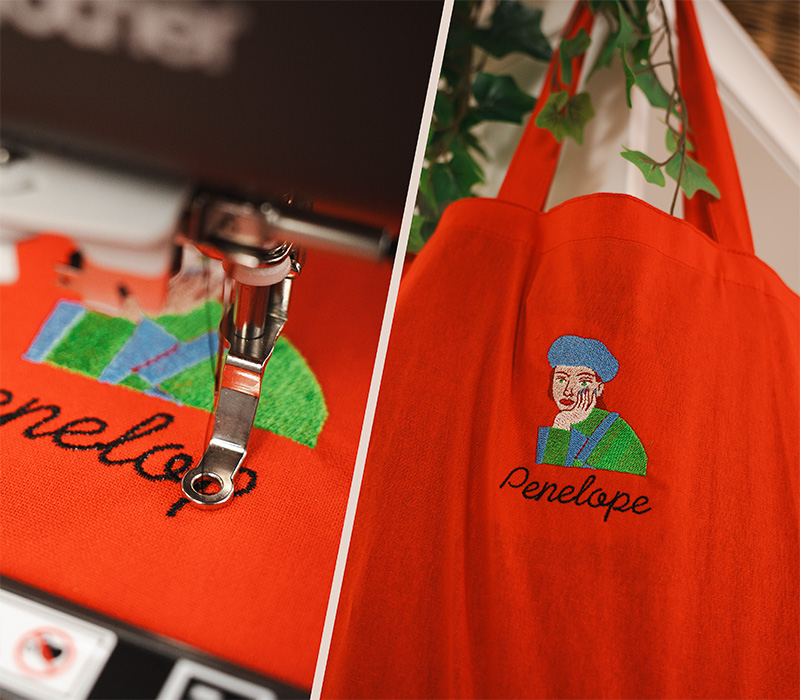
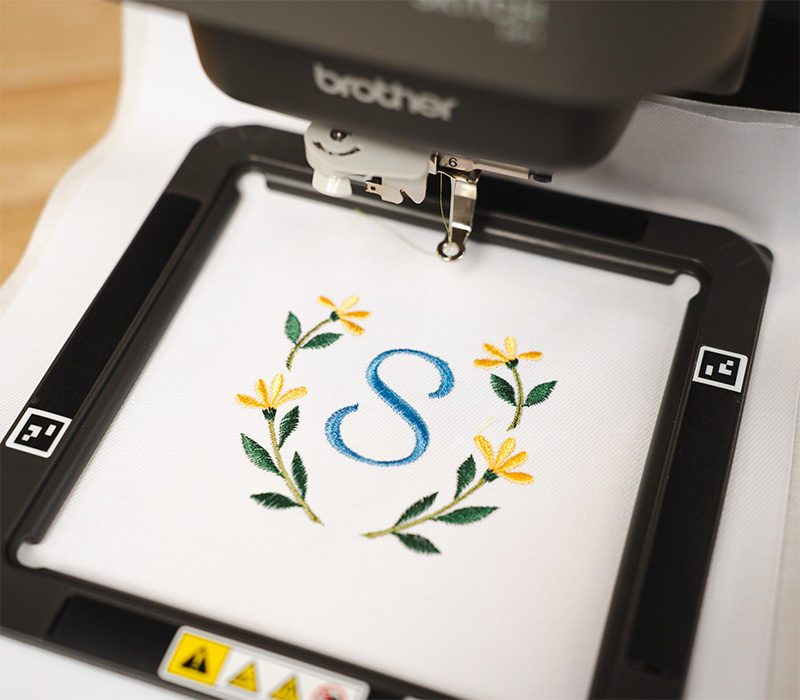
Names, Monograms and More
Personalise children's clothing, add initials to towels or create thoughtful gifts featuring someone's name. With a 100mm x 100mm embroidery area, SKiTCH is well suited to smaller lettering designs and monograms.
Personalise children's clothing, decorate bags and accessories, or add embroidered details to handmade gifts. With a 100mm x 100mm embroidery area, SKiTCH is ideal for smaller designs that make a big impression.
Create Your Own Embroidered Patches
Create colourful embroidered patches and badges to decorate clothing, bags, accessories and more. Stitch your chosen design onto suitable fabric and stabilizer, then finish the edges to create a patch that can be attached to your favourite items.
From decorative motifs and lettering to custom designs, embroidered patches are a fun way to add personality to everyday items, cover worn areas or give older clothing a new look.
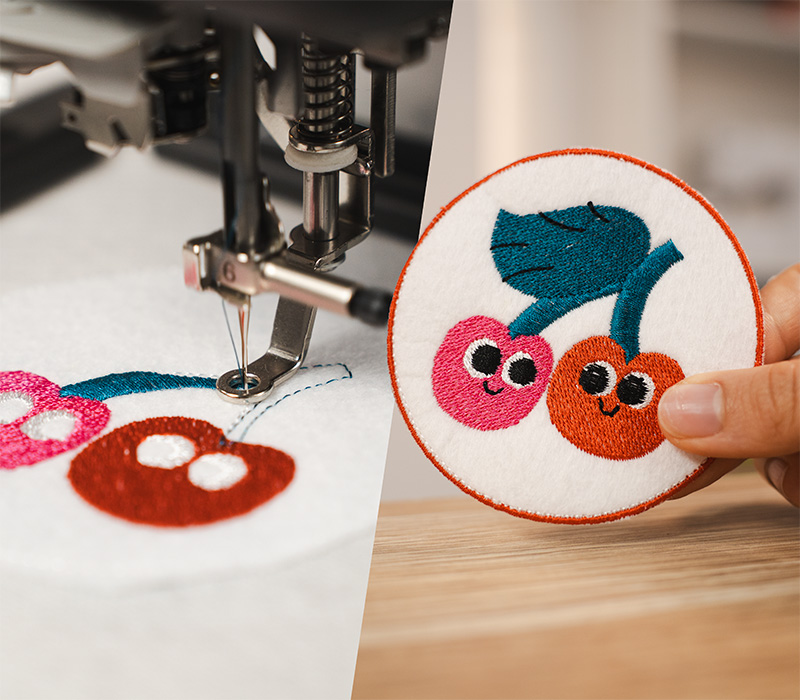
100mm x 100mm Embroidery Area
The Brother SKiTCH features a 100mm x 100mm (4" x 4") embroidery area, giving you plenty of room to create personalised designs for clothing, accessories, gifts and more.
The compact embroidery frame provides excellent support for your fabric and stabilizer, helping minimise movement and achieve consistent stitching results.
While you can embroider on larger garments and accessories, each individual design must fit within the 100mm x 100mm embroidery area. This is the maximum size that can be stitched in a single hooping.
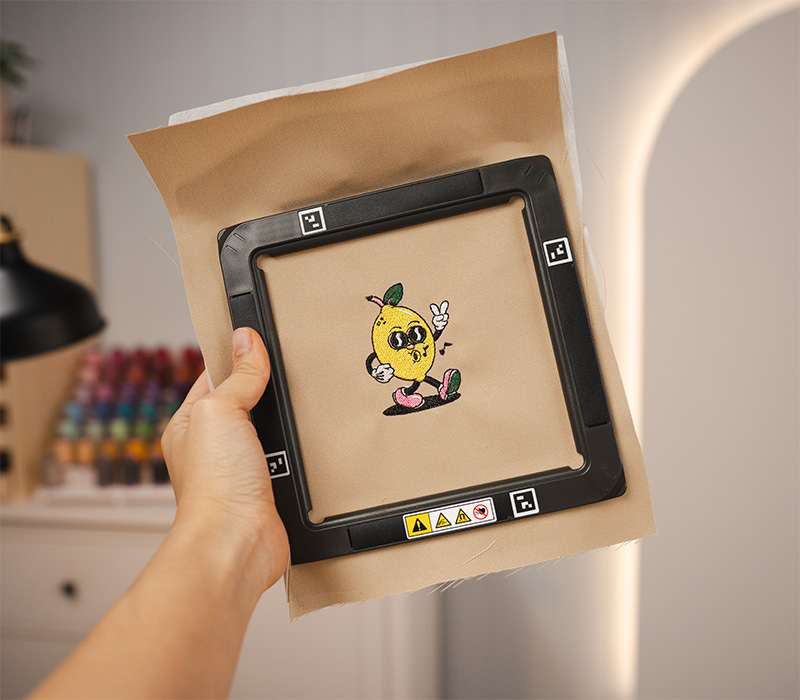
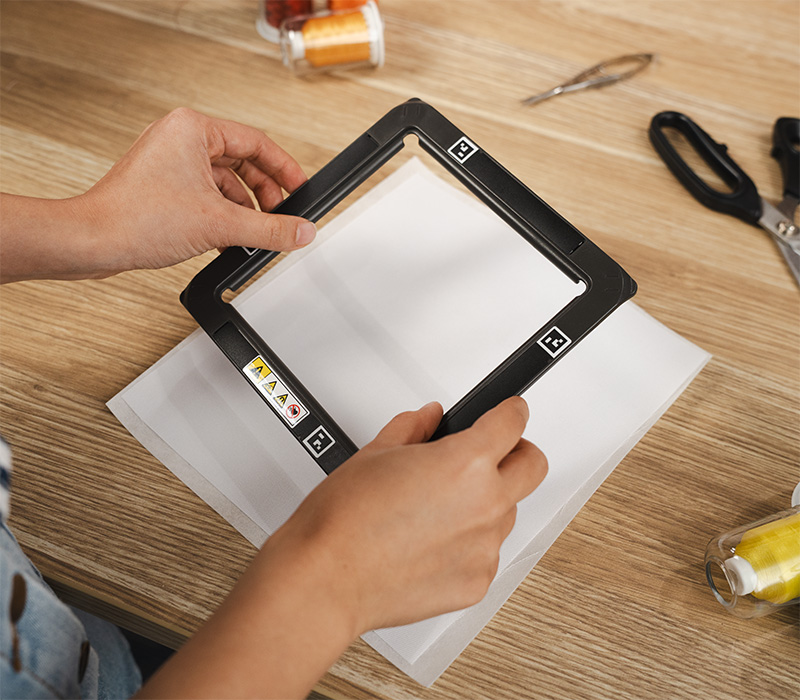
100mm x 100mm Magnetic Frame Included
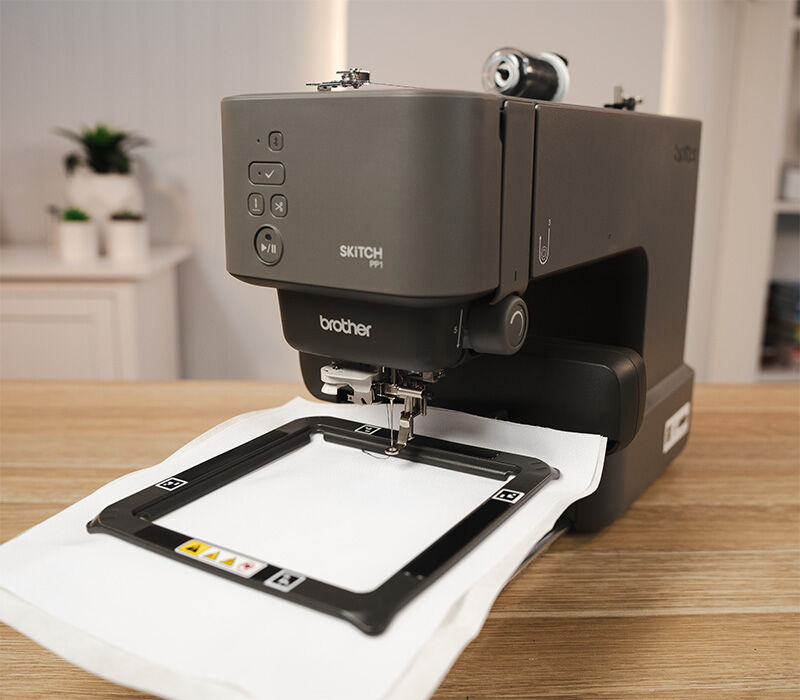
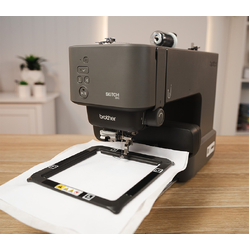
The Brother SKiTCH includes a 100mm x 100mm magnetic embroidery frame, making hooping quick and easy. The magnetic design securely holds your fabric and stabilizer in place without the need to tighten screws or adjust traditional embroidery hoops.
Simply position your fabric and stabilizer between the magnetic frames and adjust as needed to achieve the perfect placement. The magnetic frame also helps minimise hoop marks on suitable fabrics, making it ideal for personalising clothing, accessories and ready-made items.
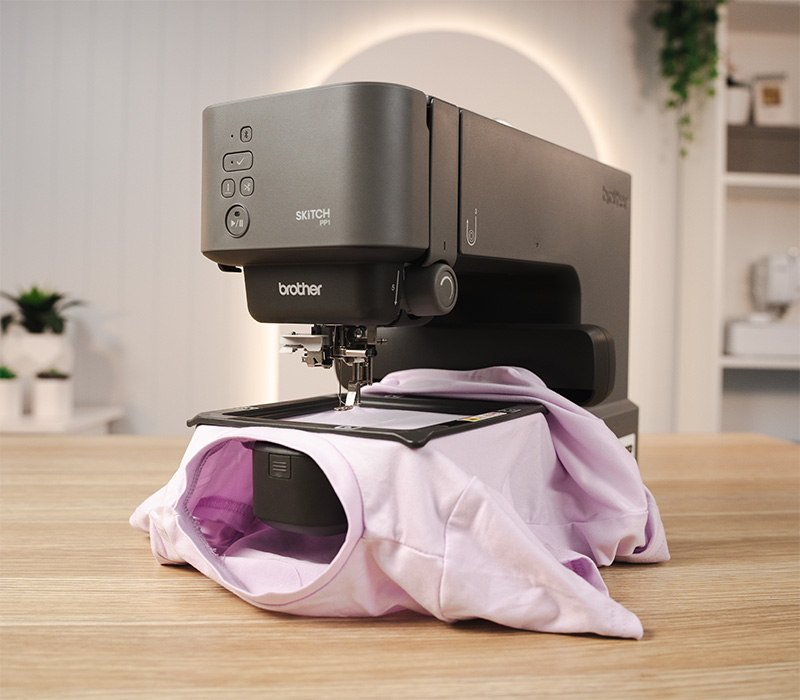
Free-Arm Embroidery
The Brother SKiTCH's free-arm design makes it easy to embroider directly onto finished garments and accessories without needing to unpick seams.
Unlike traditional flatbed machines, the free arm allows suitable items to fit around the embroidery arm, helping you stitch through a single layer of fabric without catching the other side.
Ideal for personalising baby onesies, children's jumpers, beanies, tote bags and sleeves, depending on the size and construction of the item.
Preview Your Embroidery Placement
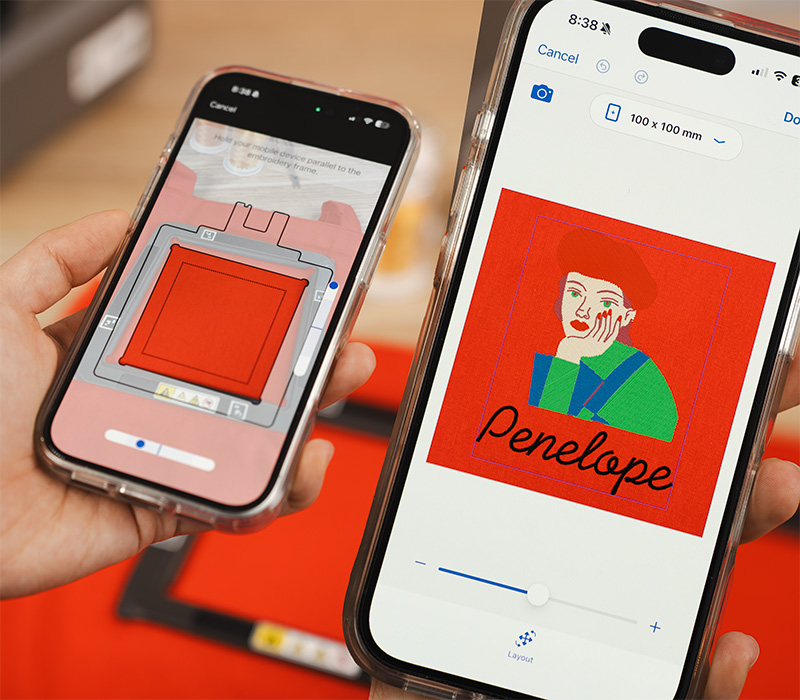
See how your embroidery design will look before you stitch! Using the camera on your compatible smartphone or tablet, the Artspira app provides an augmented reality (AR) preview, allowing you to visualise your design directly on your project.
Simply point your device at your hooped fabric to see how your design will look and adjust its placement before embroidering.
Artspira also includes a trial run function to check the embroidery area, helping you confirm your design is positioned correctly before stitching begins.
Easy Threading Path
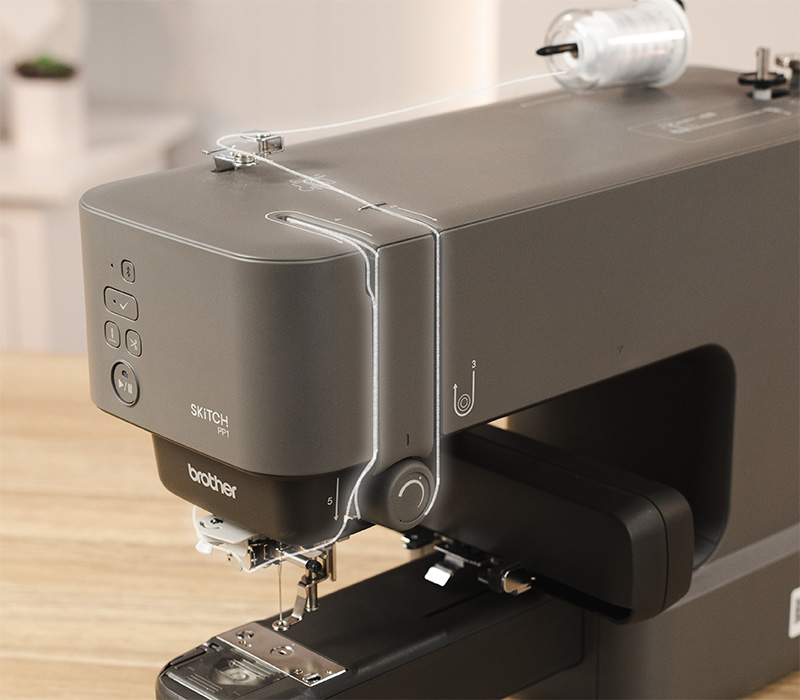
Take the guesswork out of threading with the Brother SKiTCH's clearly marked threading path. Easy-to-follow guides help you thread the machine correctly, making setup straightforward even if you're new to embroidery.
The guided threading path is especially convenient when changing thread colours throughout a design, helping you prepare for the next colour with confidence.
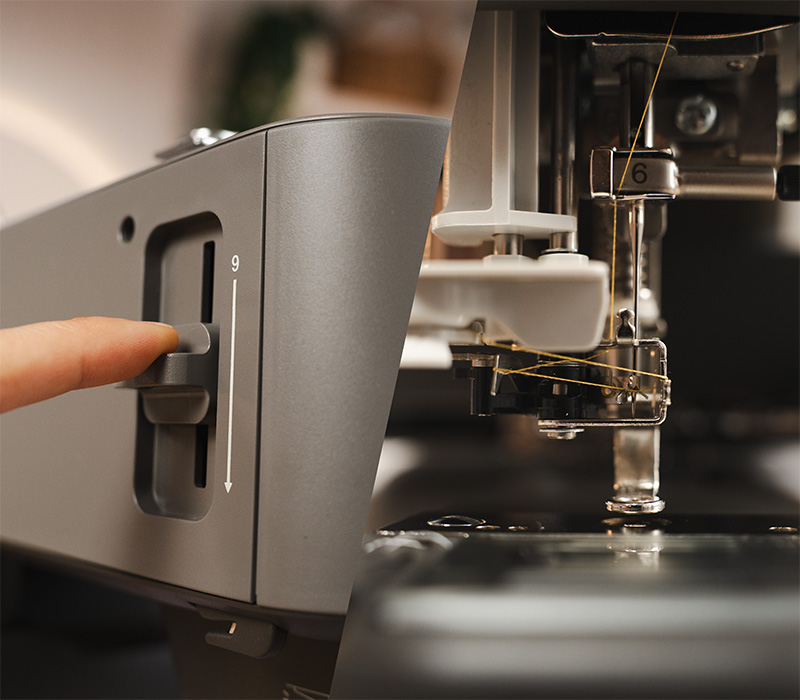
One-Touch Needle Threader
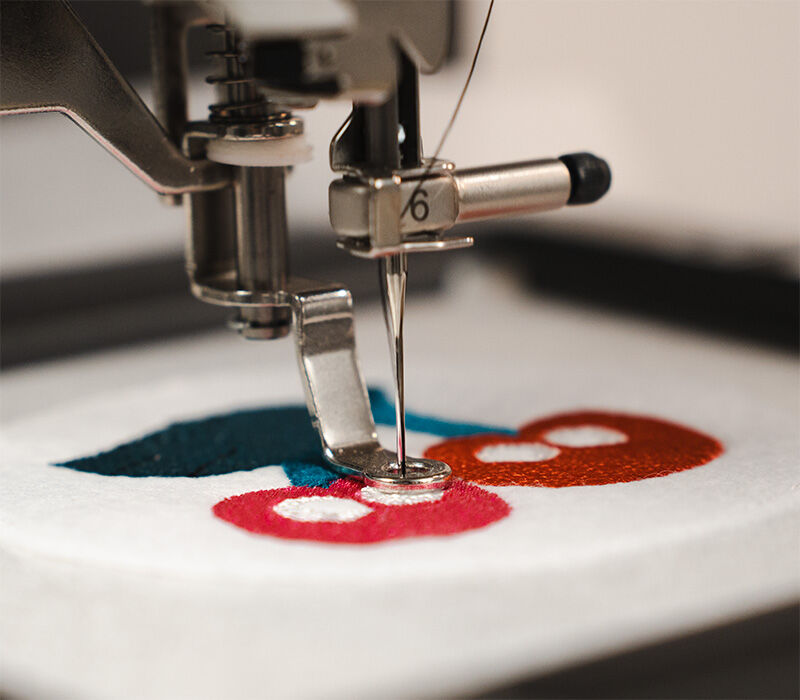
Make threading the needle quick and easy with the Brother SKiTCH's built-in one-touch needle threader. This convenient feature helps guide the thread through the eye of the needle without the frustration of threading it manually..
It's especially useful when working with multi-colour embroidery designs, saving time and making frequent thread changes easier to manage.
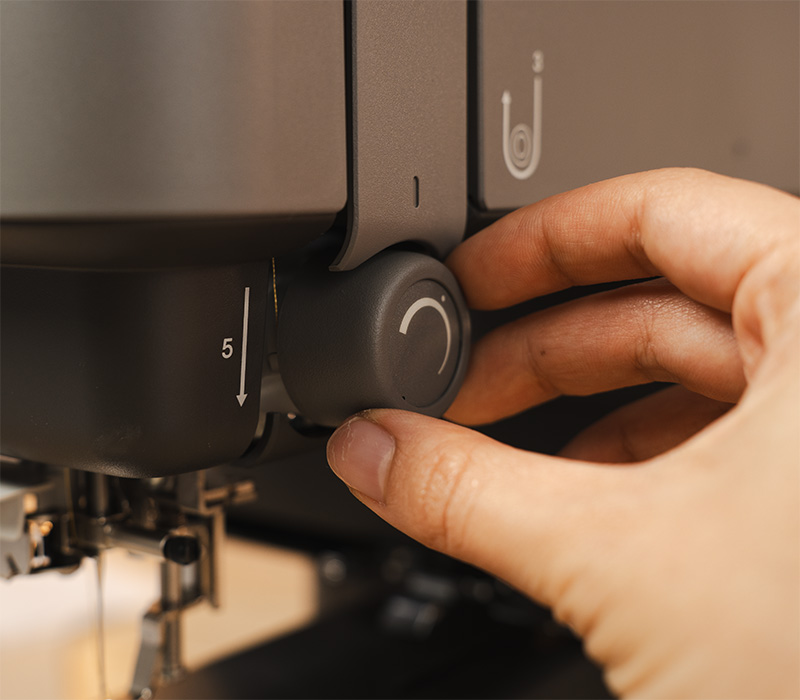
Adjustable Thread Tension
Fine-tune your embroidery results with the SKiTCH's manual upper thread tension dial. This convenient adjustment allows you to increase or decrease thread tension to suit different embroidery threads and stitching requirements.
Correct thread tension helps achieve balanced, consistent stitches and a neat finish across your embroidery projects.
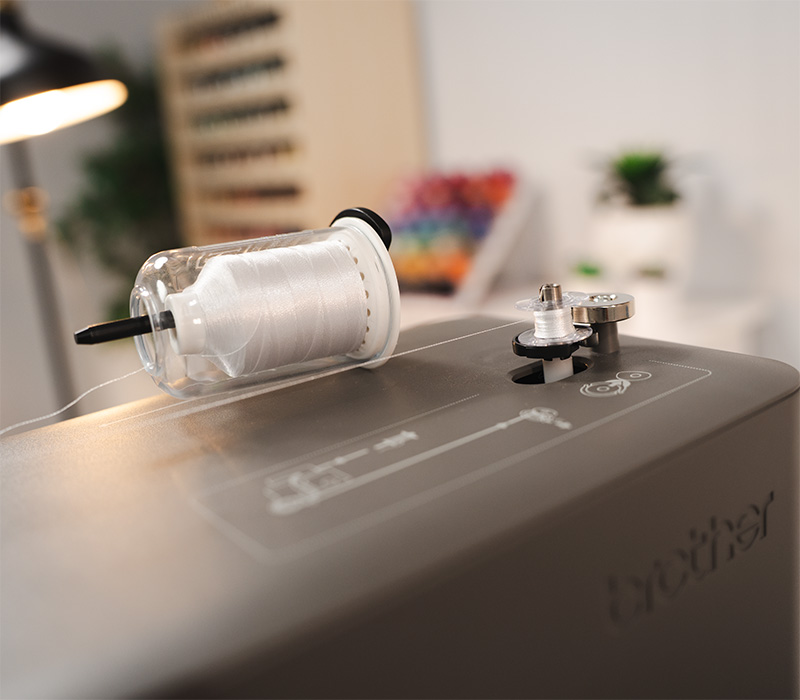
Built-In Bobbin Winder
Wind your own bobbins directly on the Brother SKiTCH using the convenient built-in bobbin winder. There's no need for a separate bobbin winding machine, making it easy to prepare additional bobbins whenever you need them.
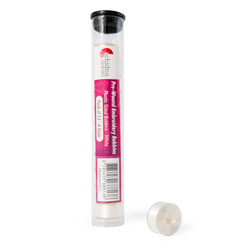
The machine also includes two pre-wound embroidery bobbins, so you can get started straight away with the supplied sample materials.
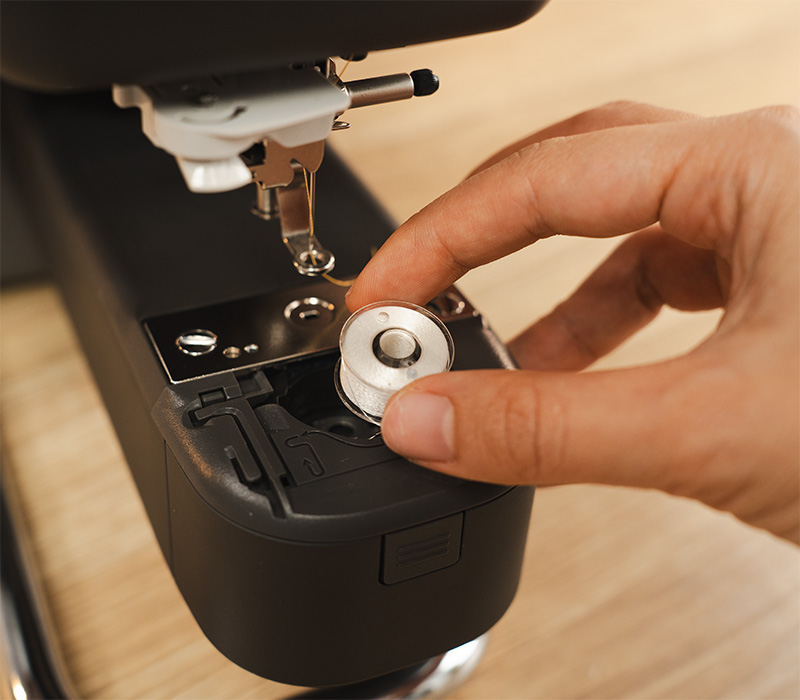
Quick Set Bobbin
The Brother SKiTCH features a convenient top-loading Quick Set Bobbin system, making bobbin changes quick and easy.
Simply drop your wound bobbin into place and follow the clearly marked threading guide. The easy-access design makes replacing bobbins straightforward, helping you get back to your embroidery projects with minimal interruption.
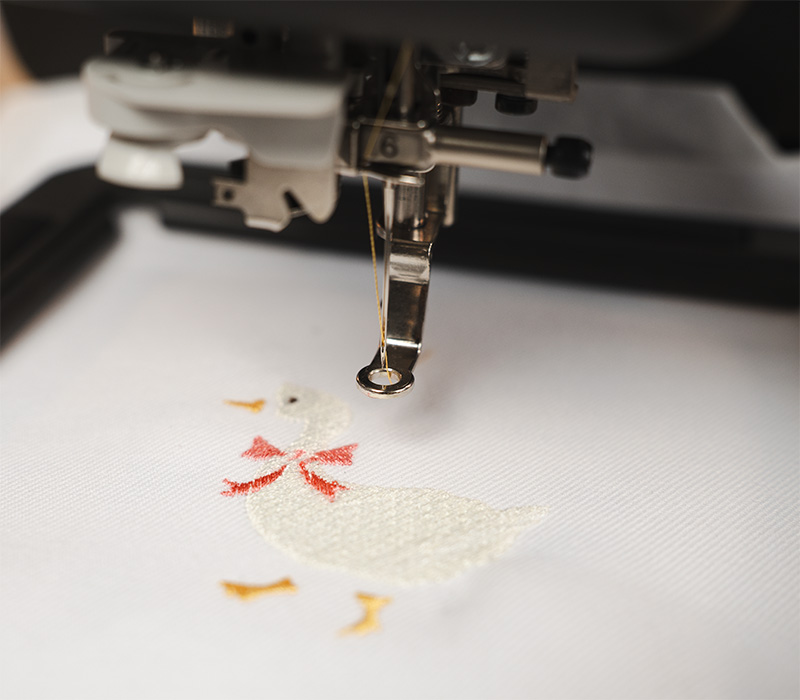
Single-Needle Embroidery
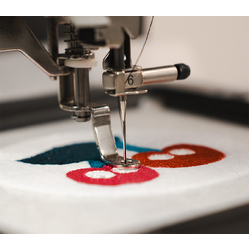
The Brother SKiTCH features a single-needle embroidery system that stitches with one upper thread colour at a time. When a design requires multiple colours, the machine pauses between colour sections so you can change the thread before continuing.
With a maximum embroidery speed of 400 stitches per minute, SKiTCH offers a convenient way to create personalised embroidery projects with detailed stitching results.
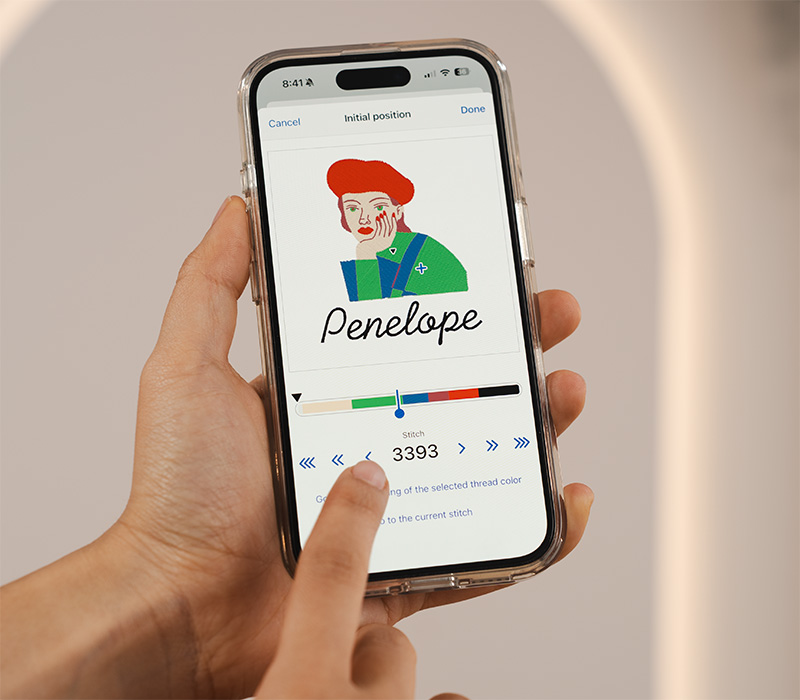
Stitch Monitoring and Recovery
If a thread breaks, a needle breaks or stitches are missed during embroidery, the Brother Artspira app provides convenient stitch navigation controls to help you get back on track.
This handy recovery feature helps minimise wasted time and materials, giving you greater control when unexpected interruptions occur.
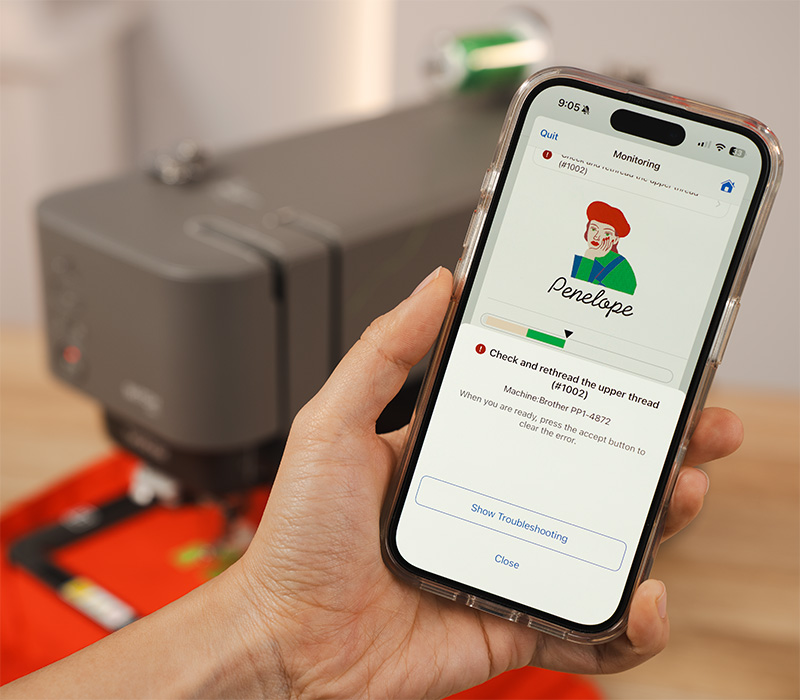
Helpful Thread Alerts and Notifications
Stay informed throughout your embroidery with helpful notifications from the Brother Artspira app. Receive alerts when your machine needs attention, helping you keep track of your project without constantly watching every stitch.
Whether it's time to change thread colours or respond to a machine notification, Artspira helps you stay on top of your embroidery progress.
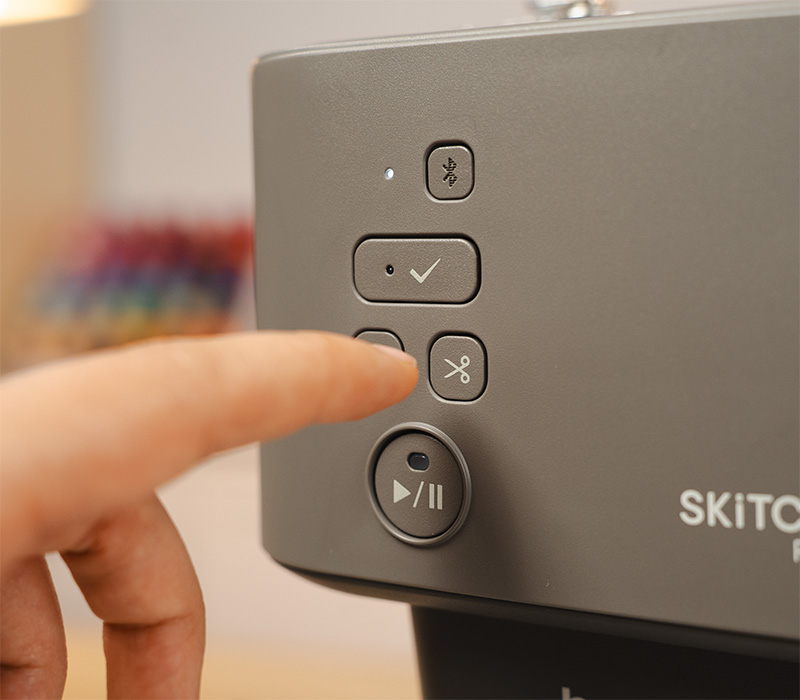
Automatic Thread Cutter and Convenient Controls
Enjoy the convenience of automatic thread cutting with the Brother SKiTCH. At the touch of a button, the built-in thread cutter trims both the upper and bobbin threads, saving you time and eliminating the need for manual trimming.
The machine also features easy-access Start/Stop and needle position buttons, giving you convenient control when starting, pausing or preparing your embroidery.
These practical machine-side controls work alongside the Artspira app, keeping essential functions within easy reach while you embroider.
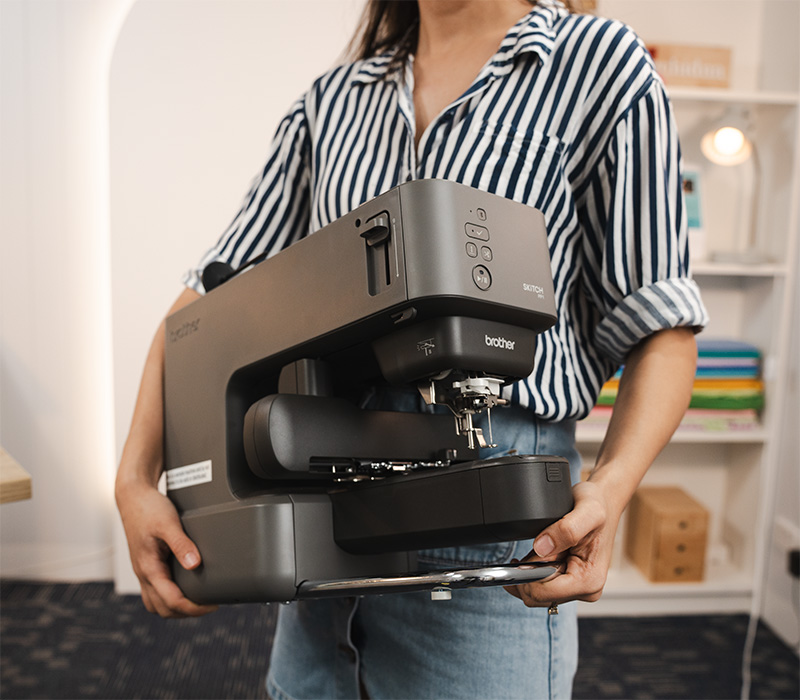
Compact and Portable Design
Small in size but packed with creative possibilities, the Brother SKiTCH features a compact footprint of approximately 44cm deep x 16cm wide, making it ideal for craft rooms, desks and smaller sewing spaces.
Its slim, space-saving design makes it easy to set up on a table or workbench and convenient to store away when not in use. The machine's unique orientation also helps reduce the risk of the embroidery arm coming into contact with nearby walls or objects during stitching.
Without a bulky built-in touchscreen, SKiTCH uses your compatible smartphone or tablet as its display and control centre, while still offering free-arm embroidery for finished garments and accessories.
Everything You Need to Get Started
- 100mm x 100mm magnetic embroidery frame
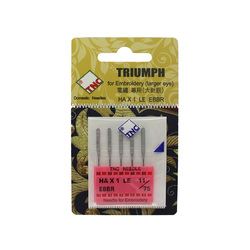
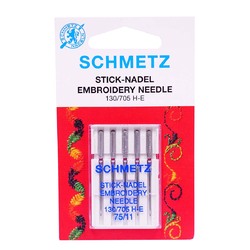
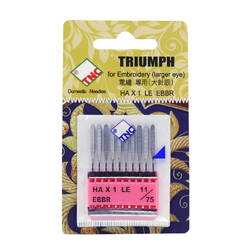
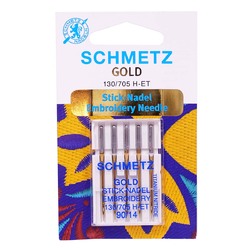
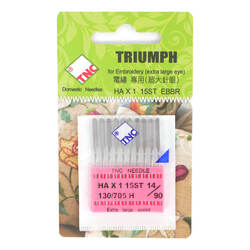
- Needle set
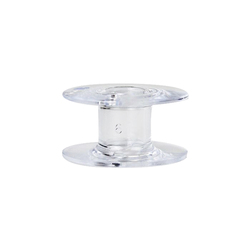
- Two pre-wound embroidery bobbins
- Black embroidery thread
- Felt and embroidery stabilizer for trial embroidery
- Scissors and seam ripper
- Cleaning brush
- Disc-shaped screwdriver
- Large, medium and small spool caps
- Mini king thread spool insert
- Bobbin case (installed on the machine)
- Quick reference guide and operation manual
- Power cord
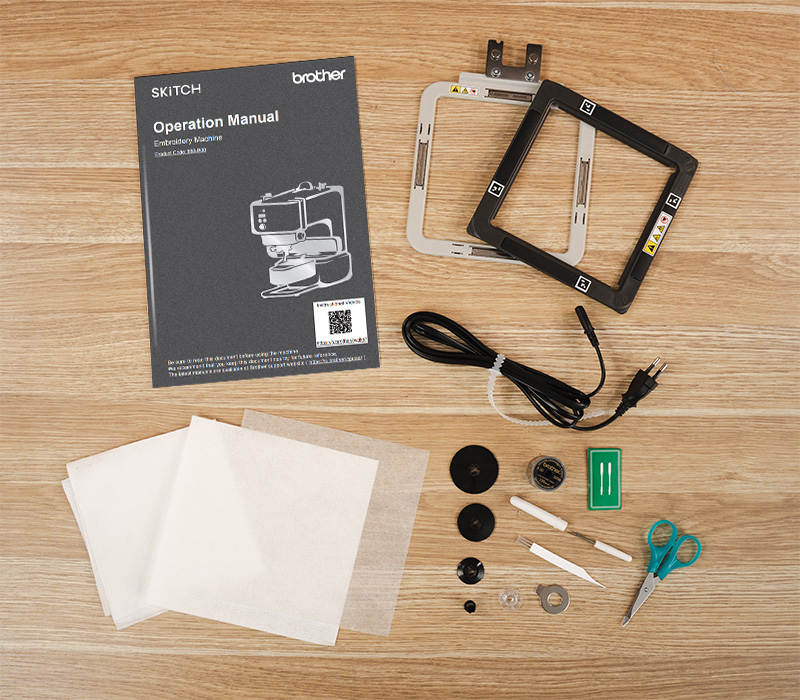
To use the machine, you'll also need a compatible smartphone or tablet with the Brother Artspira app installed.
View detailed specifications →
Please note: The Brother PP1e SKiTCH is an embroidery-only machine. A compatible smartphone or tablet and the Brother Artspira app are required for operation. Artspira is free to download and includes standard functionality; selected designs, tools and advanced features may require an optional Artspira+ subscription. Features and availability may vary by country.







| SKU | PP1E_Options |
|---|---|
| Brand | Brother |
| Products available | |
PP1E_BundleA
| Brother Skitch PP1 with Essential Bundle |
|
Brother Australia Innov-is Warranty:
3 years on mechanical parts
5 years on electrical and electronic parts (excludes Foot Control)
Find the right interest-free payment option for you
Have you found an item you love and want to take it home today? Don't wait! Interest-free finance options let you buy what you want now - and pay for it over time. Explore the different options available, and find the right plan for you.
For orders over $200. Up to 36 months interest-free available.
Divide your purchase into four interest-free installments on orders between $30 and $1500.
Purchases between $350 to $1,000. Interest-free always.
Purchases between $1,000 - $5,000 from 3 months interest-free.
Afterpay is a buy now, pay later platform that lets you pay for your items in 4 instalments over 6 weeks, interest free.
Traditional Layby
If none of these finance options suit you, why not use Echidna's standard layby option.
All finance options are subject to applicant approval. Terms and conditions of each financial institution apply.
Introducing Brother Artspira
Artspira, Brother's cloud-based design platform, is a comprehensive app that enables you to unleash your creativity and bring your unique ideas to life. It offers a range of features that allow you to customize your projects and crafts according to your preferences. Artspira is a smart device app...
Read more
Compare Brother Machines Hoop Sizes
It can be confusing when looking at buying a new embroidery machine. There are so many different factors to consider, and it’s easy to get lost in the technical details. One important factor that shouldn’t be overlooked is the maximum hoop size – also referred to as the embroidery field. A smalle...
Read more
Different Embroidery Formats
Did you know that each embroidery machine brand has its own unique language? It is important to have the correct file format for your machine to comprehend the designs you use. When buying a design online, it is essential to ensure that it includes the required format for your specific machine. ...
Read more
Compare Brother Machines Hoop Sizes
It can be confusing when looking at buying a new embroidery machine. There are so many different factors to consider, and it’s easy to get lost in the technical details. One important factor that shouldn’t be overlooked is the maximum hoop size – also referred to as the embroidery field. A smalle...
Read more
Founded in 1908, Brother Industries has grown into a global leader in sewing and embroidery, offering advanced technology and a wide range of machines to bring your crafting dreams to life.
Read more...
Take the Next Step


Your Browsing History

You will have remaining
You'll be able to access this product immediately. It will also be available in your website account and we'll send you a confirmation email.

inc Insurance