All Projects
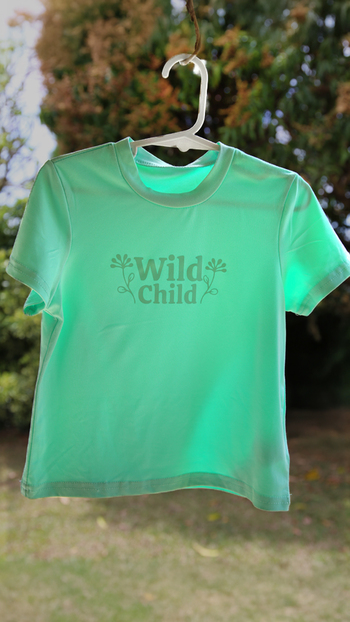
Monochromatic HTV T-Shirt
Author: Nicole H Date Posted:13 March 2026
Create your own sleek, stylish monochromatic shirt!
A monochromatic design uses different tones, shades, or textures of the same colour to create a subtle yet striking look. It’s a simple way to make your projects look professional and coordinated without needing multiple colours. In this tutorial, we’ll show you how to design, cut, and press a single-colour HTV design that perfectly complements your chosen shirt.
This project is a great introduction to creating wearable art with your Brother ScanNCut and Artspira app — ideal for both beginners and anyone wanting to experiment with colour harmony.
What you will need:
- Brother ScanNCut
- Artspira/CanvasWorkspace Login
- Your Chosen T-Shirt
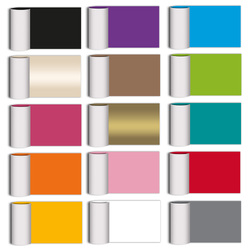
- Matching Heat Transfer Vinyl (HTV) in your preferred finish (e.g. metallic)
- Brayer
- Weeding Tools
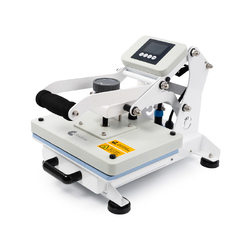
- Heat Press
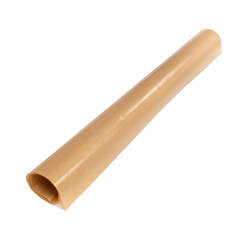
- Protective Heat-Resistant Sheet (to protect the vinyl)
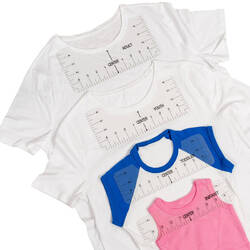
- T-Shirt Alignment Rulers
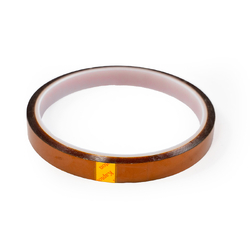
- Heat Resistant Tape (optional)
Shop Online:
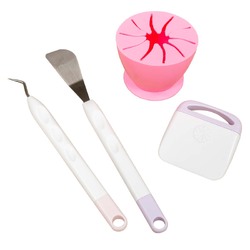
Detailed instructions:
- Start by choosing a shirt and a heat transfer vinyl (HTV) in similar or matching tones — this is what gives your project that classic monochromatic look. Think soft-on-soft, like light grey on charcoal or pastel pink on blush.
- Measure the width of the shirt for size. To do this, lay the t-shirt flat and measure the usable width across the chest area to determine how wide your HTV design should be. For more detailed sizing guidance, refer to our Placement & Size for (HTV) on T-Shirts article.
- Then, open the Artspira app and create a simple shape, word or graphic that complements your garment. Keep your design clean and bold to let the texture and tone of the HTV shine through. Here's how we created "Wild Child" using Artspira.
- Place your HTV in the top left-hand corner of the cutting mat, shiny carrier sheet side down. Use masking tape if your mat has lost some tack.
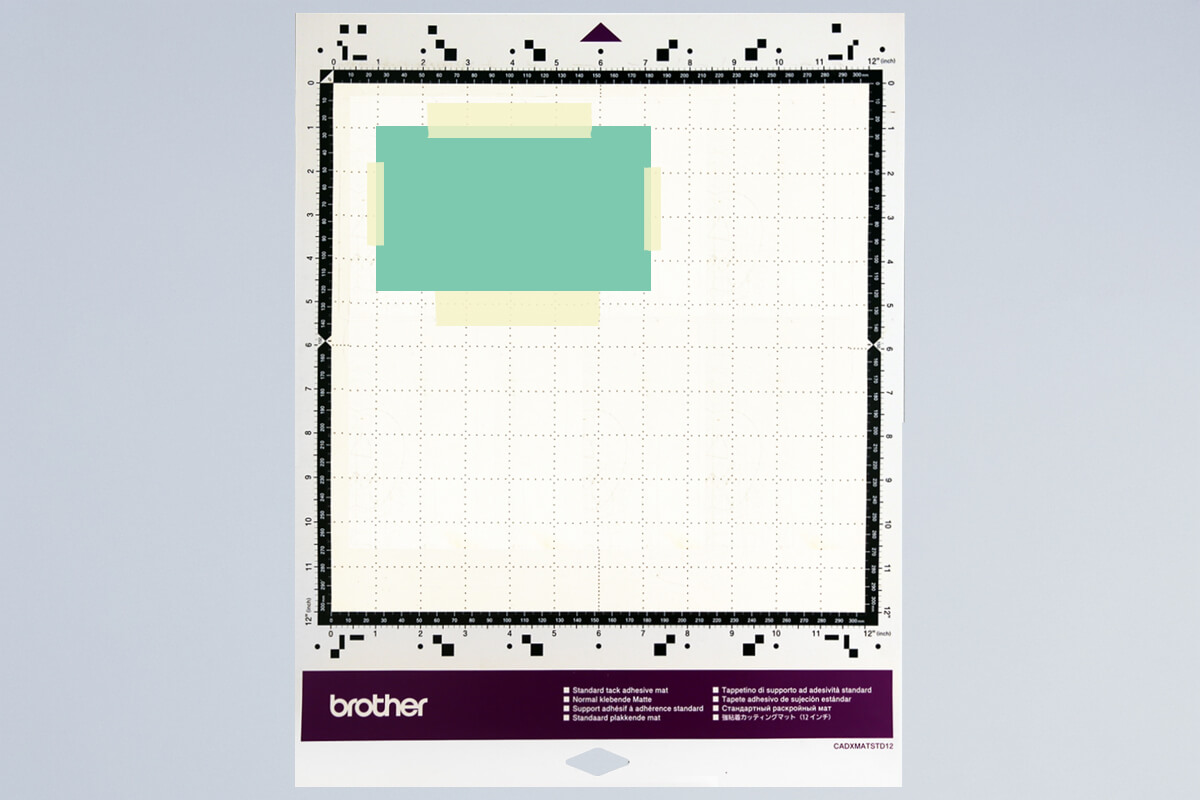
- Load the mat into your machine, holding it level as it feeds in.
- Load the design from Artspira via Wifi select (3).

- Select your design and mirror it before cutting (important for HTV).
- Scan the mat to check placement on top of the HTV and adjust if needed.
- Run a test cut to check your settings.
SDX Settings: Use the Half Cut function for HTV, which cuts the vinyl layer but leaves the clear carrier intact. Adjust Cut Pressure if needed depending on HTV thickness. - Send the design to cut.
- Once finished, unload the mat and peel away the HTV sheet.
- Starting at one corner, weed away unwanted vinyl using your tools, leaving only your design on the clear carrier sheet.
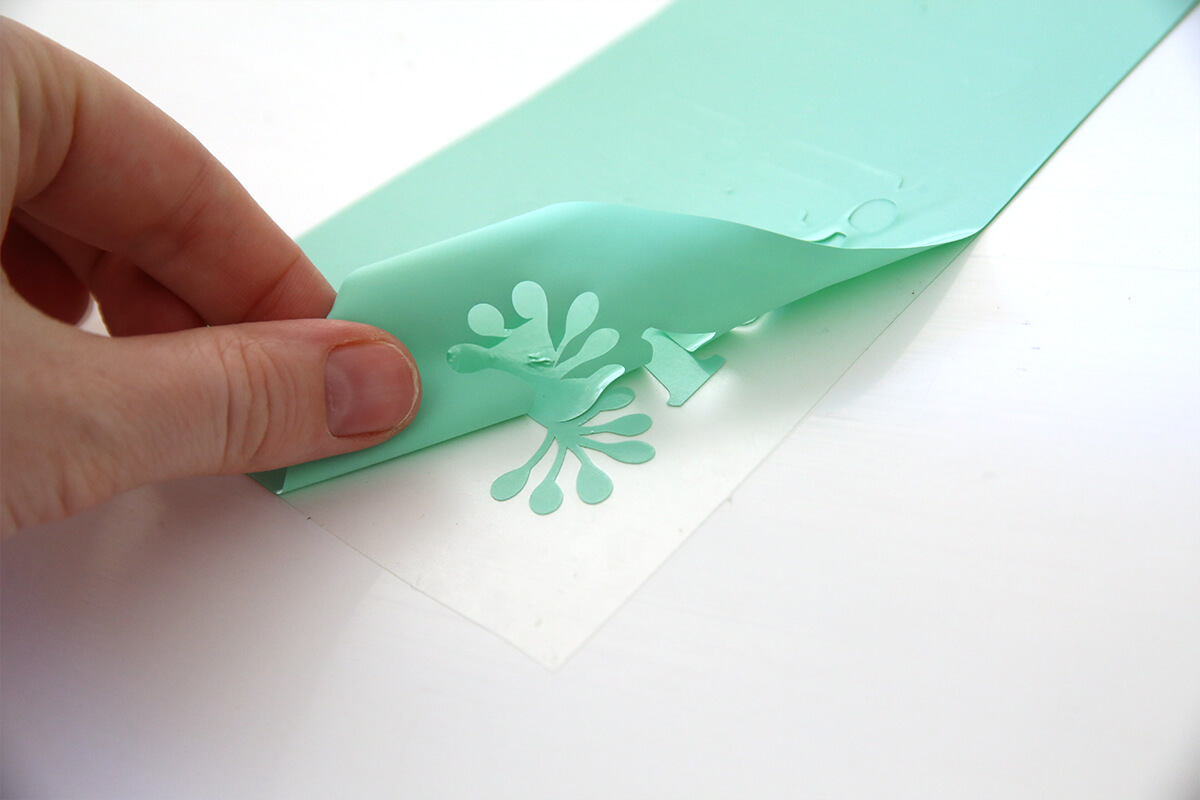
- Use a weeding tool for small details.
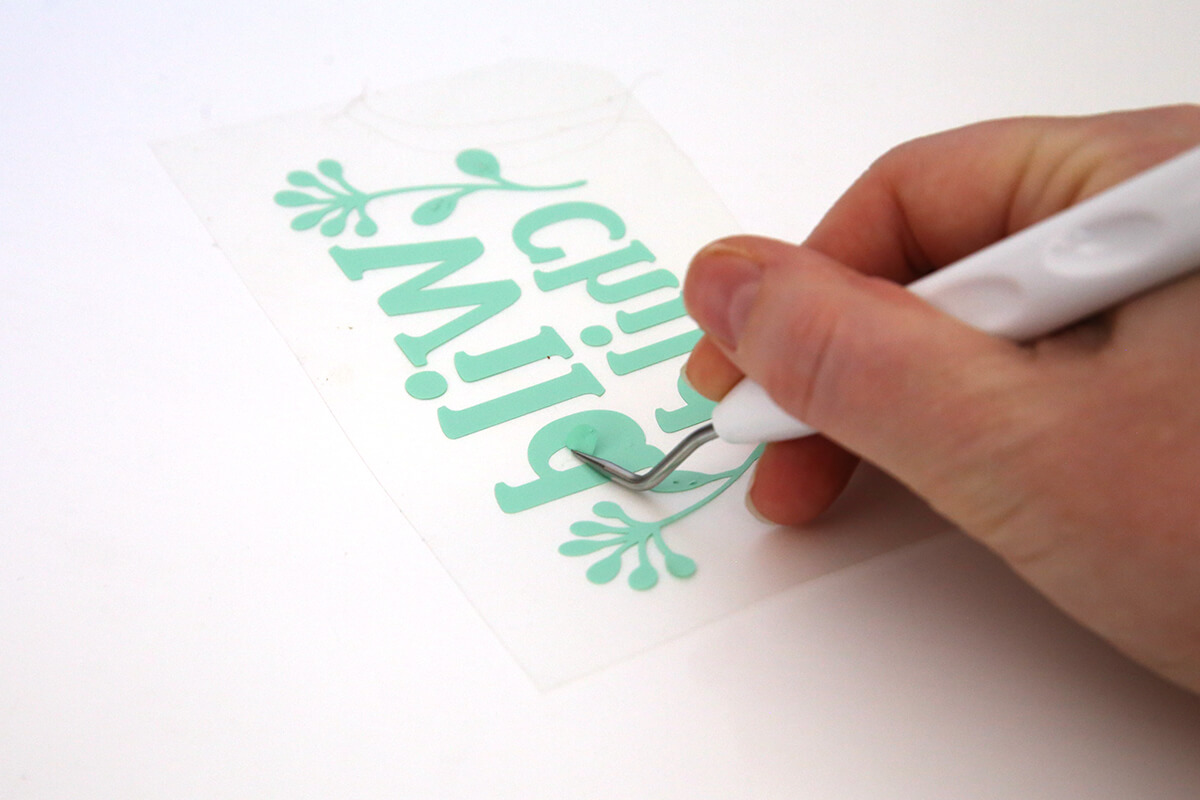
- You should be left with your design on the clear carrier sheet, ready to apply.
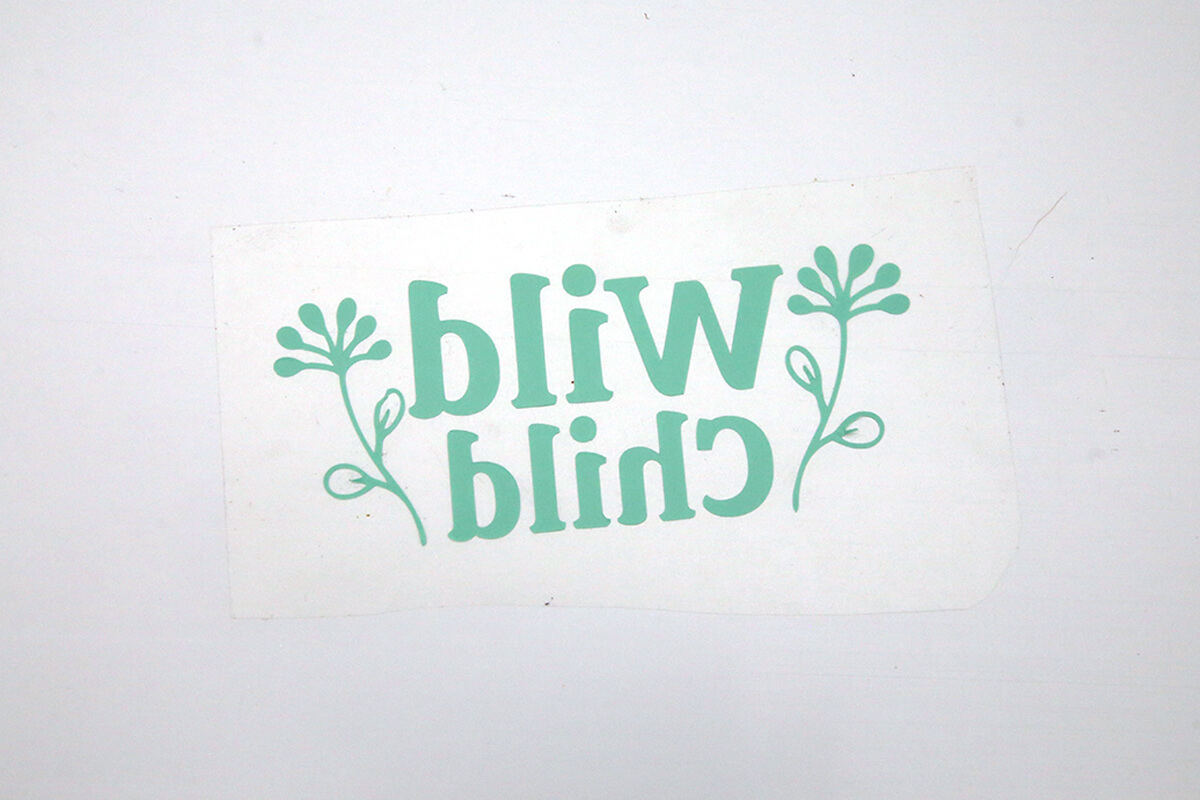
- Heat up your press to the temperature recommended for your specific HTV. (See our HTV Pressing Times Guide for details.)
- Press the garment without any HTV first to remove any creases.
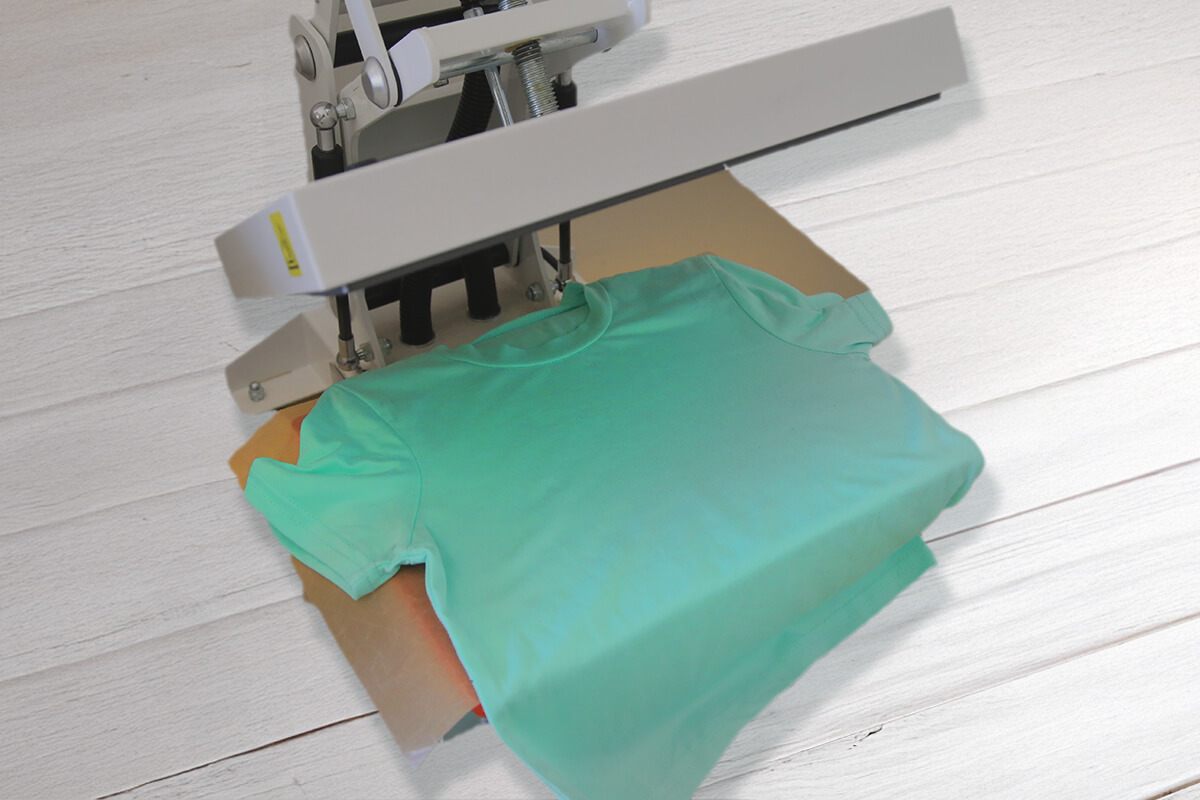
- Using the T-Shirt Alignment Ruler to position the HTV in the center. You can use Heat Resistant tape to hold the carrier sheet in place if needed.
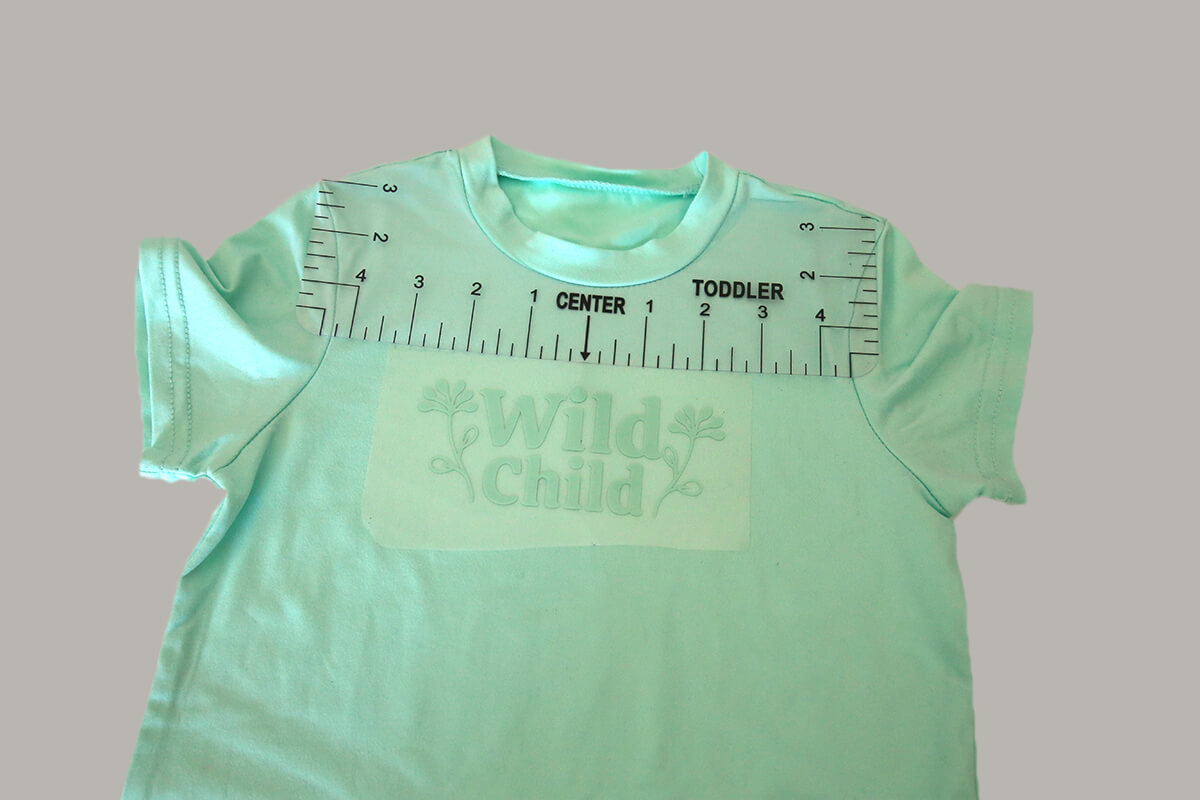
- Place shirt with HTV onto your press. Do not proceed with pressing yet.
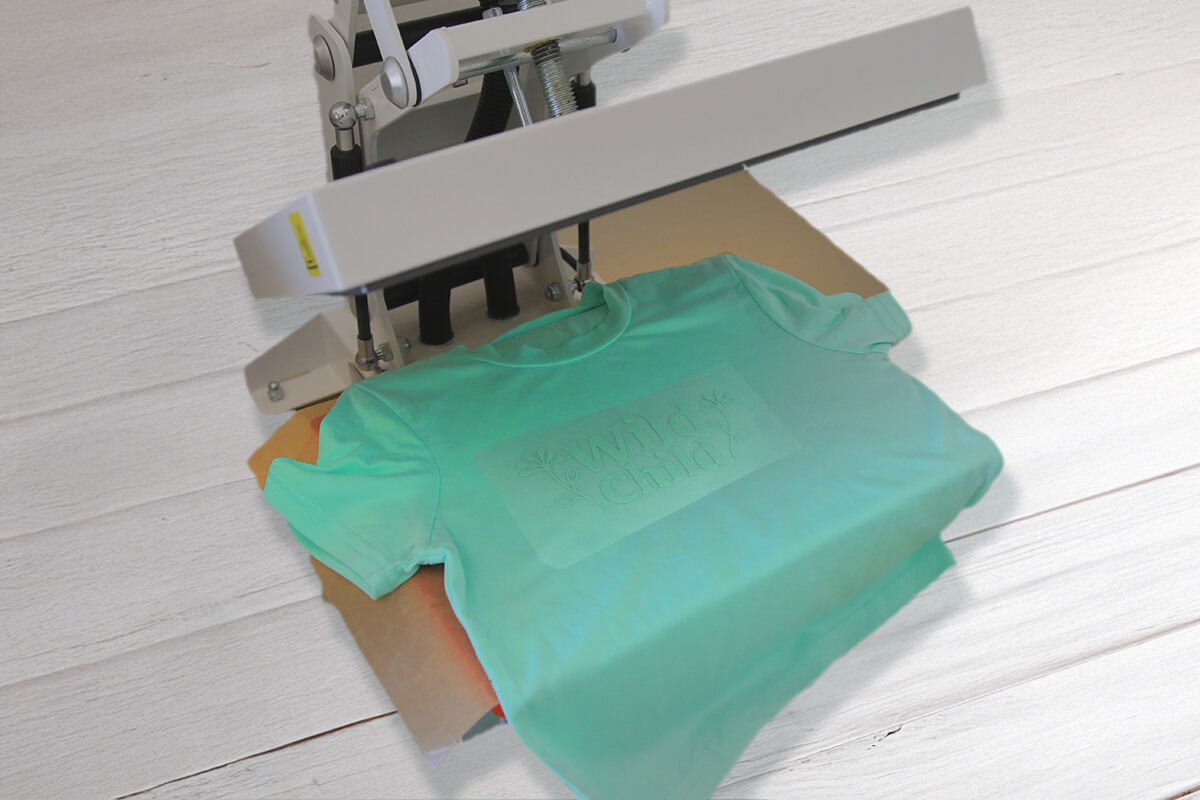
- Cover with a Protective Heat-Resistant Sheet, and press for the required time.
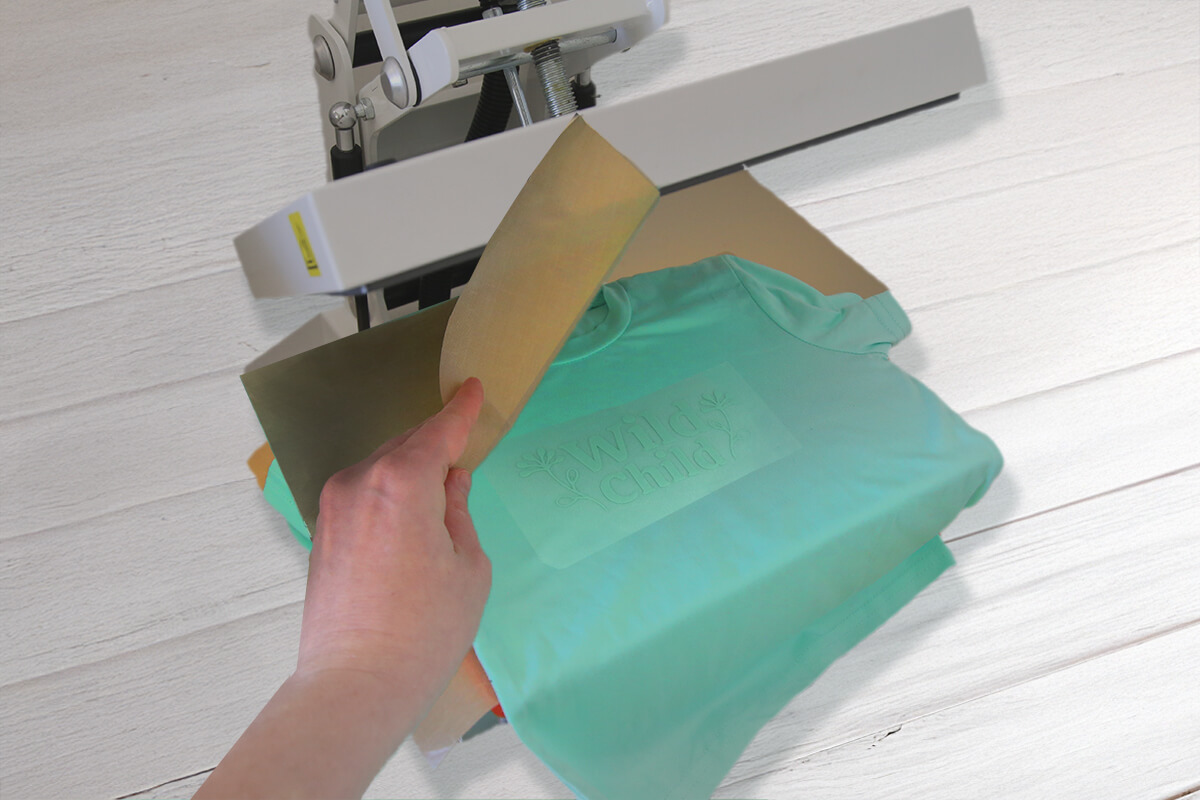
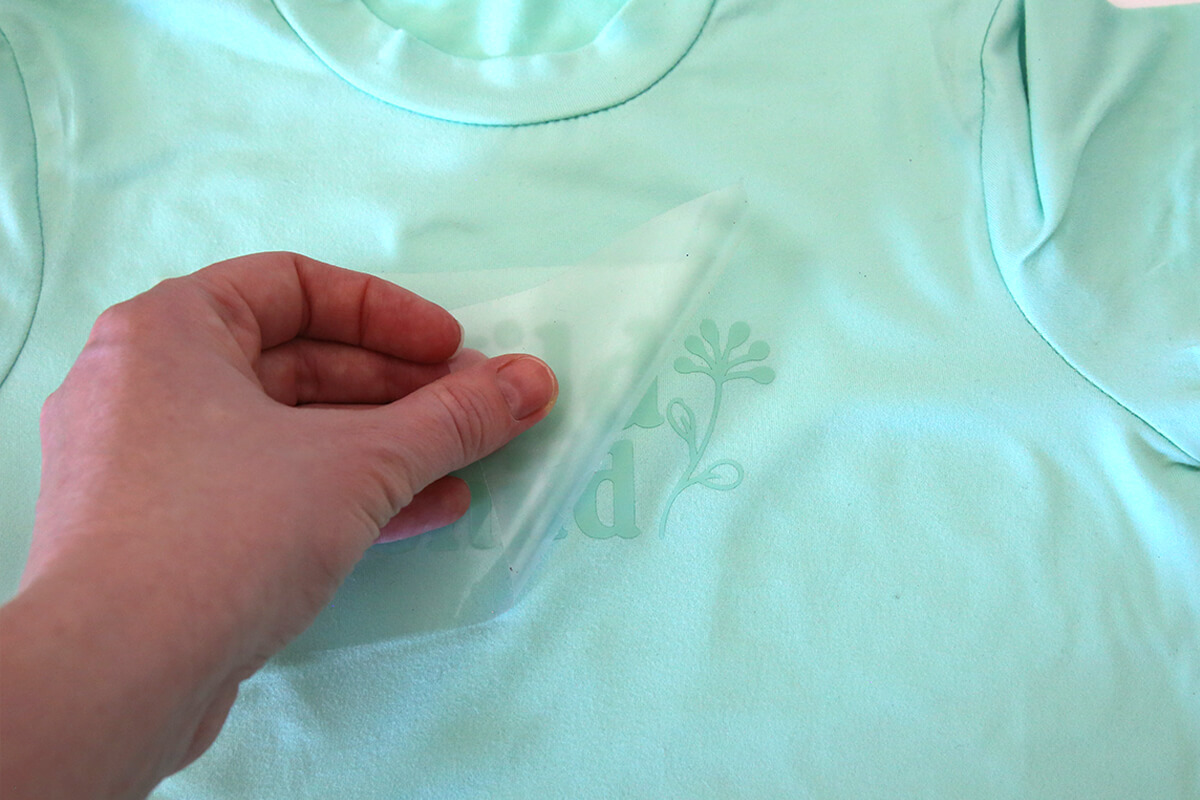
- Once your design is pressed and cooled, gently peel away the carrier sheet to reveal your finished shirt. Give it a light press if needed — and that’s it!
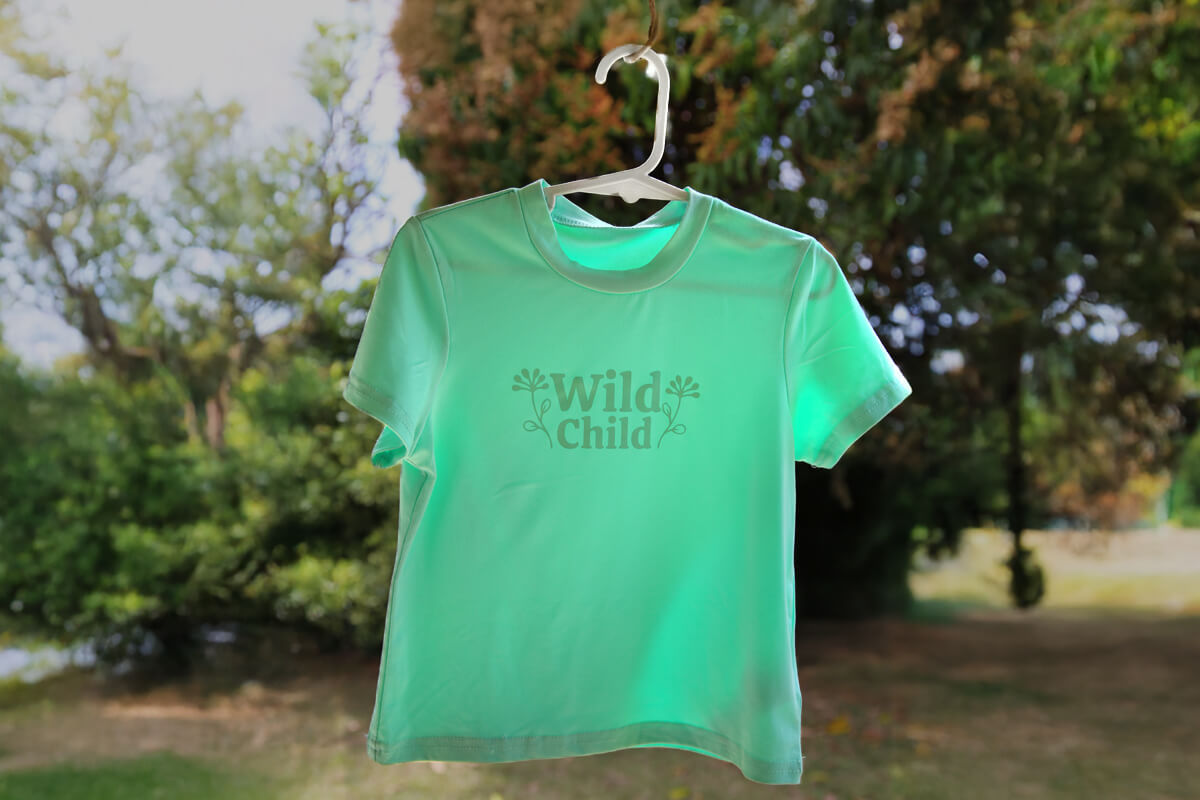
- Pop it on straight away and show off your creation! There’s something extra satisfying about wearing a design you made yourself — especially when it’s stylish, minimalist, and totally unique.

Free Embroidery Designs
We're excited to offer our free Echidna designs available for download. These free designs are perfect for those at a beginner or an advanced level. Add these designs to your stash and create incredible embroidery!
View all free designs >
Sewing, Quilting and Embroidery Machines
Interested in learning how to sew, quilt or embroider? Take a look at the innovative Brother machines available for purchase at Echidna Sewing. Wherever possible we will beat any deal and you will always receive ongoing service and support!
Find out more >
Learn to Sew or Embroider with Echidna Sewing
Come along to our fun-filled classes to learn more about sewing, embroidery and crafting. Classes cater for all skill levels, whether you're just starting out or already have advanced knowledge.
Find out more >
Echidna project material/ fabric requirements are an indication only and can seem to be generous. This has been intentional. Should you make a cutting or embroidery mistake you will have sufficient fabric to rectify your error.