

Unsure if this is the right machine for you?
Call us on 1800 000 360 and speak to one of our machine experts
Chat online during business hours or leave us a message
Email us or request a callback and we'll get your questions answered
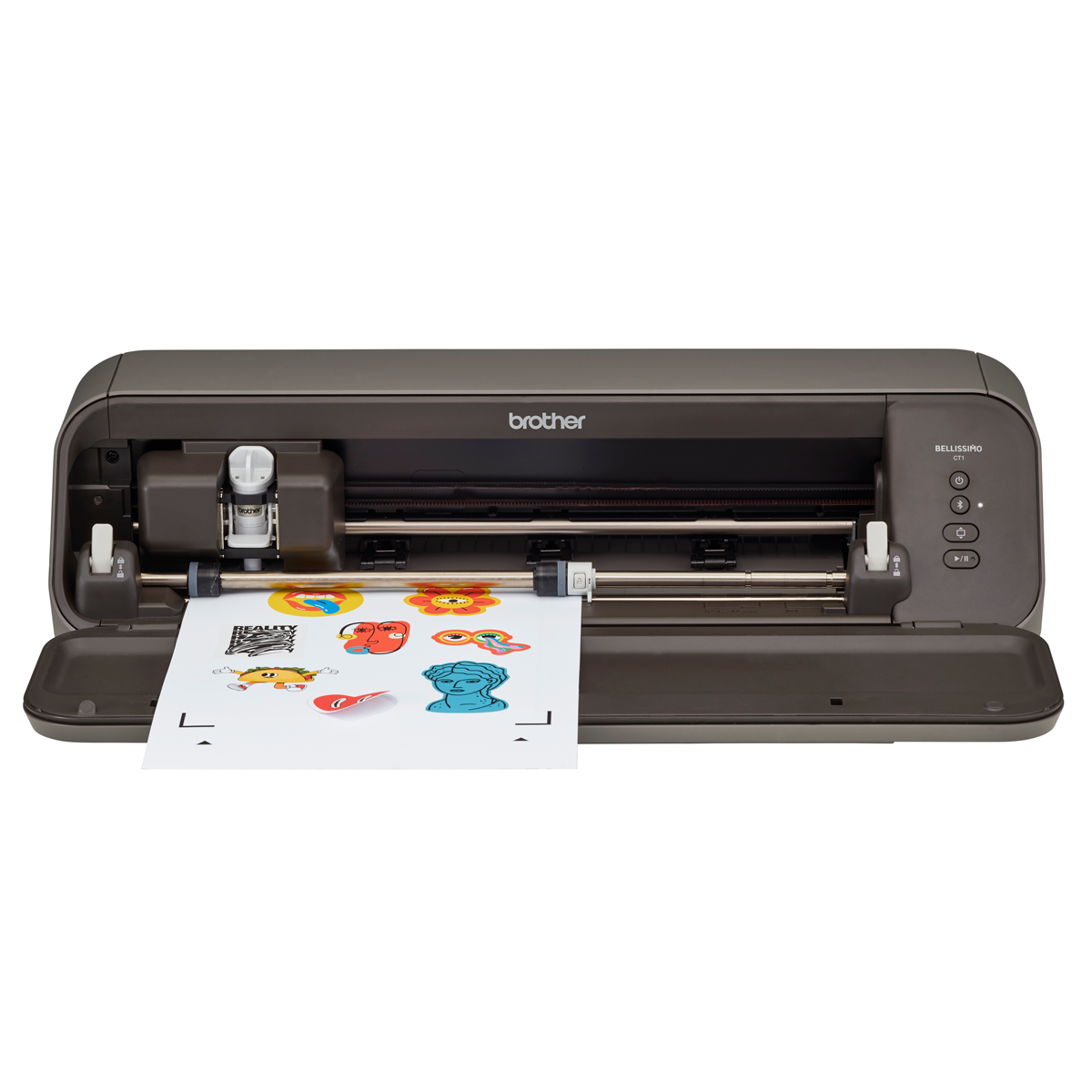
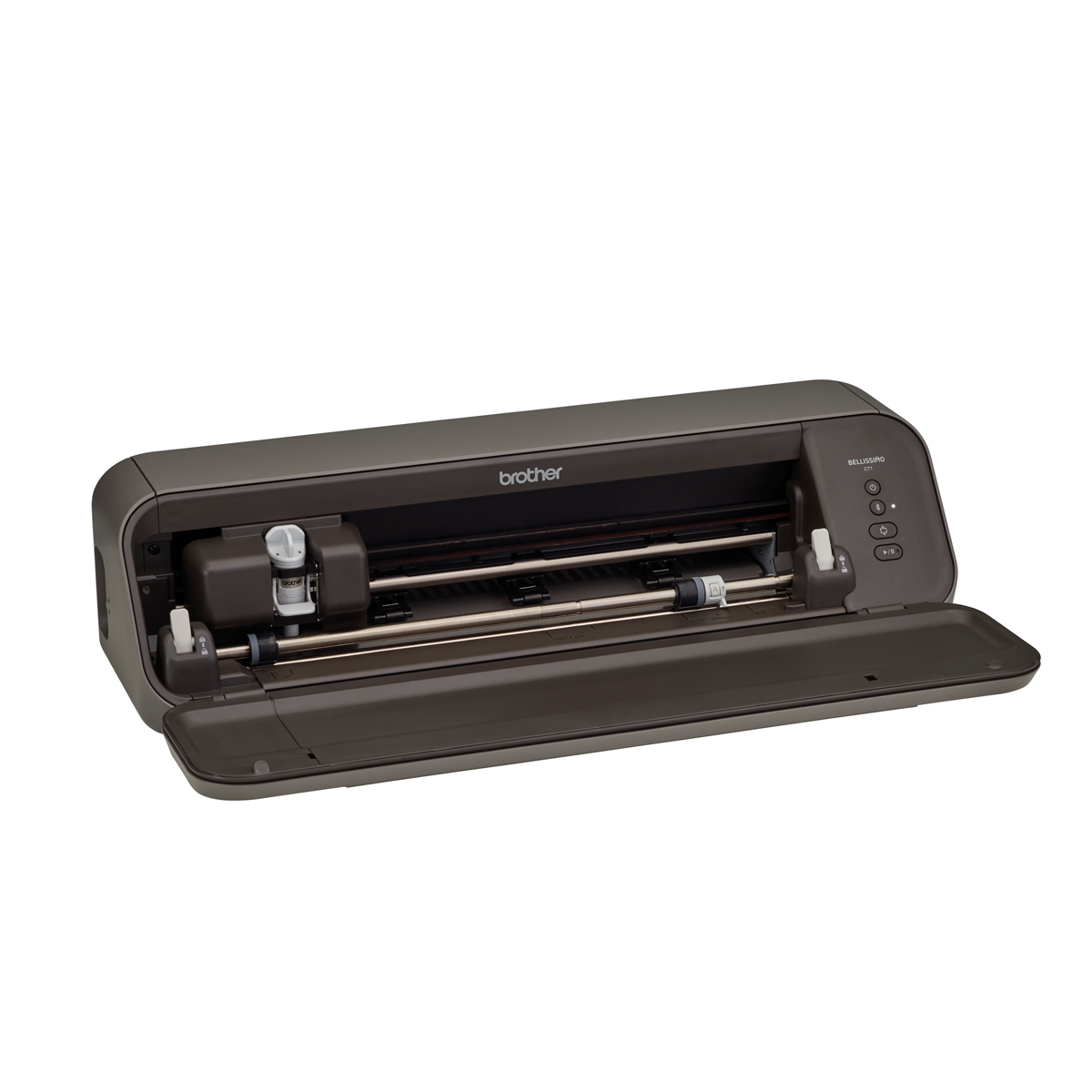
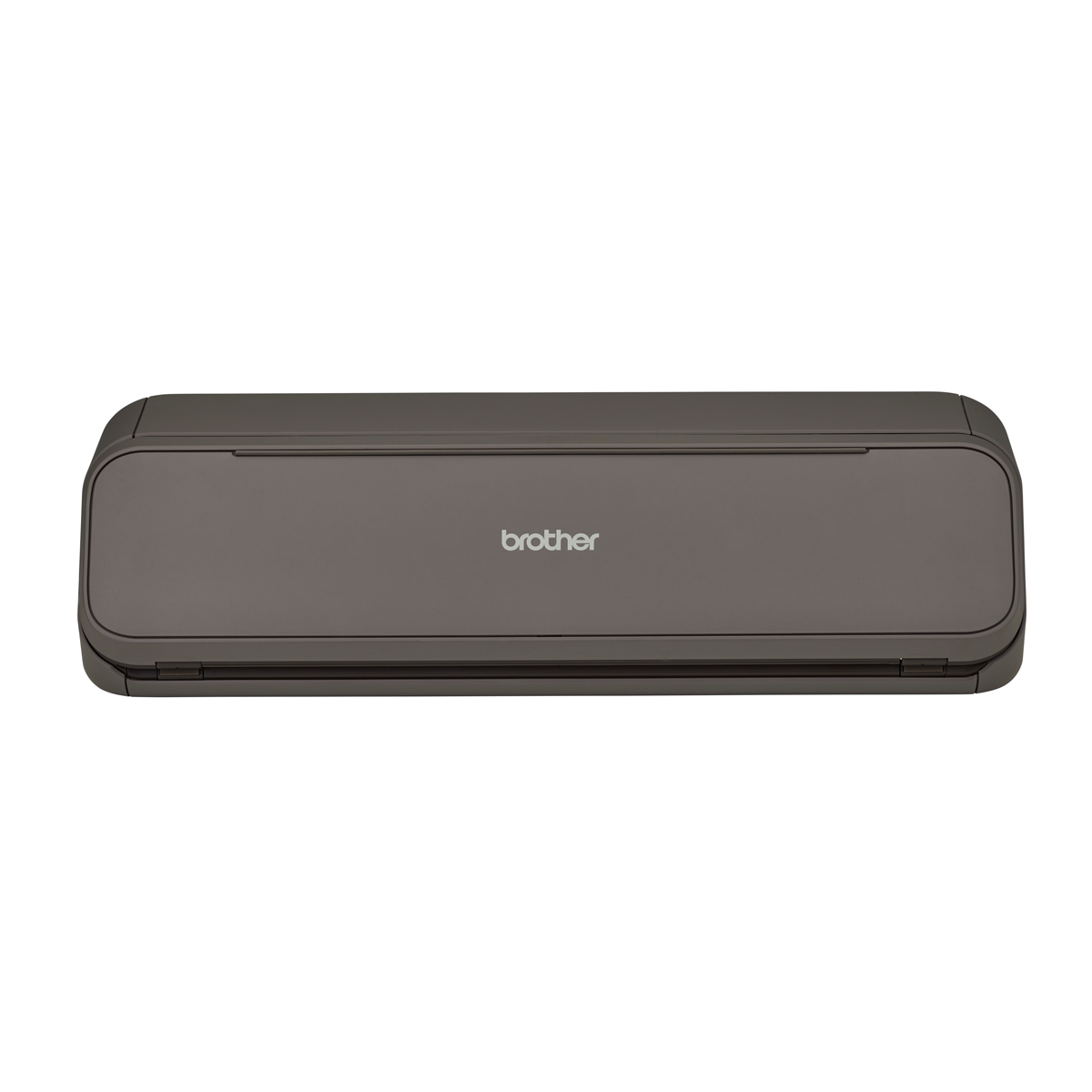
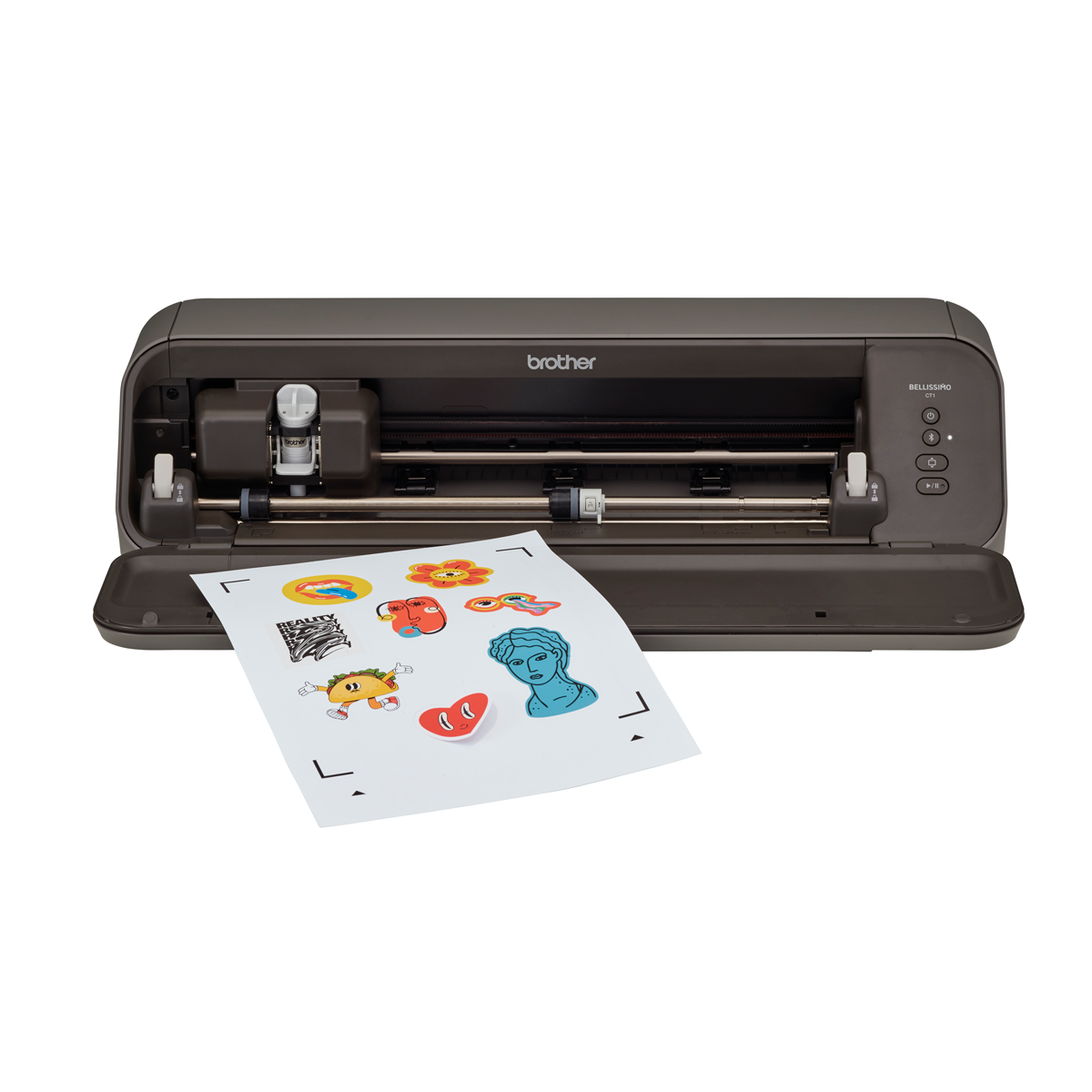
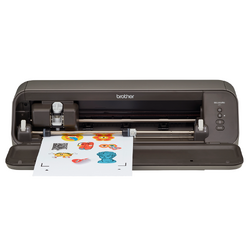
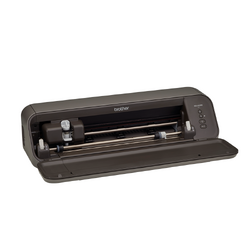
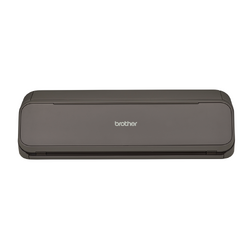
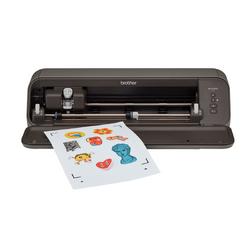
Brother Bellissimo CT1 Cutting Machine

Meet the Brother Bellissimo CT1 Cutting Machine
Discover a new way to create with the Brother Bellissimo CT1, a cutting machine designed to bring your personalised craft projects to life. From custom vinyl decals and heat transfer designs to greeting cards, stickers and paper crafts, the Bellissimo CT1 gives you the freedom to turn your creative ideas into finished projects.
Combining convenient matless cutting for selected materials with the creative tools available through Brother's Artspira app, the Bellissimo CT1 makes it easy to explore a wide range of cutting projects.
Import your own SVG designs, personalise artwork, create stickers and prepare designs for cutting, all from your compatible device using Artspira.
Whether you're discovering electronic cutting for the first time or already have a collection of digital designs, the Bellissimo CT1 offers a flexible way to enjoy cutting crafts.
Explore a World of Creative Possibilities
Create personalised projects for your home, wardrobe, celebrations and more with a range of compatible cutting materials.
Adhesive Vinyl
Create personalised decals, labels, decorative lettering and designs for suitable smooth surfaces using a variety of adhesive vinyl finishes.
Heat Transfer Vinyl
Personalise T-shirts, tote bags and other suitable fabric items with your own lettering, graphics and heat transfer vinyl designs.
Paper & Cardstock
Make greeting cards, invitations, gift tags, decorative shapes and other paper craft creations using compatible paper and cardstock.
Get Creative with Brother Artspira
Bring your ideas together with Brother's Artspira app, which provides creative tools for preparing and personalising designs for the Bellissimo CT1.
Use Artspira's Design Editor (Cutting) to work with digital artwork, adjust your designs and prepare cutting projects. From simple lettering to more detailed multi-part designs, Artspira provides a convenient way to personalise your creations.
With the Bellissimo CT1 and Artspira working together, you can prepare your artwork and send cutting data to your machine without needing to connect it to a computer for every project.
Bluetooth connectivity: The Bellissimo CT1 connects directly to the free Artspira app on a compatible smartphone or tablet via Bluetooth, so you can send cutting projects to the machine without Wi-Fi or a computer.
Preview before you cut: Artspira's augmented reality (AR) preview lets you view your design on your material and check its size and placement before sending it to the machine.
100 Free Exclusive Cutting Designs
Get creative straight away with 100 free, exclusive designs available to Brother Bellissimo CT1 users through the Artspira app. Connect your machine to Artspira to access a collection of designs created especially for the Bellissimo.
60 Cutting Designs
Explore a variety of ready-to-cut designs to help you get started with personalised craft projects.
40 Print and Cut Designs
Make printed projects that can be cut with the Bellissimo CT1. A separate printer is required for Print and Cut projects.
Import Your Own SVG Designs for Free
Already have a collection of SVG cutting files? The Bellissimo CT1 lets you put your existing designs to work through Brother's Artspira app.
Using the free version of Artspira Design Editor (Cutting), you can import SVG and FCM files directly into the app without needing to convert them through CanvasWorkspace first.
Once imported, you can personalise your designs using editing tools that allow you to:
- Import SVG and FCM cutting files.
- Resize designs to suit your project.
- Ungroup designs to work with individual elements.
- Change the colours of design elements.
- Send your prepared designs to the Bellissimo CT1 for cutting.
This is particularly useful for crafters who already own SVG files or enjoy creating their own digital artwork.
Best of all, these importing and editing functions do not require an Artspira+ subscription.
Please note: The free Artspira plan allows up to 20 imported designs. Artspira+ increases this allowance to 100 designs.
Enjoy the Convenience of Matless Cutting
Spend less time preparing your materials and more time creating with the Bellissimo CT1's matless cutting capabilities.
For selected materials and cutting modes, you can feed your material into the machine without first attaching it to an adhesive cutting mat.
Matless cutting is particularly convenient for projects using compatible adhesive vinyl, heat transfer vinyl, cardstock and printable sticker sheets.
Cutting mats are still useful for certain materials and projects, including lightweight papers, high-friction materials and intricate designs where additional material support is beneficial.
Having both matless and mat-based cutting options gives you greater flexibility when choosing how to prepare your projects.
Intelligent Auto Blade for Easy Cutting
Take the guesswork out of setting up your projects with the Bellissimo CT1's intelligent auto blade. The blade system detects the thickness of your material and automatically adjusts the cutting depth and pressure to suit.
For greater control, you can also fine-tune cutting settings through the Artspira app. This makes it easier to move between compatible materials and cutting techniques, whether you're making vinyl decals, stickers or paper crafts.
For matless Half Cut projects, the Bellissimo CT1 supports compatible materials up to 0.5 mm thick. Always follow Brother's recommended cutting method for your chosen material.
Versatile Cutting Options for Different Projects
Choose a cutting method that suits your material and the result you want to achieve.
Half Cut
Cut through the top layer of compatible adhesive vinyl or heat transfer vinyl while leaving the backing material intact. This makes it easier to weed away unwanted areas and prepare designs for application.
Full Cut
Cut completely through compatible materials to produce individual shapes and project pieces. Depending on the material, a suitable adhesive cutting mat may be required.
Perforation Cut
Use a perforated cutting line to separate designs from compatible materials without an adhesive cutting mat. This is particularly useful for selected cardstock and paper craft projects.
Create Your Own Stickers with Artspira Sticker Maker
Turn your favourite illustrations, graphics and personalised artwork into custom stickers with the help of Artspira Sticker Maker.
Prepare your sticker design in Artspira, then print it onto compatible printable sticker material using a separate printer. Artspira adds registration marks that help the Bellissimo CT1 identify the correct cutting position around your printed artwork.
Depending on the sticker material and cutting method, you can create:
- Half-cut stickers: Cut through the printable sticker layer while keeping the backing sheet intact.
- Full-cut stickers using perforation: Create individual sticker shapes using the supported matless Sticker Full Cut method.
Explore personalised labels, planner stickers, decorative stickers, gift packaging and more using compatible printable sticker sheets.
Please note: A separate printer is required. The Bellissimo CT1 cuts your printed stickers but does not print them.
Discover the Materials You Can Cut
From everyday craft materials to specialty finishes, the Bellissimo CT1 supports a range of materials for different creative projects.
Paper & Cardstock
Create decorative paper crafts using compatible lightweight paper, construction paper, smooth cardstock, textured cardstock, thick cardstock and glitter cardstock.
Selected cardstock can be cut without a mat using Perforation Cut, while lighter papers and intricate designs may benefit from an appropriate adhesive cutting mat.
Adhesive Vinyl
Cut compatible matte, glossy, glitter and holographic adhesive vinyl using the matless Half Cut method.
Perfect for creating custom lettering, decals, labels and decorative designs for suitable surfaces.
Heat Transfer Vinyl
Personalise suitable fabric items with compatible matte, glitter, flocked and metallic heat transfer vinyl.
Many supported heat transfer vinyl materials can be cut without a mat using Half Cut, although some specialty materials may require an adhesive cutting mat.
Printable Stickers & Transfers
Explore compatible matte, glossy, clear and holographic printable sticker sheets, along with selected printable heat transfer vinyl and printable heat transfer fabric products.
These materials open up additional possibilities for personalised stickers, printed graphics and decorative transfer projects.
Explore Even More Creative Materials
In addition to everyday paper and vinyl crafts, Brother has documented cutting methods for selected polypropylene sheets and printable magnetic sheets using a Standard Tack Adhesive Mat.
This gives you even more opportunities to experiment with creative projects beyond traditional paper and vinyl cutting.
Always check the recommended cutting method for your chosen material and perform a test cut before starting your project.
Choose the Right Cutting Method for Your Material
Different materials require different cutting techniques, and the Bellissimo CT1 offers several options to help you achieve the desired result.
For example, adhesive vinyl and heat transfer vinyl are commonly cut using Half Cut, which preserves the backing layer. Selected cardstock can be cut without a mat using Perforation Cut, while lightweight paper may require Full Cut with a suitable adhesive cutting mat.
Brother provides material-specific cutting guidance, including recommended cutting modes, mat requirements and pressure settings for a range of compatible materials.
Following these recommendations and performing a test cut will help you select appropriate settings before cutting your finished project.
Cutting Size and What's Included
With a maximum cutting width of 297 mm (11.7 inches), the Bellissimo CT1 offers room for a variety of everyday cutting projects. For supported matless Half Cut and Perforation Cut modes, it accepts A4, US Letter or 305 mm wide materials up to 560 mm long.
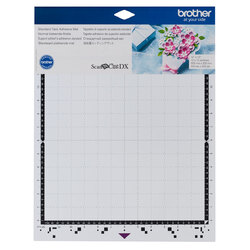
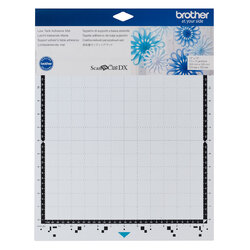
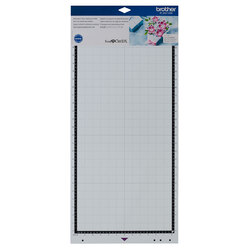
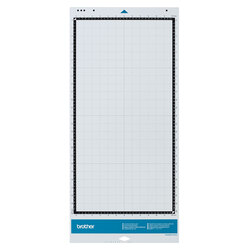
A 305 x 305 mm Standard Tack Adhesive Mat is included for suitable mat-based projects, with an optional 305 x 610 mm mat available separately.
Included Accessories
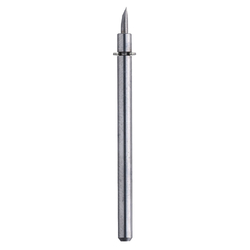
- Cutting blade
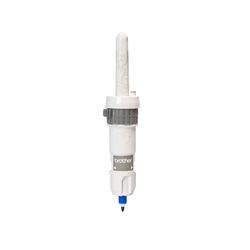
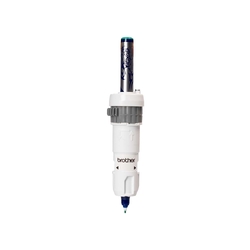
- Auto blade holder
- 305 x 305 mm Standard Tack Adhesive Mat
- Vinyl sample sheet
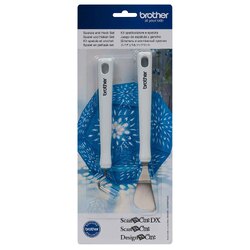
- Spatula
- Feed Support
- Power cord
- Product safety and quick setup guides
Please note: The Feed Support is designed for 305 mm wide material in matless cutting mode. Optional cutting mats and other accessories are sold separately.
Make It Personal with the Brother Bellissimo CT1
From personalised gifts and home decorations to stickers, clothing transfers and handmade cards, the Brother Bellissimo CT1 gives you the tools to explore your creativity.
With convenient matless cutting for selected materials, versatile cutting methods and direct SVG importing through the free Artspira app, it's an exciting addition to your crafting workspace.
| SKU | CT1_Options |
|---|---|
| Brand | Brother |
| Machine Type | Cutting Machine |
| Warranty | 12 Months |
| Screen Size | N/A |
| Screen Type | N/A |
| Bluetooth Enabled | Yes |
| USB Port | Yes (For Updates Only) |
| Design Transfer Methods | Artspira App |
| Artspira Compatible | Yes |
| My Connection Compatible | No |
| Wi-Fi Enabled | No |
| Cutting Speeds | Via Artspira |
| Blade Adjustment | Via Artspira |
| On-screen Editing | No |
| Roll Feeder Compatible | No |
| Half-cut Cutting | Yes |
| Compatible Materials | Printer Paper
Scrapbook Paper Cardstock Vellum Tracing Paper Poster Paper Plastic Sheet Vinyl Sticker |
| Max Material Thickness | 0.5mm |
| Matless Cutting | Yes |
| Perforation Cutting | Yes |
| Products available | |
CT1
| Brother Bellissimo Cutting Machine Only |
|
1 year return-to-base warranty
To find out more about the terms & conditions of this warranty, visit the Brother website →
Introducing Brother Artspira
Artspira, Brother's cloud-based design platform, is a comprehensive app that enables you to unleash your creativity and bring your unique ideas to life. It offers a range of features that allow you to customize your projects and crafts according to your preferences. Artspira is a smart device app...
Read more
Founded in 1908, Brother Industries has grown into a global leader in sewing and embroidery, offering advanced technology and a wide range of machines to bring your crafting dreams to life.
Read more...
Take the Next Step
More From This Category
Your Browsing History

You will have remaining
You'll be able to access this product immediately. It will also be available in your website account and we'll send you a confirmation email.
