
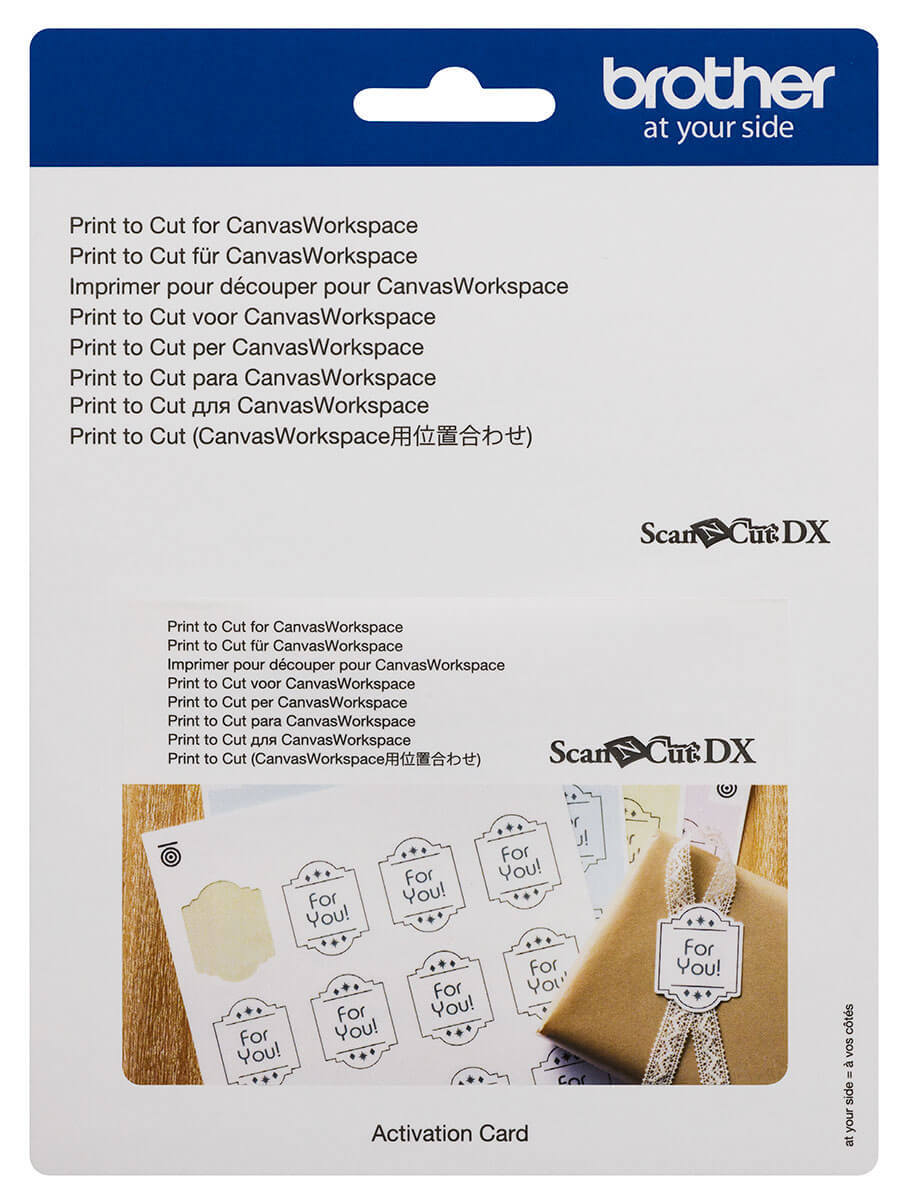
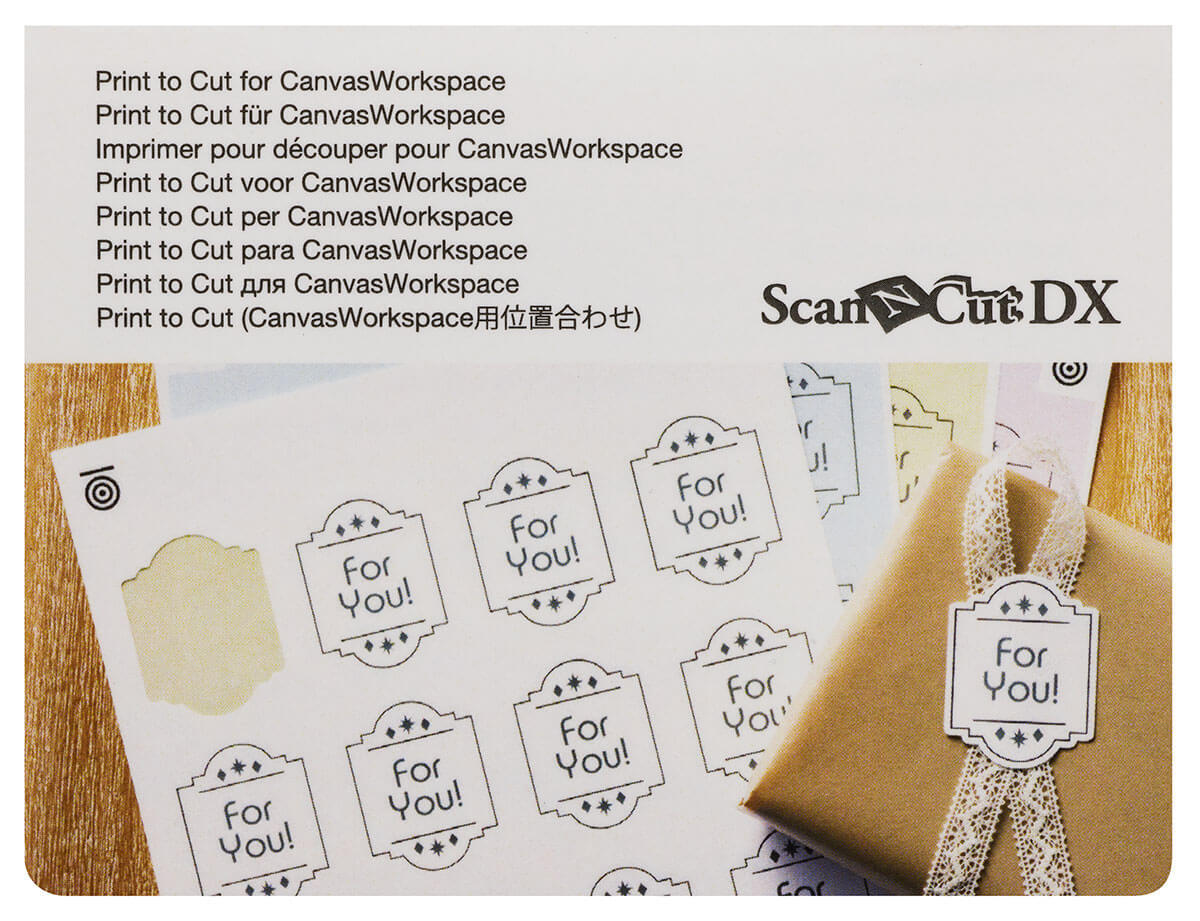

Print To Cut for CanvasWorkspace

Print to Cut expands the capabilities of CanvasWorkspace by allowing you to create and cut printed designs with greater precision. By adding registration marks to your artwork, compatible ScanNCut DX machines can scan the printed page and accurately detect the cutting position, making it easy to cut around printed images and graphics.
Ideal for stickers, labels, printed embellishments and other custom projects, Print to Cut helps streamline the process of creating print-and-cut designs directly from CanvasWorkspace.
Product Features:
- Adds Print to Cut functionality to CanvasWorkspace
- Creates registration marks for accurate cutting alignment
- Allows cutting around printed images and graphics
- Ideal for stickers, labels and printed projects
- Improves accuracy when cutting printed designs
- Activation card included
Important Information:
- Designed for use with CanvasWorkspace
- Compatible with Brother ScanNCut DX machines
- Requires a printer to create printed designs with registration marks
- Uses the machine's scanning function to detect cutting positions
Barcode: 4977766807623
Nice edition to have
By: Anita on 22 February 2026Having changed from a cricut machine, this is a bit clunky and long winded but does the job most of the time.
(3)
Print to Cut
By: Donna on 13 January 2026Excellent service and product was excellent
(5)
Fun times
By: Lou on 4 September 2023Great very easy to use.
(5)
ScanNCut Accessories Compatibility
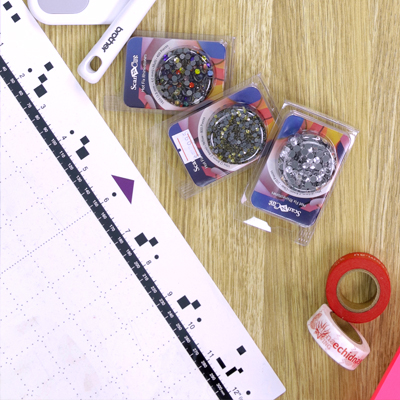
There are a lot of options to choose from when it comes to Brother ScanNCut accessories. From blades and mats to designs and transfers, it can be overwhelming to know what works with your model machine. Below is a handy compatibility guide which shows you the available accessories for each Brother S...
Read more
Founded in 1908, Brother Industries has grown into a global leader in sewing and embroidery, offering advanced technology and a wide range of machines to bring your crafting dreams to life.
Read more...
More From This Category
Your Browsing History

You will have remaining
You'll be able to access this product immediately. It will also be available in your website account and we'll send you a confirmation email.
Item added for comparison

You're off to a great start! Add more products to compare features, prices, and find your perfect match.
View and compare your selected products any time using the tab on the right.