All Articles

Do You Need Embroidery Digitizing Software?
With so many embroidery software options available, it can be difficult to know what’s right for you or even whether you need digitizing software at all.
Over the years, we’ve spoken to many customers who purchased advanced software only to discover they rarely used it. Others bought full digitizing suites when they only needed basic editing tools. In some cases, customers felt pressured into buying software before they fully understood what it was used for.
The most important starting point is understanding what you want to do, rather than focusing on software names or feature lists.
Before choosing software, it helps to understand what embroidery digitizing actually is and how it differs from simply opening or editing an embroidery design. If you're new to the topic, we recommend reading What Is Embroidery Digitizing? first.
When You May Not Need a Full Digitizing Suite
Not every embroiderer needs a full digitizing suite.
If you mainly work with ready made embroidery designs and your goal is to stitch them as they are or make simple adjustments such as resizing, recolouring, or adding names, basic embroidery software is usually all that’s required.
Remember that embroidery software works with embroidery design files rather than ordinary image files. If you're unsure why a JPG or PNG won't stitch directly on an embroidery machine, our article Image vs Embroidery File explains the difference.
This type of software allows you to:
- Open and view embroidery designs
- Resize designs within reasonable limits
- Change thread colours
- Add lettering or simple text
- Combine existing designs
For many hobby embroiderers, this provides everything they need without the complexity of full digitizing tools.
When a Full Digitizing Suite Becomes Important
A full digitizing suite becomes important when you want control over how stitches are created, not just how designs are adjusted.
This is typically the case when you want to:
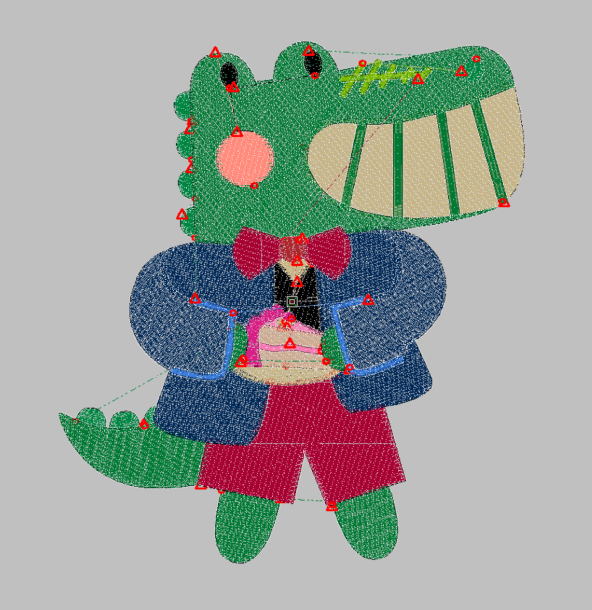
- Create embroidery designs from artwork
- Edit stitch direction, density, or structure
- Digitize logos or custom designs
- Achieve more consistent results across different fabrics
At this level, software that allows stitch level control becomes an important part of the embroidery process. Understanding what makes an embroidery design sew well is just as important as choosing the software itself. Factors such as stitch type, density, underlay, pull compensation and stitch sequencing all affect the finished result. Learn more in What Makes a Good Embroidery Design?
Choosing Software That Matches Your Experience
Most modern embroidery software is available in levels or modules, ranging from basic customising through to full digitizing.
Starting with basic software allows you to learn comfortably without being overwhelmed. It also helps avoid paying for features you may not need straight away. If your embroidery needs change, additional digitizing tools can usually be added later rather than purchased upfront.
Many embroidery software programs also offer free trials, which can be a helpful way to explore the interface and features before committing.
This modular approach suits most embroiderers far better than starting with a full suite immediately.
Machine Compatibility
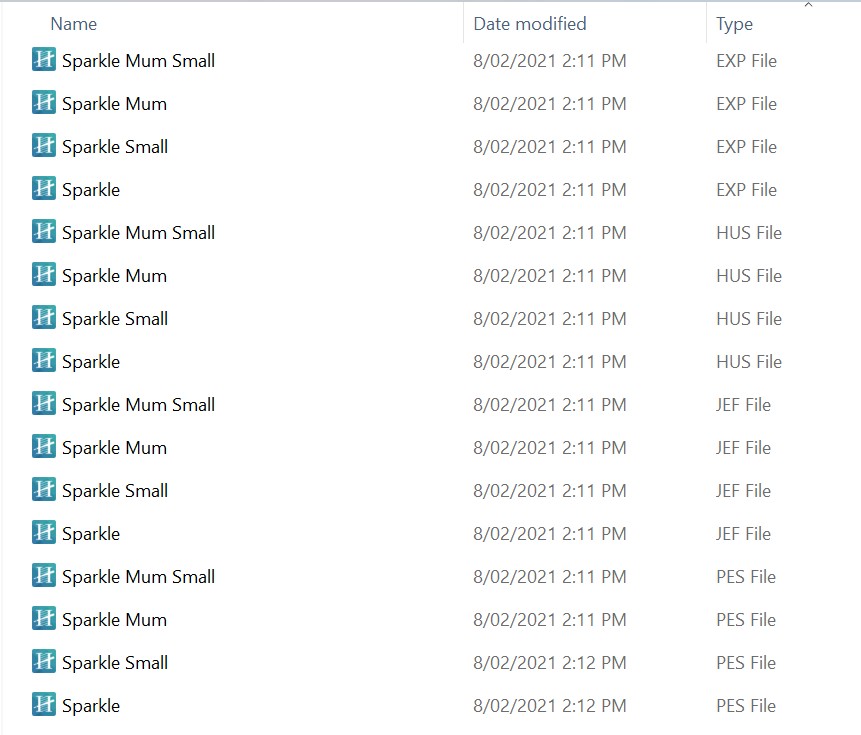
These days, most embroidery software is brand neutral. This means it works with a wide range of embroidery machines, regardless of manufacturer, as long as the software can save to the file format your machine requires.
It’s also important to consider operating system compatibility for your computer.
Some embroidery software runs on both Windows and Mac, while others are Windows-only. For example, Embrilliance is compatible with both Mac and Windows operating systems. Hatch is designed for Windows, although Mac users can still run it using virtualisation software such as Parallels.
If you’re using a Mac, it’s worth checking system requirements carefully to ensure the software will run smoothly on your setup.
If you’re unsure about compatibility with your machine or computer, it’s always best to check before purchasing or upgrading.
Learning and Support
All embroidery software takes time to learn, regardless of the level you choose.
Fortunately, there is now a wide range of online education available, including free tutorials and structured courses covering most major embroidery software programs. Access to good training and support often has a bigger impact on results than the number of features included.
Choosing Embroidery Software
There isn’t one "best" embroidery digitizing program. The best software is the one that matches your current embroidery skills and goals, with room to grow as your confidence develops.
Some embroiderers are happy using basic software for years, while others gradually add more advanced tools as their skills and needs develop. What matters most is choosing software that fits how you embroider now, without adding unnecessary complexity or expense.
Hatch by Wilcom
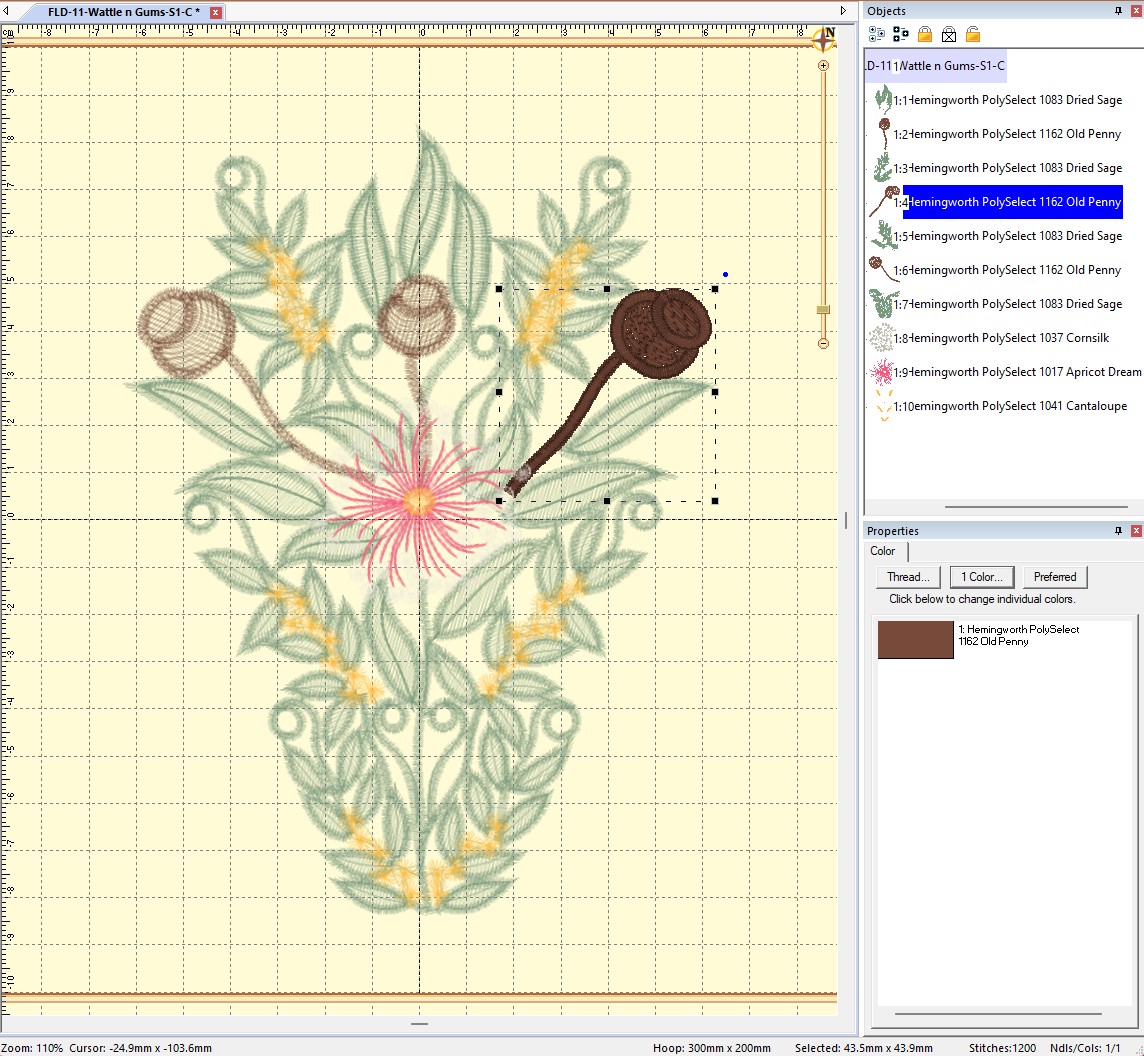
Hatch is developed by Wilcom, an Australian company with a long history in professional embroidery software. It is designed for the home embroidery market and is widely used by embroiderers around the world.
Hatch V4 is available in modular levels as well as a full suite, allowing users to start with the tools they need and add more features later if required. It works with all brands of embroidery machines.
Embrilliance
Embrilliance is a modular embroidery software suite made up of eight individual programs. It runs on both Mac and PC and is designed to grow with you, from basic customising through to advanced digitizing.
Users can add only the modules they need, rather than purchasing a full suite upfront. Embrilliance works with all makes of embroidery machines and is supported by a large library of online tutorials, along with ongoing support from Echidna.
It is a popular choice for hobby embroiderers and small embroidery businesses.
Brother PE-DESIGN 11
Brother PE-DESIGN 11 is well known for its photostitch capabilities and is widely regarded as producing some of the best photostitch results available in home embroidery software.
Version 11 includes a range of advanced features, including scalable automatic quilting background designs. The software is compatible with all makes and models of embroidery machines, not just Brother machines. Upgrade options are available from earlier versions.
If you're still unsure what level of embroidery software is right for you, we're always happy to discuss your embroidery goals and recommend a solution that matches your experience and budget, without paying for features you may never use.
You can also browse our full range of embroidery software, including Hatch, Embrilliance, and Brother PE-DESIGN, or contact us if you'd like personalised advice.