
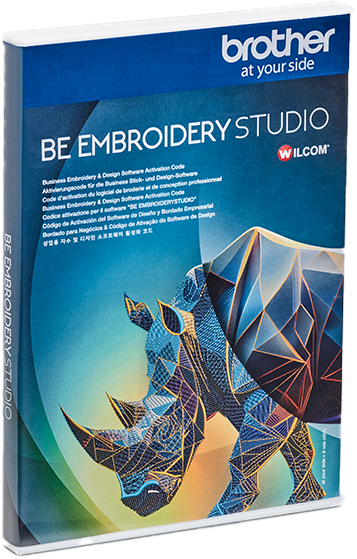
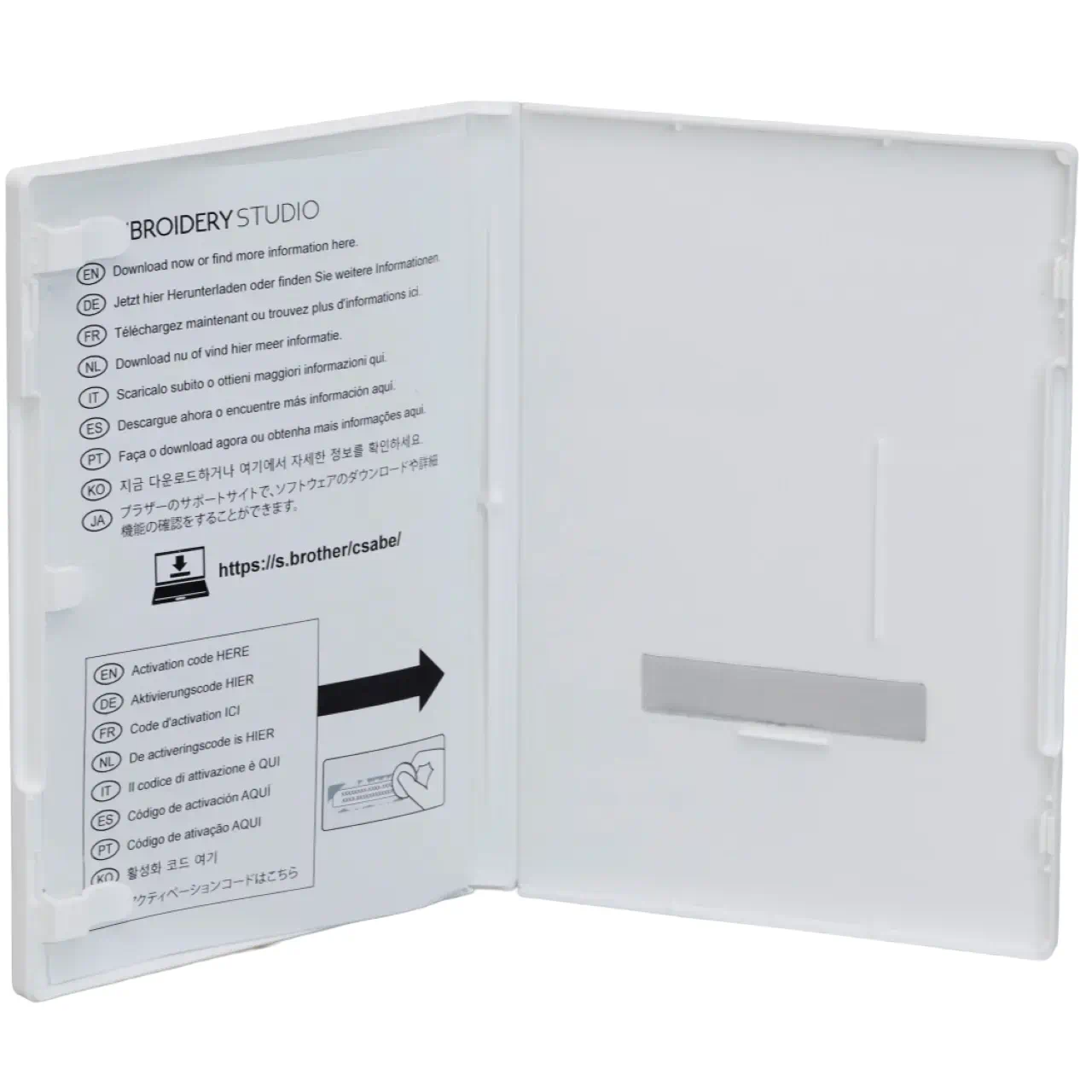
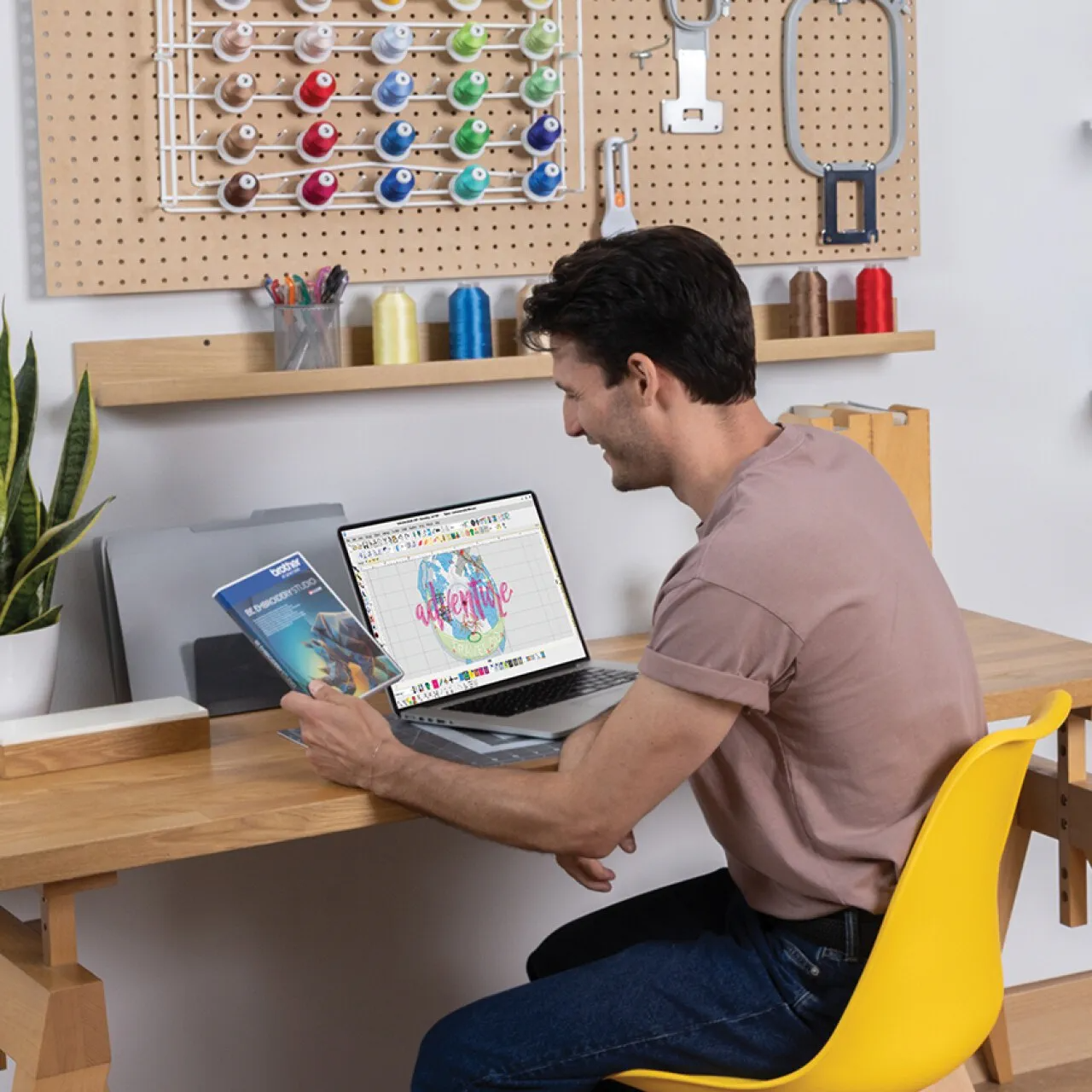

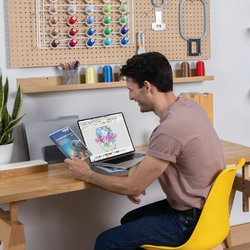
Brother BE Embroidery Studio Software
Professional Embroidery Design & Digitizing Software
SKU: BE1AP

Comprehensive Set of Powerful Embroidery Digitizing Tools
Step into the world of BE EmbroideryStudio, a premier design software for the decorated goods industry. It unites the unmatched embroidery power of Wilcom with the versatile graphic design tools of CorelDRAW® Graphics Suite, giving you creative freedom like no other. Whether crafting intricate embroidery or combining multiple decoration techniques, BE EmbroideryStudio delivers the flexibility you need. While it supports a wide range of decoration methods, it’s purpose-built for embroidery professionals who demand a robust, precision-driven toolset to design and refine high-quality, production-ready work.
Built for Embroidery Businesses
BE EmbroideryStudio is designed to help business users create professional embroidery designs faster, with powerful tools for logo work, personalisation, photo embroidery, decorative effects, and multi-decoration workflows.
Professional Logo Digitizing
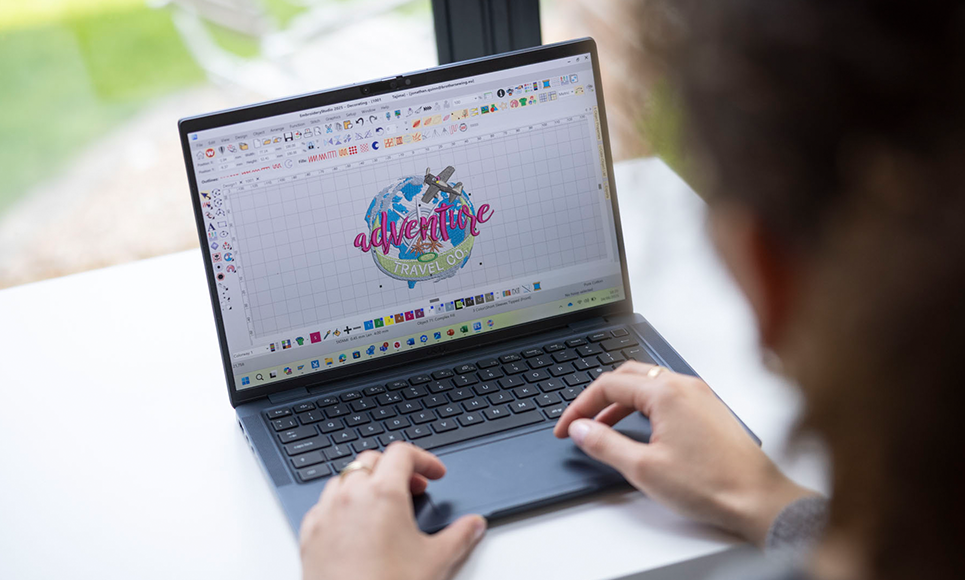
Included CorelDRAW® integration makes it easy to prepare, edit, and convert vector artwork into embroidery-ready designs. Create clean logo designs while reducing artwork preparation and vector-to-stitch workflow steps.
One Design, Multiple Applications
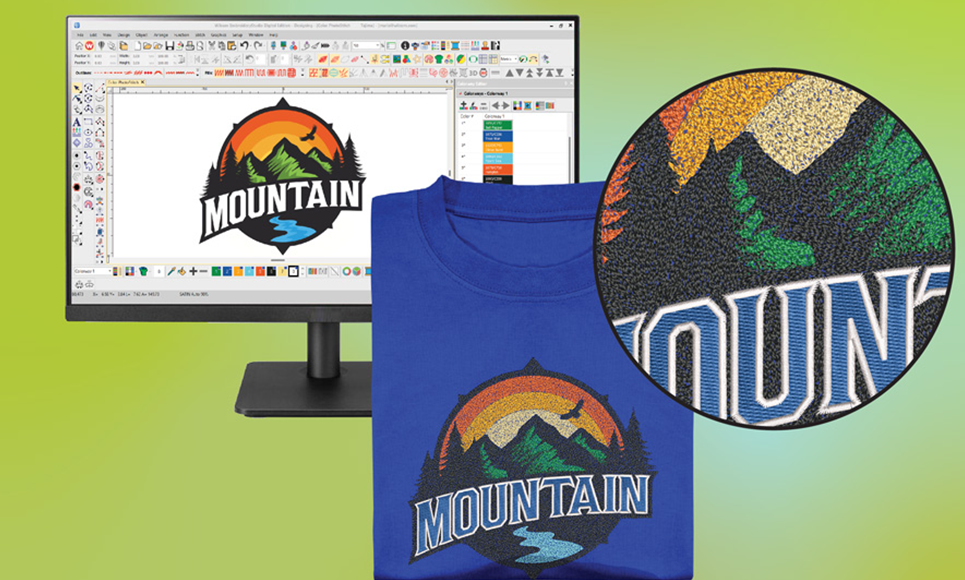
With full vector and bitmap graphics tools, you can use the same design across multiple product lines, from embroidery to cutting, printing, engraving, and other decoration methods.
Fast Personalisation Tools
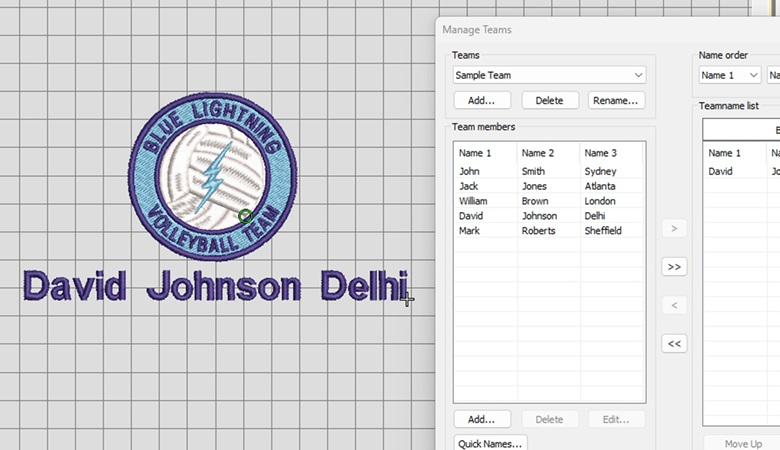
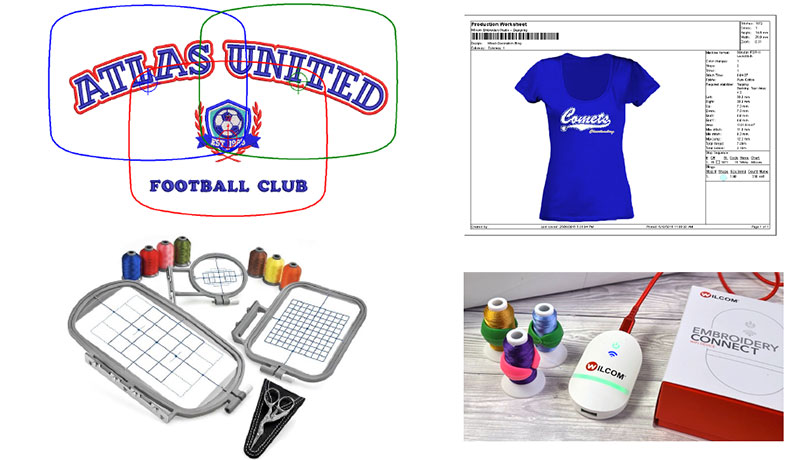
Create one logo design and personalise it with different names without needing to build separate design files for each garment. Ideal for teamwear, uniforms, clubs, and school projects.
Streamlined Text Personalisation
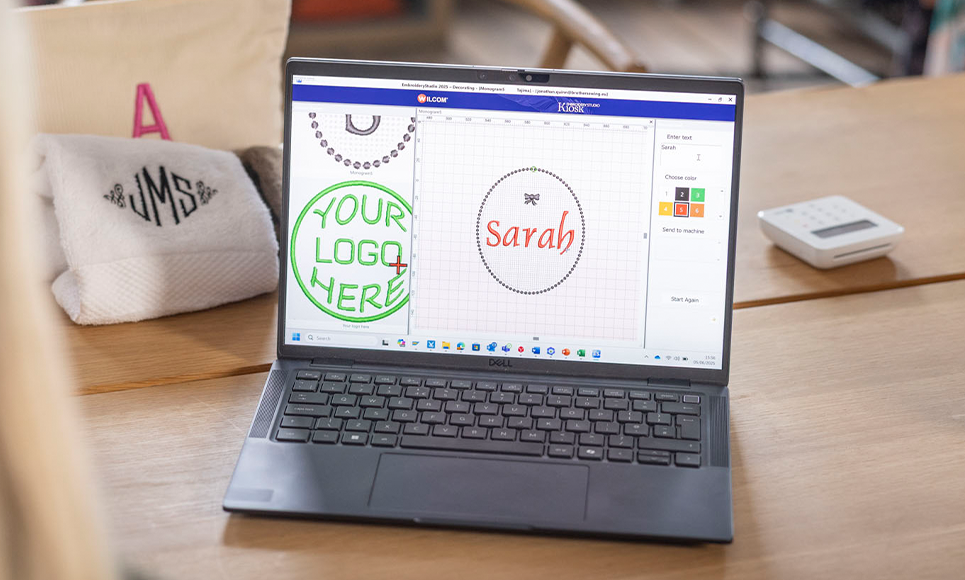
Use predefined layouts to quickly modify text and colours for personalisation jobs. You can also create your own layouts and save them for repeated use.
Powerful Auto-Digitizing Tools
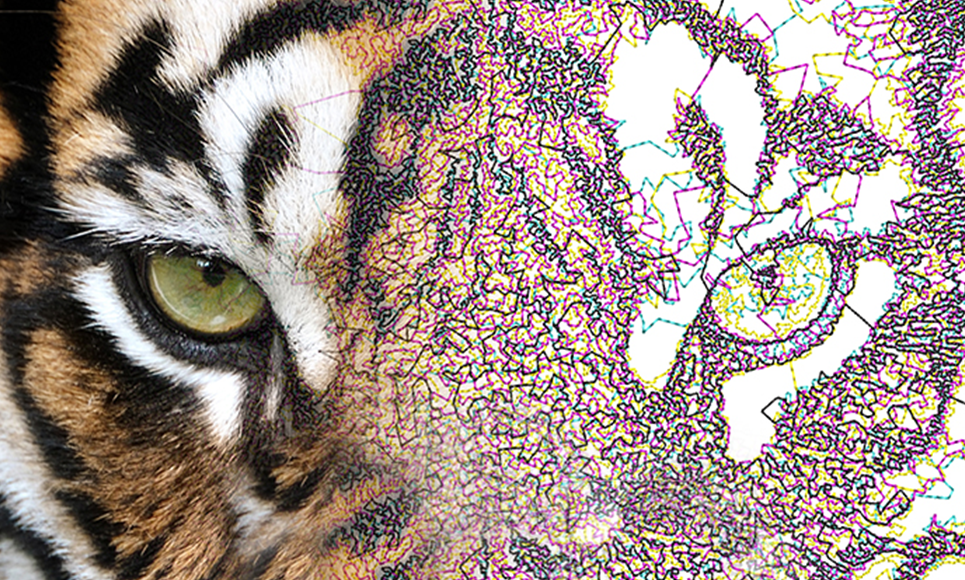
Use Smart Design, PhotoFlash, Reef PhotoStitch, and Color PhotoStitch to create embroidery from artwork and photos. Automated tools help reduce setup time while maintaining professional results.
Optimised for Better Stitch Quality
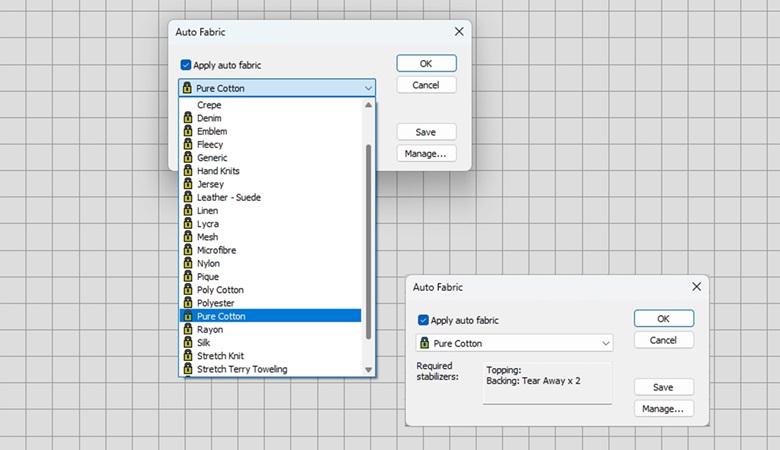
The Auto-Fabric Assistant helps optimise stitch settings for different fabric types, making it easier to maintain quality results when using the same design across multiple materials.
Creative Stitch Effects
Apply styles such as Trapunto and Hand Stitch to create distinctive embroidery finishes. Effects can be used with satin, tatami, running, and back stitches for a more handcrafted look.
From Artwork to Embroidery
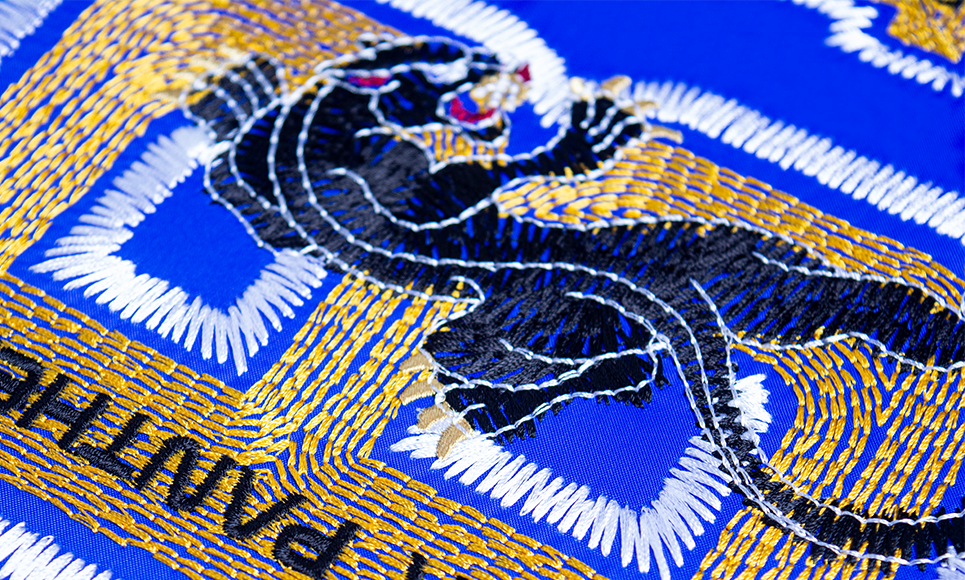
In BE EmbroideryStudio, embroidery design begins by transforming simple artwork shapes into stitch-ready embroidery objects. You can work with artwork as a backdrop, or instantly convert digital graphics into embroidery. Prefer a blend of both? Use automatic conversion for the heavy lifting, then refine and perfect your design with BE EmbroideryStudio’s comprehensive digitising tools.
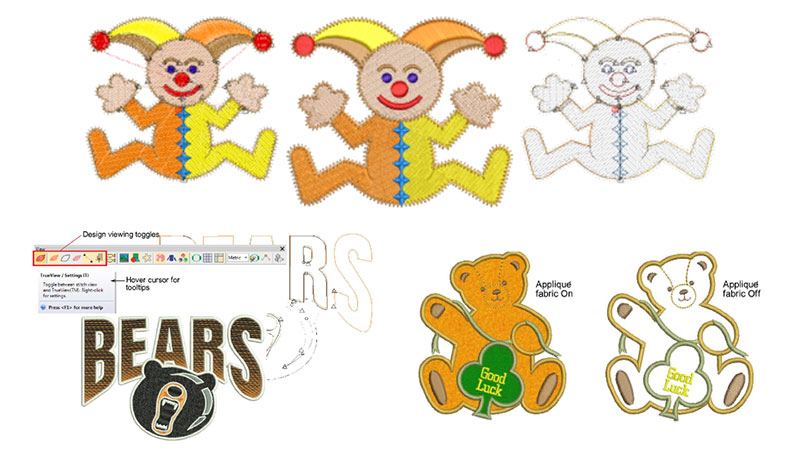
Viewing Designs
- Zoom and pan to examine every stitch closely.
- Switch seamlessly between artistic and technical views.
- Experiment with ‘colourways’ to preview designs in different colour combinations and fabrics.
- Offers detailed design info in multiple formats.
- Approval and production sheets include design previews, dimensions, colour sequences, and special instructions.
Threads & Charts
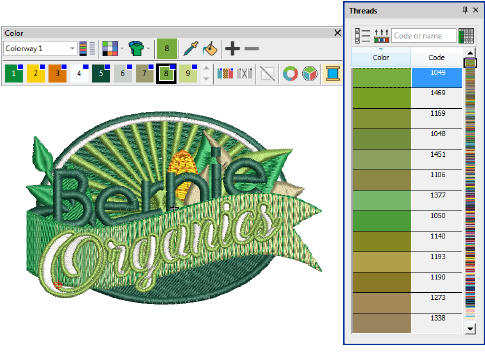
- Assign thread colours to each object directly via the Colour toolbar in BE EmbroideryStudio.
- Palette is customised to your design, showing exact production threads.
- Choose from extensive commercial thread charts featuring multiple manufacturers.
- Create custom charts with your favourite or most-used threads to save time.
- Search for specific threads using set criteria.
- Automatically match design colours to threads from selected charts.
Professional Digitising Tools
In BE EmbroideryStudio, designs are created from basic shapes known as embroidery objects. Like standard vector objects, they have defining properties such as colour, size, and position. However, they also include embroidery-specific attributes, such as stitch type and density, that bring your designs to life in thread.
Stitch Types
- Simple outlines
- Satin stitching
- Tatami stitching
- Decorative embroidery

Digitizing Shapes
In BE EmbroideryStudio, designs are built from embroidery objects—vector-like shapes with standard properties such as colour, size, and position, plus embroidery-specific attributes like stitch type and density. Stitch type is key, as different types suit different shapes.
Object Properties
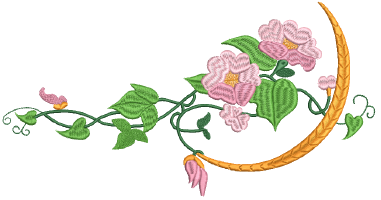
In BE EmbroideryStudio, each object you create retains its own set of saved properties. These include general details like size and position, along with embroidery-specific settings such as stitch type and density. Stitch properties control how the stitches are regenerated whenever the object is reshaped, transformed, or scaled.
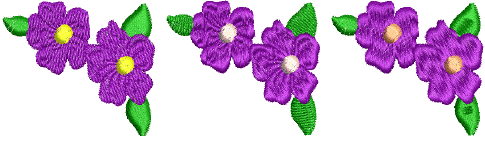
Colourways
When digitising, you choose colours from a palette that can be customised to suit each design or project. A ‘colourway’ represents the exact thread colours the design will be stitched in, and BE EmbroideryStudio allows you to create multiple colourways and switch between them with ease.

For each colourway, you can pick shades from commercial thread charts or define your own, search by exact thread code, and find the closest matches across one or more charts.
You can also set the background colour, fabric, or product for the current colourway, giving you realistic previews and professional presentations. These settings are saved with the colourway for future use.
Specialty Embroidery
BE EmbroideryStudio provides support for many multi-decoration techniques, including print.
Decorative Embroidery
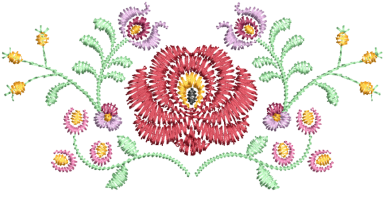
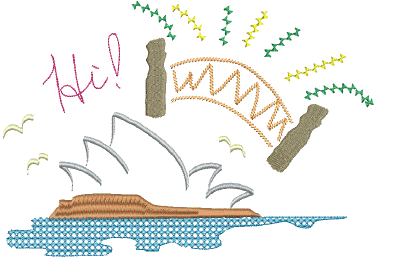
Hand Stitch Effect
Fashion trends often lean towards a more natural, handcrafted aesthetic—something that’s difficult to replicate with standard design tools. The Hand Stitch feature makes it possible by introducing variations in stitch length, angle, and count, creating a beautifully organic effect.
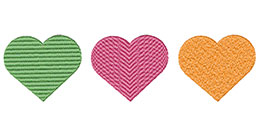
Tatami Offsets
Tatami fills let you create needle penetration patterns. While two offsets offer limited designs, even small offsets produce visible lines. Partition lines with up to eight offsets expand pattern options, and adding a random factor scatters penetrations for a more varied look.
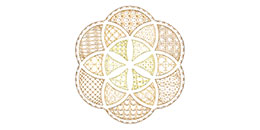
Motif Fills
Motif Fill is a decorative stitch that repeats motifs in parallel rows to fill closed shapes, often for open stitching or special effects. It can be layered over solid backgrounds, with different motifs for forward and backward rows. Layouts can be set onscreen or in object properties.
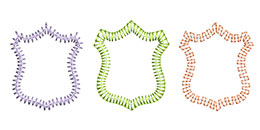
Decorative Borders
The Stitch Types toolbars offer Zigzag, E Stitch, and Square options, ideal for creating borders around appliqués and other embroidery objects. They’re also great for decorative effects or open fills where fewer stitches are desired. Zigzag and double zigzag stitches are commonly used as underlays as well.
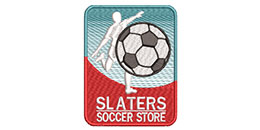
Trapunto Open Stitching
The Trapunto effect shifts underlying travel runs to an object’s edges, hiding them from view. In BE EmbroideryStudio, it’s often paired with open stitching for backgrounds or shading. Without it, travel runs and overlaps remain visible, diminishing the finish.
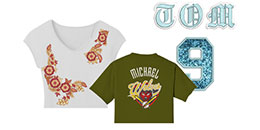
Virtual Embroidery
The Capture Virtual Decoration Bitmap feature in BE EmbroideryStudio lets you export high-resolution TrueView images. This offers flexibility for various uses—from ‘virtual embroidery’ on T-shirts to large-format logos for billboards or banners.
Bling Digitizing
Bling refers to decorative elements—like rhinestones, studs, crystals, or charms—applied to garments or templates, alone or with other design features. In BE EmbroideryStudio, the Bling toolset lets you design and preview these embellishments alongside other decorations.
Applique Embroidery
Use the Appliqué tools to automatically generate all necessary stitching for your appliqué projects. You can create up to four stitching layers—guide runs, cutting lines, tack stitches, and cover stitches—for any appliqué shape.
Photo & Artwork Digitizing
BE EmbroideryStudio accepts two main types of artwork files as digitising backdrops: vector and bitmap. For quality embroidery, it’s essential to select or create artwork in one of these formats.
Auto-digitizing with photos
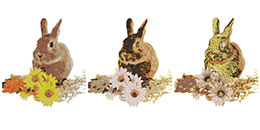
Colour PhotoStitch
Color PhotoStitch turns photographs into multi-colour embroidery, unlike the single-colour Photo Flash and Reef PhotoStitch. It uses variegated stitching with multiple threads, aiming to minimise colours, stitches, and trims while delivering a detailed, efficient embroidery design from your images.
Reef PhotoStitch
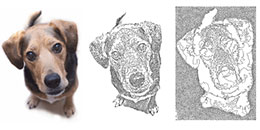
Reef PhotoStitch enhances Photo Flash auto-digitising by converting photos into monochrome embroidery. It fills shapes with open stitches inspired by coral reefs, producing low-stitch designs based on colour contrast. Best suited for images with distinct, high-contrast areas for clear and effective embroidery results.
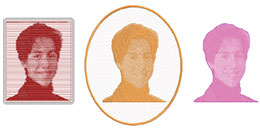
Photo Flash
Photo Flash converts colour or grayscale photos into embroidery using rows of stitches with varied spacing, creating a line-printer effect. Ideal for keepsakes, mementos, and commercial projects, it transforms images into distinctive stitch-based designs with a unique, textured appearance.
Digitizing with bitmaps
BE EmbroideryStudio handles automatic and semi-automatic digitising of both bitmap and vector images. Vector graphics maintain quality when resized, while bitmaps may pixelate. You can import vector clipart or bitmap images as backdrops, with built-in tools to optimise bitmaps for digitising.
Digitizing with vectors
BE EmbroideryStudio offers two main design modes:
- Wilcom Workspace: for creating and editing embroidery objects with digitising tools, drawing shapes, importing vector clipart, and scaling or colouring objects.
- CorelDRAW Graphics: a full vector design suite for advanced drawing, with easy conversion of vectors to embroidery.
Use Auto Trace to convert scanned art to vectors, then digitise. Overlapping objects can be merged, trimmed, or split with shaping tools. Both modes support importing bitmap or vector files as backdrops or design elements.
Automatic digitizing
BE EmbroideryStudio offers a range of tools and techniques for automatic and semi-automatic digitising of properly prepared artwork and photos.
Modifying Designs
After digitizing a design, you can modify it as a whole, edit individual objects or even individual stitches.
- Combining objects
- Transforming objects
- Productivity techniques
- Reshaping objects
Stitch Quality
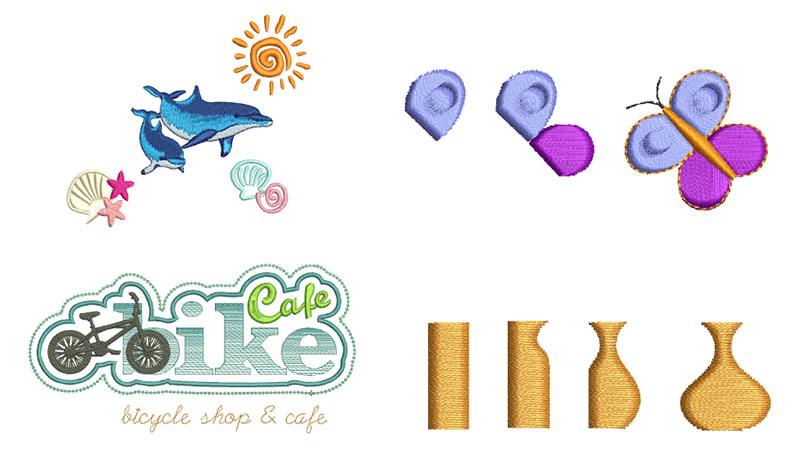
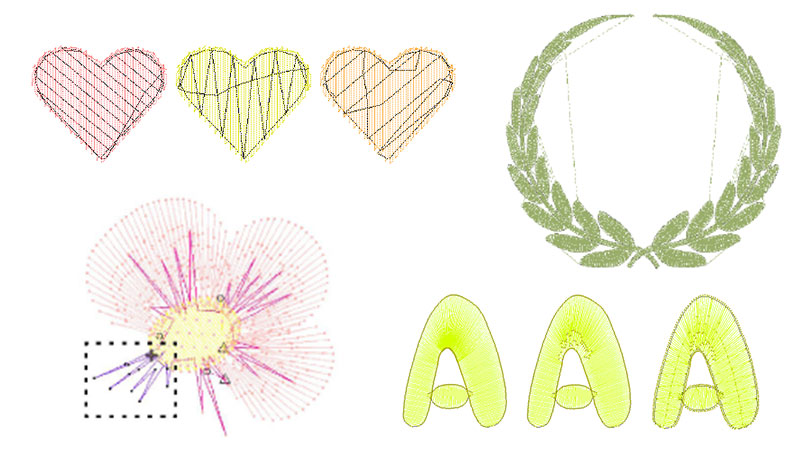
BE EmbroideryStudio offers customised fabric settings through Auto Fabric to optimise stitch quality by adjusting stitch spacing, pull compensation, and underlay based on fabric type, while also allowing manual overrides for individual objects as needed.
- Embroidery reinforcement
- Embroidery connectors
- Optimising stitch quality
- Stitches & machine functions
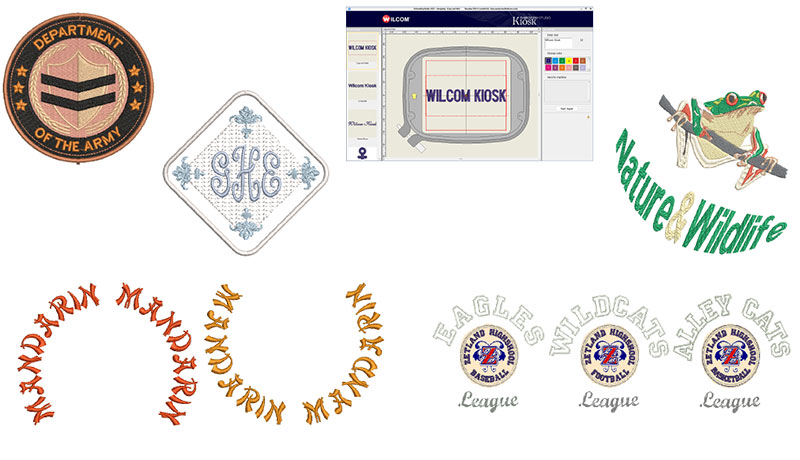
Embroidery Lettering
Effortlessly produce high-quality lettering with BE EmbroideryStudio, featuring a wide selection of scalable closest-join fonts alongside vibrant multi-colour and decorative embroidery styles.
- Creating & editing embroidery lettering
- Team names
- Monogramming
- Custom lettering
- Lettering kiosk
System & Software Environment
- BE EmbroideryStudio runs on MS Windows®.
- Seamlessly integrated with CorelDRAW® Graphics Suite.
- Combines embroidery and graphic design in a single platform.
- Enables creation of stunning embroidery and complete multi-decoration designs.
File Management
BE EmbroideryStudio lets you create and save key assets—like embroidery designs, templates, motifs, and borders—that persist across installations and updates.
- Design management
- Asset management
- Standard fonts
- Machine, file & disk types
Find the right interest-free payment option for you
Have you found an item you love and want to take it home today? Don't wait! Interest-free finance options let you buy what you want now - and pay for it over time. Explore the different options available, and find the right plan for you.
For orders over $200. Up to 36 months interest-free available.
Divide your purchase into four interest-free installments on orders between $30 and $1500.
Purchases between $350 to $1,000. Interest-free always.
Purchases between $1,000 - $5,000 from 3 months interest-free.
Afterpay is a buy now, pay later platform that lets you pay for your items in 4 instalments over 6 weeks, interest free.
Traditional Layby
If none of these finance options suit you, why not use Echidna's standard layby option.
All finance options are subject to applicant approval. Terms and conditions of each financial institution apply.

Do You Need Embroidery Digitizing Software?
With so many embroidery software options available, it can be difficult to know what’s right for you or even whether you need digitizing software at all. Over the years, we’ve spoken to many customers who purchased advanced software only to discover they rarely used it. Others bought full digitiz...
Read more
Founded in 1908, Brother Industries has grown into a global leader in sewing and embroidery, offering advanced technology and a wide range of machines to bring your crafting dreams to life.
Read more...
More From This Category
Your Browsing History
You will have remaining
You'll be able to access this product immediately. It will also be available in your website account and we'll send you a confirmation email.
Item added for comparison

You're off to a great start! Add more products to compare features, prices, and find your perfect match.
View and compare your selected products any time using the tab on the right.