All Articles
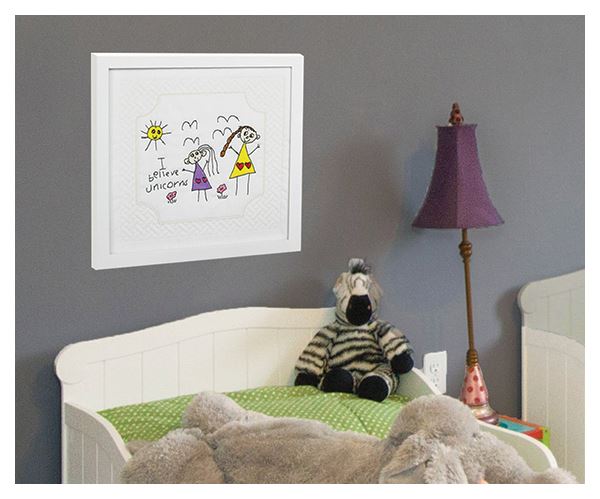
Turn a drawing into embroidery
Author: Gary Walker Date Posted:7 July 2020
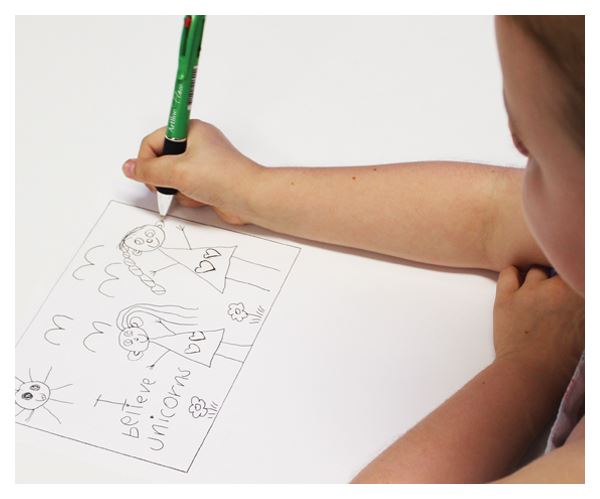
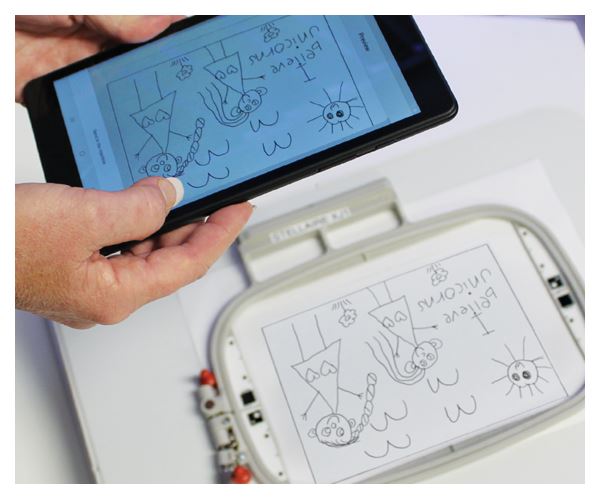
My grandchildren love to draw and when 5 year old Peyton drew this little masterpiece I couldn’t resist turning it into a unique embroidery that is now hanging on her bedroom wall. It’s such a cute original drawing...and who doesn’t believe unicorns? They are almost as magical as the Brother My Design Center!
Individual creativity is now even more accessible with the stunning features of Brother’s My Design Center.
You, yes you, can create your own unique designs quickly and easily on the huge colour touch screen that is synonymous with Brother. No computer or digitizing software needed and best of all, creating a special design takes minutes, not hours.
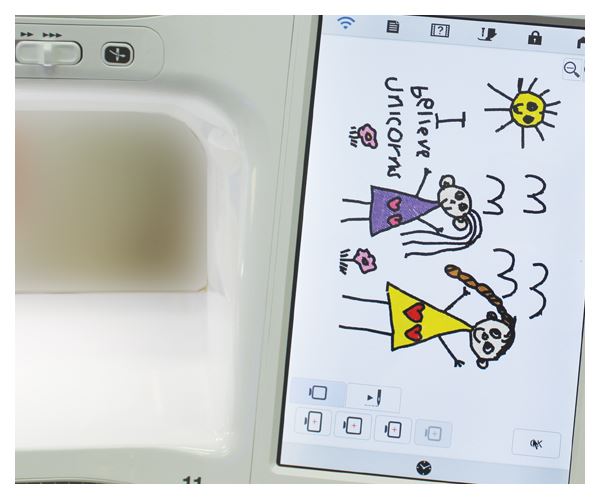
Start with a simple drawing by a child, something you’ve penned yourself, a colouring-in book page or even a full colour clip art file from a simple google search (there are millions available). My Design Center will turn these images into embroidery files right before your eyes. You can even edit or customize the designs right on the machine screen, quickly and easily.
.png) There are also the auto stippling and quilting options which allow you to apply perfectly stitched scalable quilting backgrounds that the machine cleverly knows where not to stitch. It’s so easy to create a stunning quilt block or even quilt as you go without needing years of experience.
There are also the auto stippling and quilting options which allow you to apply perfectly stitched scalable quilting backgrounds that the machine cleverly knows where not to stitch. It’s so easy to create a stunning quilt block or even quilt as you go without needing years of experience.
On top of the My Design Center, there are the other incredible and exclusive Brother technology features, like the InnovEye Camera and the new My Design Snap app.
It is far more informative and inspiring to watch the videos on our website. So, if you’re dreaming of your next machine then please check out our super deals on all Brother models. Remember, we can always tailor a package to suit your individual needs.
This exclusive technology is available on models that feature My Design Center. Learn more →
1: Draw it
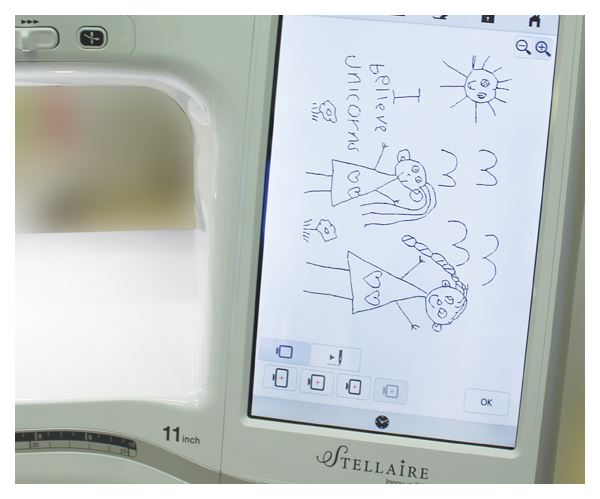
2: Snap it (Stellaire) or Scan it (Luminaire)
3: Convert it
4. Customise it (if you want)
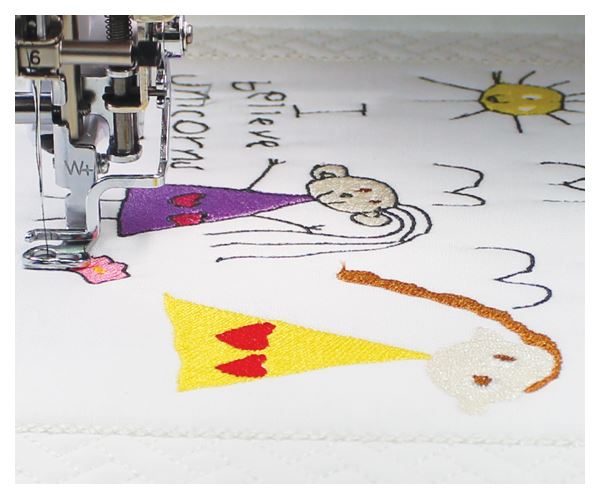
5: Stitch it
6: Gift it, Display it, Enjoy it!