All Articles
Understanding Underlay in Machine Embroidery Designs
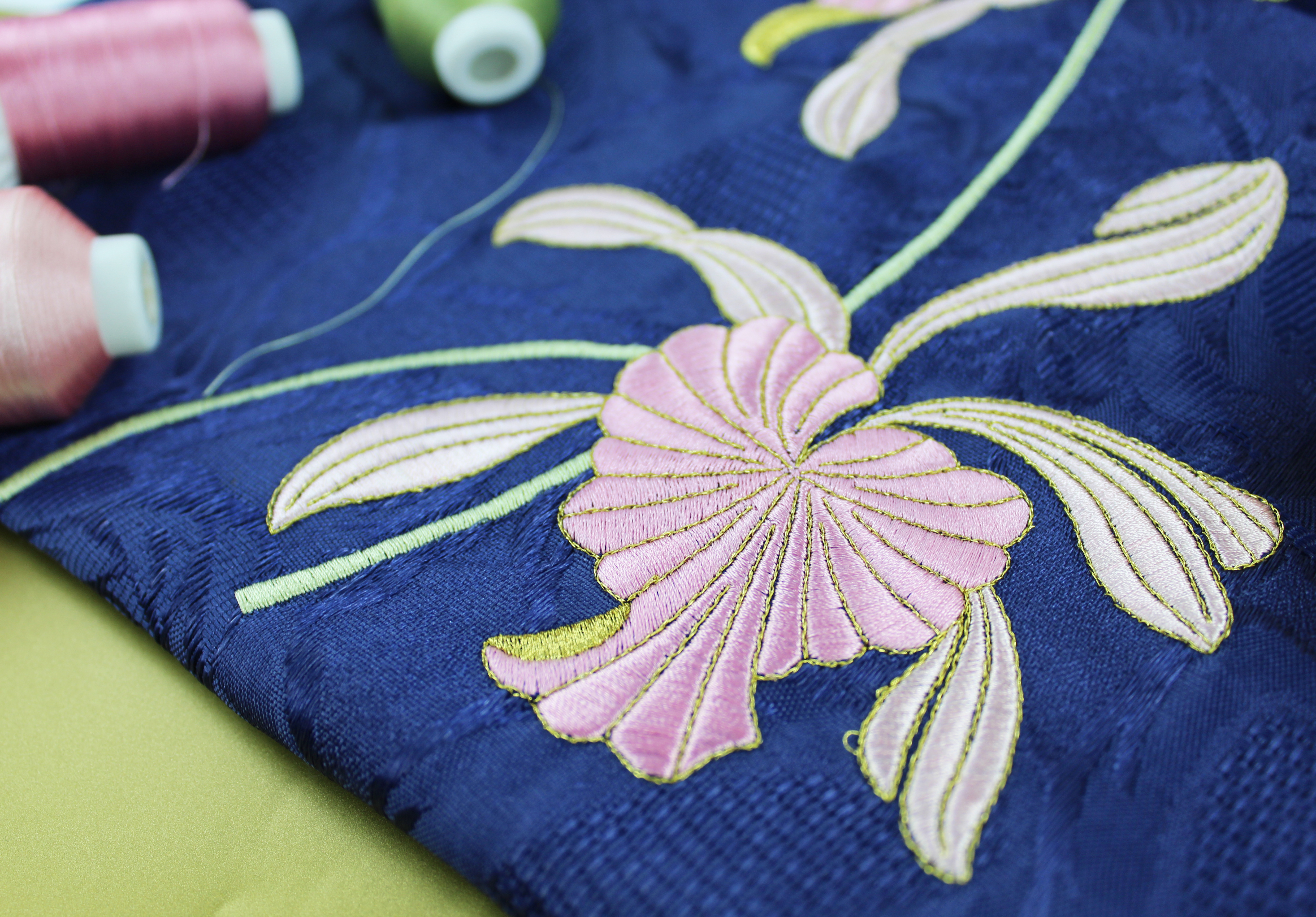
Underlay is an important part of many machine embroidery designs, even though you may barely notice it in the finished embroidery.
Underlay is a layer of stitches sewn before the main visible stitches of a design. You can think of it as the skeleton of the design: a hidden framework that supports the fabric and the decorative stitching that follows.
You don't need to digitize designs yourself to understand underlay. Knowing why it's there can help you understand how a well-digitized embroidery design is constructed and why removing seemingly unnecessary stitches isn't always a good idea.
What Does Underlay Do?
Underlay provides support beneath the visible embroidery and can perform several jobs depending on the design and fabric.
It can help:
- stabilise the fabric during embroidery
- support satin and fill stitches
- reduce movement and distortion
- create cleaner, more defined edges
- prevent top stitches from sinking into textured fabrics
- improve the coverage and appearance of the finished embroidery
Underlay works together with your fabric and stabilizer to create a stable foundation for the stitches that follow. Although it is mostly hidden, it can have a significant effect on the shape, coverage and finish of the design.
Underlay can also help control some of the push and pull that naturally occurs as embroidery is stitched. Learn more about why this happens in our Understanding Compensation in Machine Embroidery Designs guide.
What Does Underlay Look Like?
If you watch an embroidery design stitch, you may notice light stitching being placed underneath an area before the main stitches are added.
There are several types of underlay.
A centre walk is a line of running stitches through the centre of an area and is commonly used beneath narrower satin stitches.
An edge walk follows inside the edge of an embroidered object, helping to define and support its shape.
Zigzag or light fill underlay provides broader support beneath larger satin or fill areas.
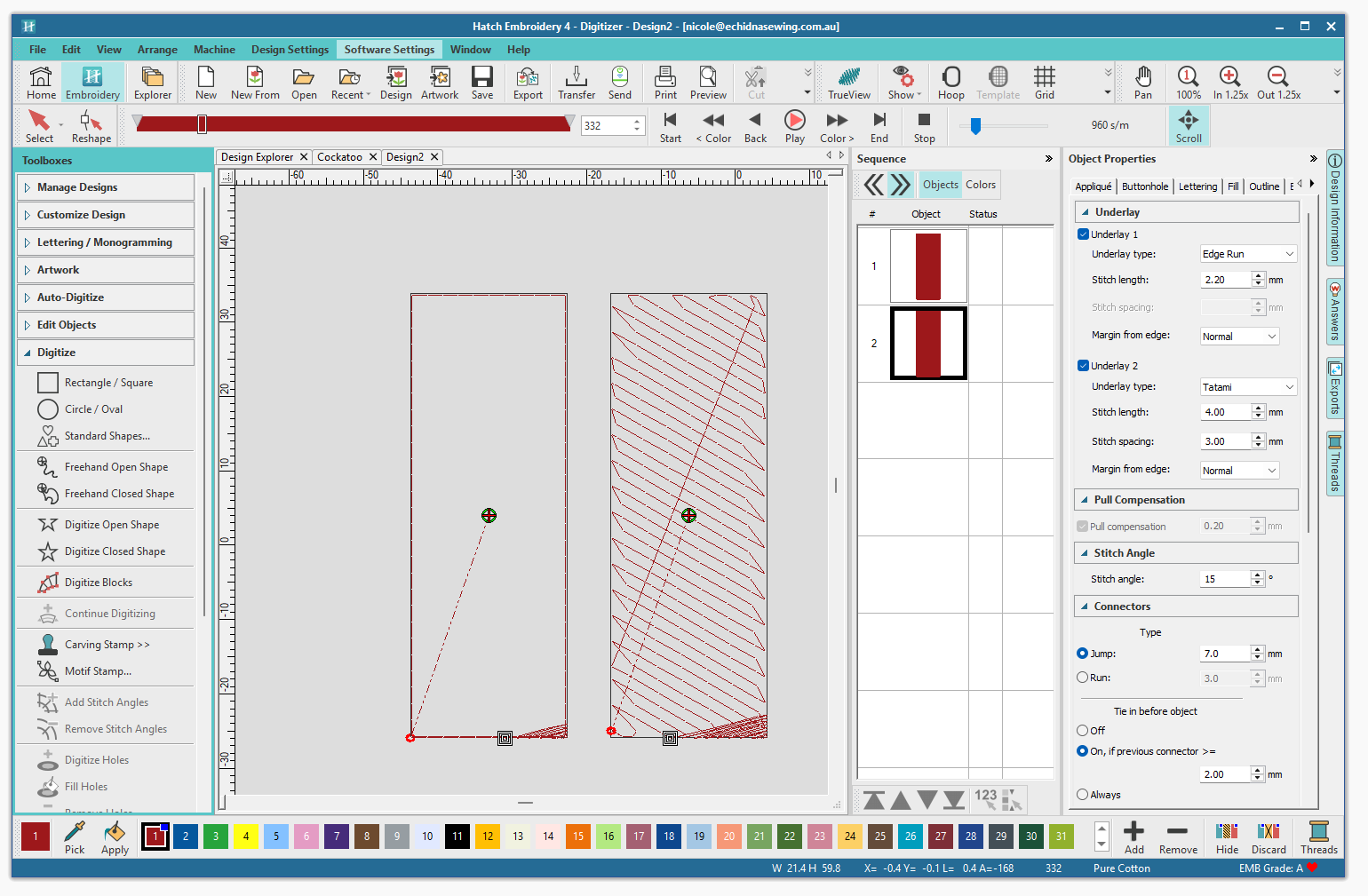
A design may use one type or a combination depending on the object being embroidered.
Underlay and Textured Fabrics
Underlay can be particularly useful when embroidering fabrics with a raised or textured surface.
On fabrics such as towels, fleece or other materials with a noticeable nap, underlay can help support the top stitches and reduce how much they sink into the fabric.
However, underlay doesn't replace the need for the correct stabilizer or topping where one is required. These elements work together to produce a clean result.
Does Every Embroidery Design Need Underlay?
No.
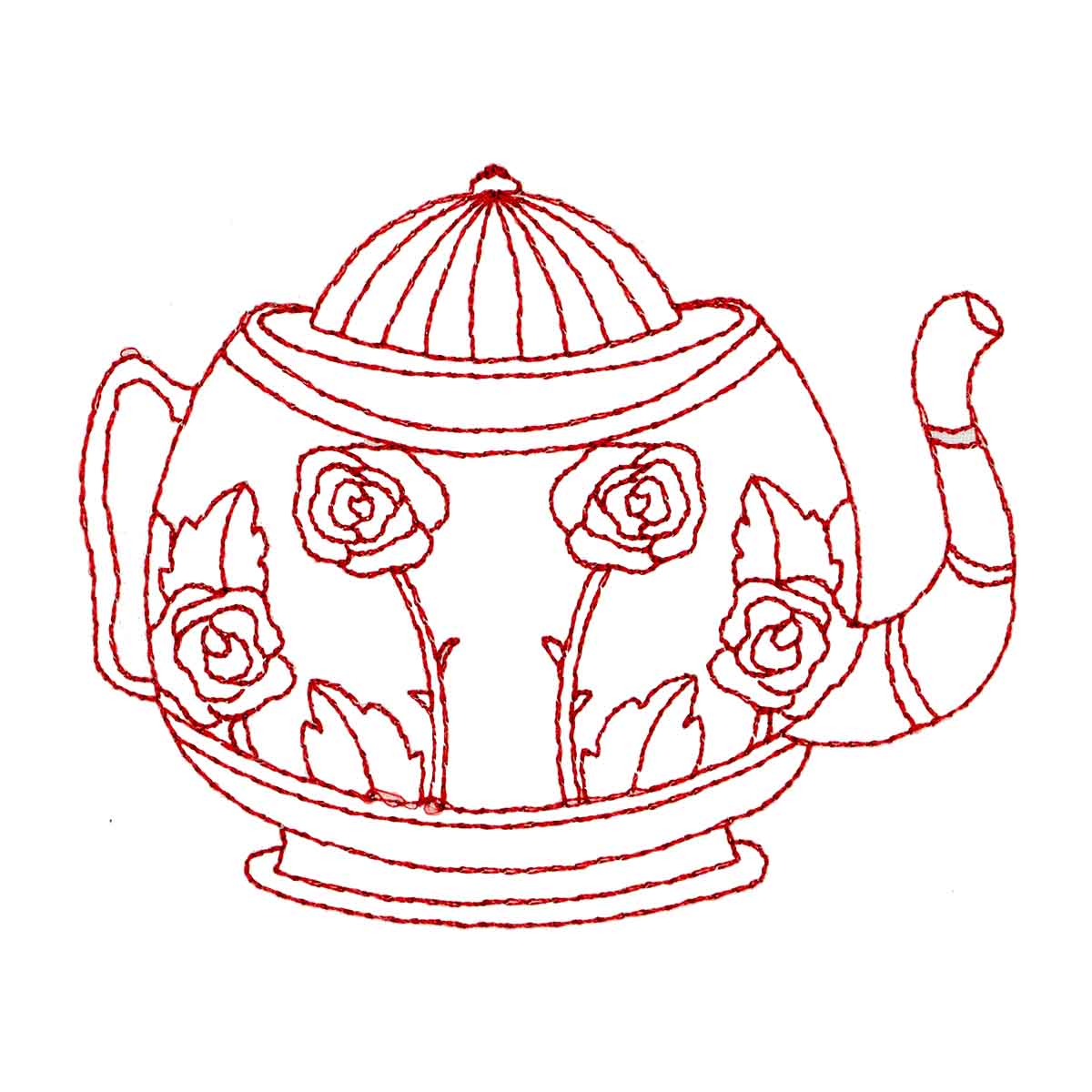
Simple running-stitch designs, such as redwork or some quilting designs, generally don't require traditional underlay because there are no large satin or fill areas to support.
The amount and type of underlay required also varies depending on the design, stitch type and fabric.
More underlay isn't automatically better. Unnecessary stitching can add bulk, increase stitch count and create additional needle penetrations.
Good digitizing uses underlay where it is needed rather than simply adding more stitches everywhere.
Should You Remove Underlay?
Generally, no.
If you're using a professionally digitized embroidery design, the underlay has usually been included for a reason.
Removing it may affect the stability, coverage, edges or overall appearance of the embroidery. If a design feels too thick or contains too many stitches, removing the underlay isn't necessarily the solution. Excessive density, overlapping objects or other aspects of the design may be responsible.
Be cautious when using software features that automatically remove hidden or overlapping stitches, as some underlying stitches may be an intentional part of the design's construction.
If you want to experiment with a design, always keep the original file and make changes to a copy.
Can Underlay Be Adjusted in Software?
If you're using a purchased or ready-made design, you may have limited control over its original underlay.
Digitizing software provides much greater control, allowing different types of underlay to be selected and adjusted for individual objects. This can be useful when creating designs for particular fabrics or embroidery applications.
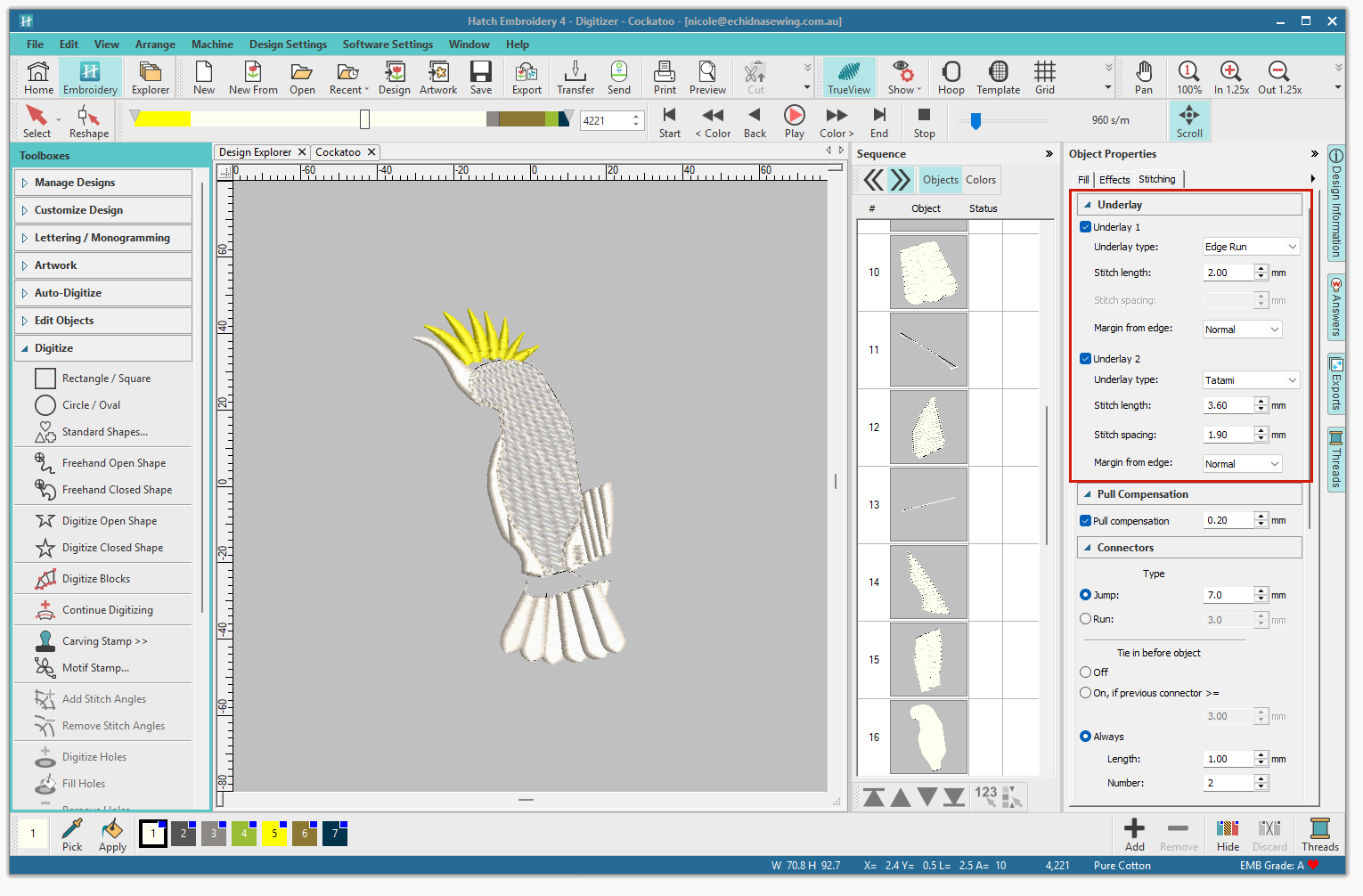
For most embroiderers using ready-made designs, however, there's usually no need to change the underlay.
Underlay Is Only Part of the Picture
Underlay can improve stability and help control movement, but it can't compensate for every embroidery problem.
Poor hooping, unsuitable stabilizer, incorrect tension, excessive design density or a design that isn't suitable for the fabric can still result in poor embroidery.
The best results come from the design, fabric, stabilizer, hooping, thread and machine settings all working together.
As an embroiderer, the main thing to remember is simple: those stitches underneath your design aren't wasted stitches. They're often an important part of the foundation that allows the visible embroidery to look its best.
Underlay Help & Resources
Want to learn more about adjusting underlay? We've provided links to underlay information and instructions for some popular embroidery software and tools.